Fluid Flow, Explained
After reading this you will know what the Fluid Flow Simulator actually computes each frame, why it stays stable at any speed, and how to read the swirls of dye you stir into it.
What the simulator does
The Fluid Flow Simulator solves the equations of an ideal incompressible fluid on a grid, entirely on your graphics card, at roughly 60 frames per second. When you drag across the canvas, you push velocity into the field and drop in a blob of glowing dye. The fluid then carries that dye along its own motion, spinning it into filaments and rolls that look like ink in water.
Here is a hook worth trying. Drag a short straight stroke, then stop. Within a second the leading edge of the dye curls under itself and rolls up into a pair of counter-rotating vortices. Nobody drew those vortices. They emerge because a sheet of fast fluid pushing into slow fluid is unstable, and the solver reproduces that instability from the equations. What you steer is the initial shove. The fluid decides the rest.
When to reach for it, and when not
This tool is for building intuition about how velocity, advection and pressure interact. It is good for questions like: what does a vortex look like when it forms, how does dissipation soften a flow over time, why does raising the curl force keep small eddies alive. It answers those in real time, and you can feel the cause and effect with your cursor.
It is not an engineering tool. It does not report a Reynolds number, it does not model viscosity in physical units, and it does not conserve energy to any strict tolerance. The grid is coarse (a few hundred cells across), so anything smaller than one cell is invisible. Do not use it to predict a real flow, size a pipe, or claim a measured turbulence spectrum. Treat it as a visual solver of the equations below, tuned to look alive rather than to be accurate.
The solver assumes zero viscosity in the equations themselves. The smoothing you see comes from numerical diffusion in the advection step and from the two dissipation sliders, not from a real viscous term. That is why turning dye dissipation to its lowest setting still fades the dye slowly: interpolation on the grid blurs it.
The equations behind each frame
The fluid obeys the incompressible Euler equations. Velocity is a vector field \mathbf{u}(x,y) that changes over time according to
Here \mathbf{u} is the velocity at each point, p is the pressure, and \mathbf{f} is any force you add (your cursor, and the vorticity confinement force). The term -(\mathbf{u} \cdot \nabla)\mathbf{u} is advection: the fluid carries its own velocity along with it. The pressure term -\nabla p is what keeps the fluid incompressible. The incompressibility condition itself is one clean equation:
This says the flow has no net source or sink at any point: whatever flows into a cell flows out. To enforce it, the solver uses the Helmholtz-Hodge decomposition. Any velocity field splits into a divergence-free part plus the gradient of some scalar. Solve for that scalar (the pressure) from a Poisson equation, then subtract its gradient:
The Laplacian \nabla^2 p is solved with about twenty Jacobi iterations per frame. Each iteration replaces a cell's pressure with the average of its four neighbors minus a quarter of the local divergence. Twenty passes is not exact, but it removes enough divergence that the flow looks incompressible.
Semi-Lagrangian advection, step by step
Advection is the hard part, and Jos Stam's 1999 trick is what makes this run smoothly. A naive explicit scheme pushes each parcel forward and blows up when the flow moves more than one cell per step. Stam's method runs backward instead. For each grid cell, ask: where did the fluid now sitting here come from one time step ago? Trace a straight line backward along the velocity, land somewhere between grid points, and interpolate the value there.
Because you always sample from existing data and interpolate, the result can never grow larger than the largest value already present. That is why the method is unconditionally stable: you can set a huge time step and it will not explode, it will only get blurry.
Tracing one cell by hand
Use the demo defaults and a grid where one cell is one unit wide, with a time step of 1. Suppose the cell at position (10, 10) has velocity (3, 1), pointing mostly right.
- Step backward: departure point is (10 - 3,\ 10 - 1) = (7, 9).
- That point is exactly on grid nodes here, so no interpolation is needed. Read the old dye value stored at (7, 9).
- Suppose neighbors gave a dye brightness of
0.80at that spot. Copy it to cell (10, 10). - Apply dye dissipation. With a decay factor of
0.98per frame, the stored value becomes 0.80 \times 0.98 = 0.784.
Now imagine the departure point had landed at (7.4, 9.2). You would bilinearly blend the four surrounding cells. That blending is the numerical diffusion: each pass mixes a little of every neighbor, so sharp edges soften even with no physical viscosity.
Vorticity confinement puts the swirl back
Because the interpolation above smears velocity, small vortices lose their spin within a few frames and the flow goes flat. Vorticity confinement, from Fedkiw and coworkers in 2001, fights that. First measure the curl at every cell, the scalar amount of local rotation:
Then find the direction that points toward stronger rotation and add a force that pushes energy back into the existing whirl, scaled by the curl slider \varepsilon. The force is proportional to \varepsilon times the local vorticity. At \varepsilon = 0 the flow smooths out and dies quickly. Raise it and the eddies sharpen and persist. Push it too far and the fluid buzzes with tiny hyperactive whorls that never settle.
Reading the dye you stir in
The dye is a passive scalar. It has no mass and no effect on the fluid: it just rides the velocity field so you can see it. Its hue drifts slowly through the spectrum so successive strokes stay distinct. Watching the dye teaches you three things.
- Stretching means shear
- When a blob pulls into a long thin ribbon, neighboring fluid is moving at different speeds. Long thin dye is a direct picture of the velocity gradient.
- Rolls mean vorticity
- A ribbon that curls into a spiral marks a vortex. The tighter the roll, the higher the local curl \omega.
- Fading means dissipation plus diffusion
- Uniform dimming across the whole canvas is the dissipation slider. Local blurring at sharp edges is the interpolation in advection.
Common mistakes when interpreting the flow
The most frequent error is treating the picture as physically accurate. It is not. Watch for these.
Do not read structures smaller than one grid cell. If the grid is 256 cells across a 1000-pixel canvas, anything under 4 pixels wide is below resolution and is an artifact of interpolation, not real fine-scale turbulence.
A second mistake is confusing dye with velocity. Dye can pile up and look bright where the fluid is nearly still, and it can vanish where the fluid moves fast, if no dye was injected there. Bright regions show where dye is, not where flow is fast. A third mistake is over-cranking the curl slider and calling the result turbulence. Self-excited buzzing from too much confinement is a numerical artifact, not a physical energy cascade. Real turbulence has structure across many scales; this grid resolves only a few.
Related simulations on this site
If you like watching continuous fields evolve, the Wave interference tool solves a linear field where sources add cleanly, a useful contrast to the nonlinear advection here. For a taste of how sensitive nonlinear systems become, the Double pendulum shows nearby starting points flying apart, the same divergence that makes a stirred fluid unpredictable. The Magnetic field lines and Chladni plate patterns tools both visualize fields through moving particles, much as dye traces velocity here. For particle-based dynamics rather than a grid field, try the Galaxy collision simulator or the Cloth simulator.
Frequently asked questions
Why does the fluid keep moving when I stop touching it?
Left idle for a few seconds, the simulation injects a random splat of velocity and dye so the canvas never sits blank. That is a display choice, not physics. In a true zero-viscosity fluid with no forcing, existing motion would persist; here dissipation would eventually flatten it, so the auto-splat keeps things alive.
What does the pressure solve actually fix?
After advection and forces, the velocity field usually has nonzero divergence: fluid appears to compress or expand. The twenty Jacobi iterations compute a pressure whose gradient, when subtracted, cancels that divergence. Skip the step and dye would clump into bright spots and tear open holes instead of swirling.
Why does it need floating-point textures?
Velocity, pressure and dye are stored in GPU textures and read back many times per frame. Standard 8-bit textures hold only 256 levels per channel, which quantizes the velocity into visible steps and wrecks the iterative pressure solve. Floating-point textures keep enough precision. If your browser cannot provide them, the tool shows a notice rather than running badly.
Can I make it match a real experiment?
Only qualitatively. You can reproduce the look of a vortex pair, a mixing layer, or a plume, but the tool has no physical length or time scale and no calibrated viscosity. Use it to understand mechanisms, not to measure them.
Does a higher time step make it faster or worse?
The scheme stays stable at any time step, so it will not crash. But a larger step means each backward trace jumps farther and interpolates over a wider gap, which blurs the flow more. Smaller steps look sharper and cost more frames to cover the same motion.
Related tools
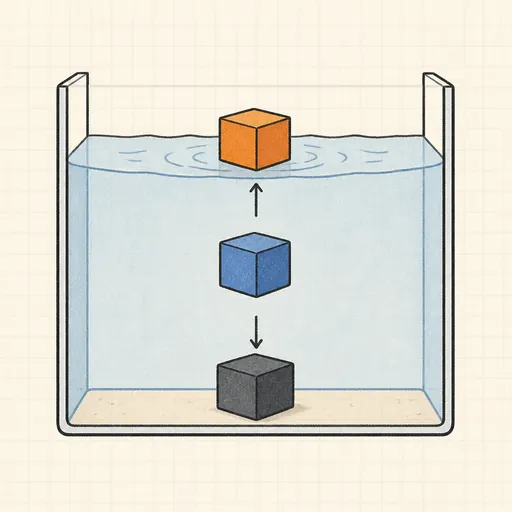
Buoyancy Tank
Drop blocks of different density into water and watch Archimedes decide what floats, sinks or hovers.
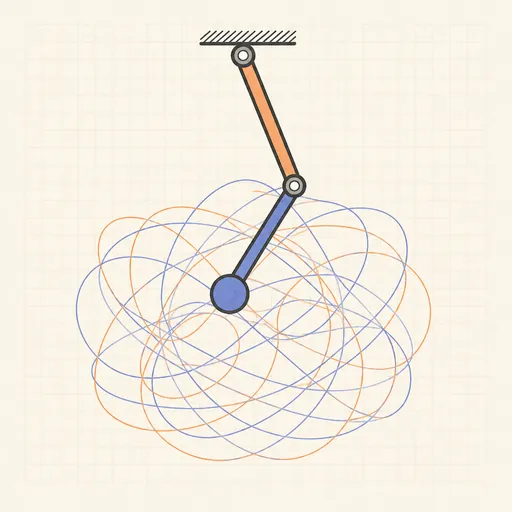
Double Pendulum
Swing a chaotic double pendulum and split it into a rainbow swarm to watch nearby starts diverge.
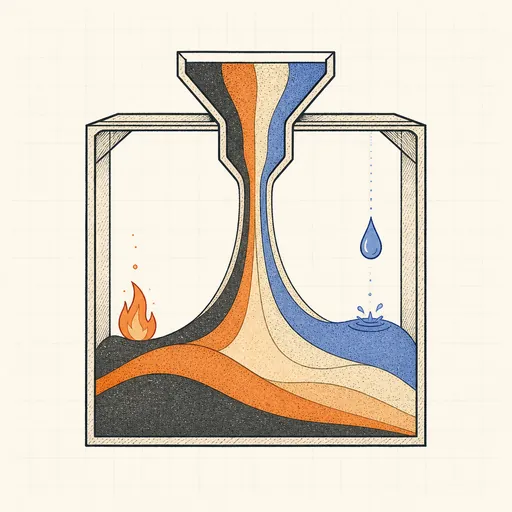
Falling-Sand Playground
Paint sand, water, oil, fire and more and watch them pour, settle, burn and react pixel by pixel.
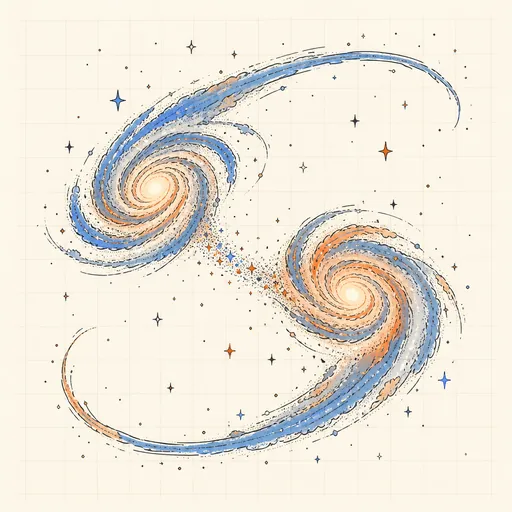
Galaxy Collision Simulator
Smash two spiral galaxies together and watch tidal tails and bridges form.
Hear the Shape of a Drum
Draw any drum and hear its true vibration modes — then meet two different drums that sound exactly the same.
Orbit Sandbox
Fling planets around a star and watch Newtonian gravity draw ellipses, slingshots and chaotic dances.