Image tools
Convert, compress, inspect and create — every tool runs locally in your browser, so your images are never uploaded anywhere.
Most popular
EXIF Viewer & Remover
See and strip photo metadata: camera, GPS, dates.
popular
HEIC to JPEG Converter
Convert iPhone HEIC/HEIF photos to JPEG or PNG.
popular
Handwriting Font Maker
Turn your handwriting into a real font: print the template, write, photograph, download a TTF.
popular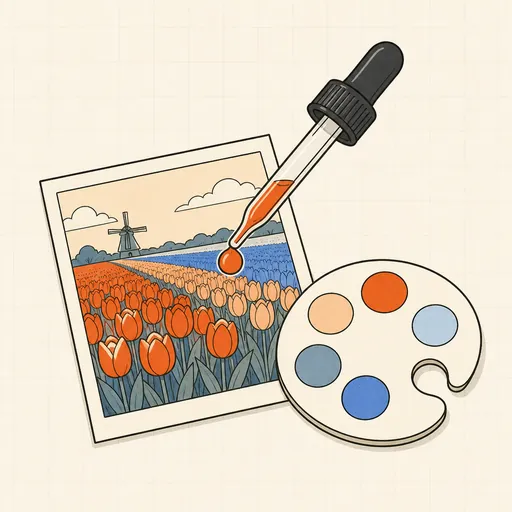
Image Color Picker & Palette
Pick pixel colors and extract the image's palette.
popular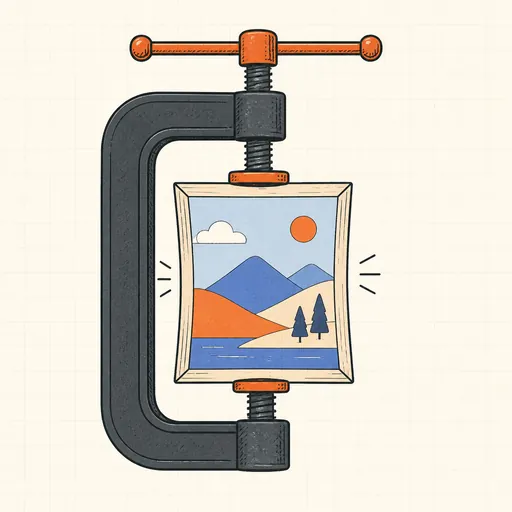
Image Compressor
Shrink JPEG, WebP and PNG files with a live size preview.
popular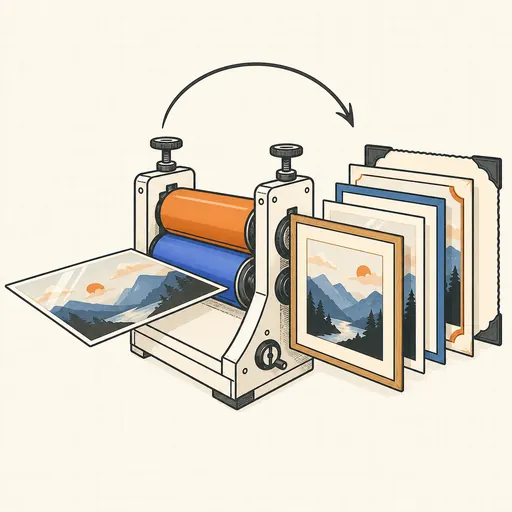
Image Format Converter
Convert between PNG, JPEG, WebP, AVIF, GIF, BMP, TIFF and ICO.
popular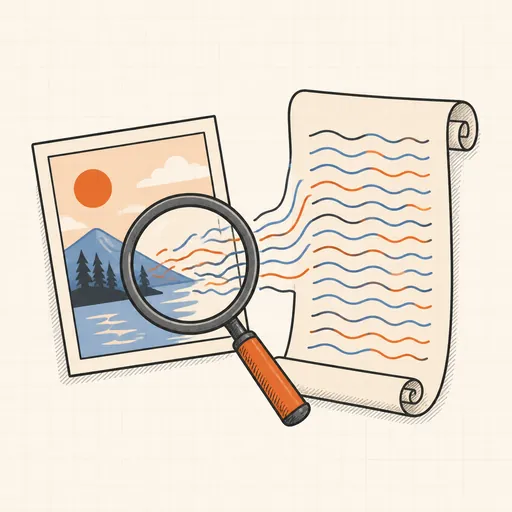
Image OCR (Text Extraction)
Read text out of images and screenshots.
popular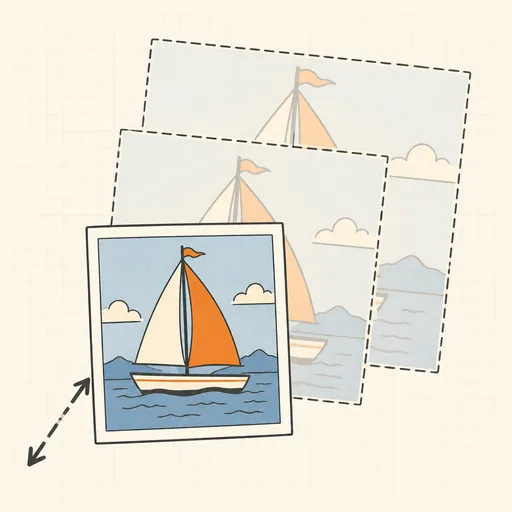
Image Resizer
Resize one image or a whole batch to exact dimensions.
popular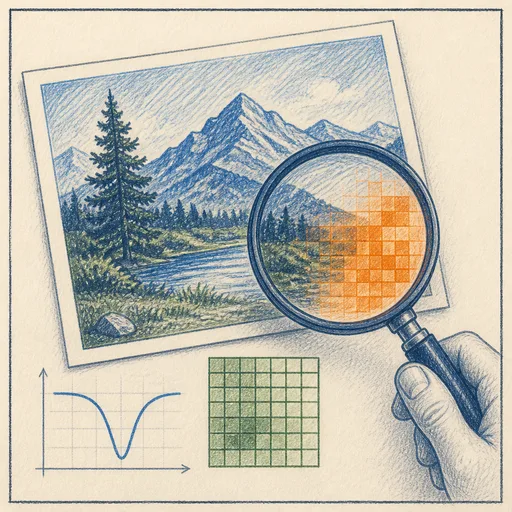
Photo Forensics Lab
Is this image edited? ELA, JPEG ghosts, clone detection and compression fingerprints.
popular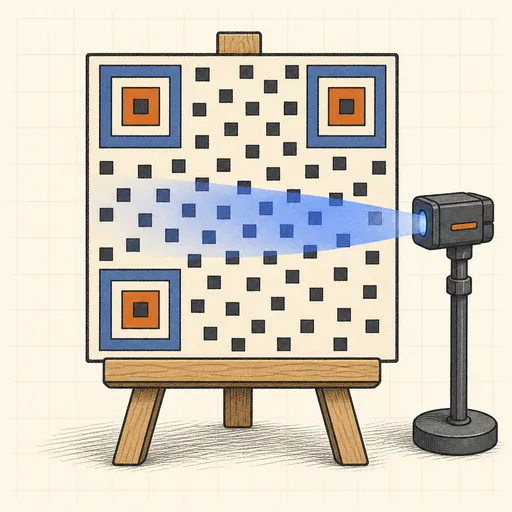
QR Code Generator & Reader
Make QR codes and decode them from images.
popular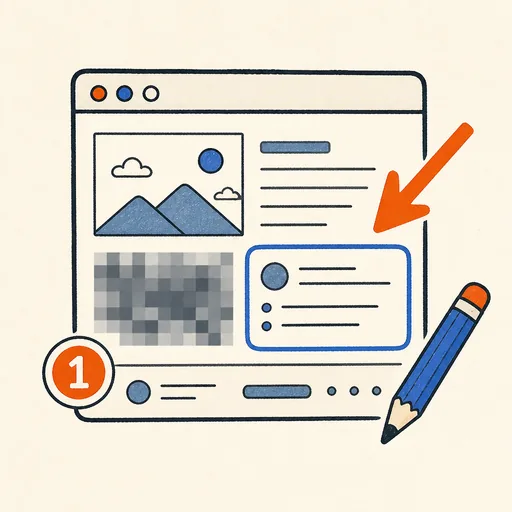
Screenshot Annotator
Crop, then add arrows, boxes, blur, highlights and text to screenshots.
popular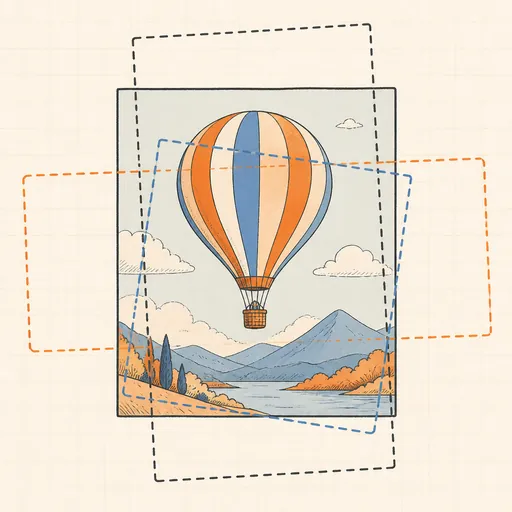
Social Media Image Cropper
Crop to Instagram, X, Facebook, YouTube & LinkedIn sizes.
Convert & Encode
HEIC to JPEG Converter
Convert iPhone HEIC/HEIF photos to JPEG or PNG.
popular
Image Format Converter
Convert between PNG, JPEG, WebP, AVIF, GIF, BMP, TIFF and ICO.
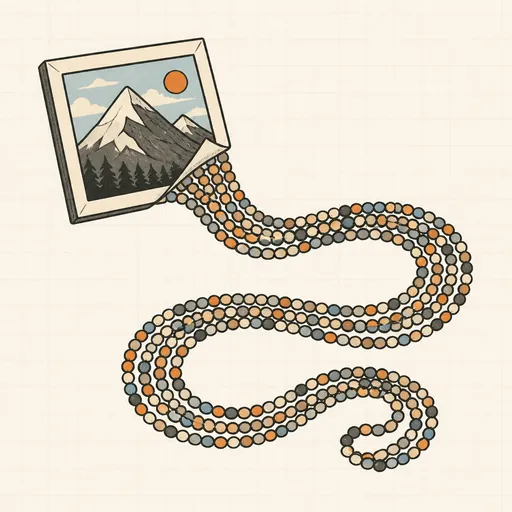
Image to Base64
Turn images into data URIs and back.
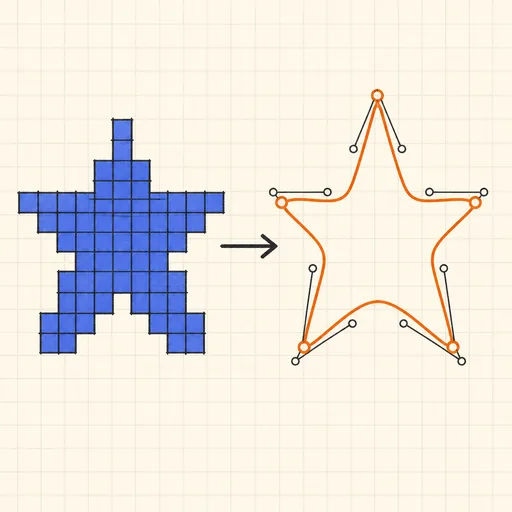
PNG to SVG Tracer
Trace a bitmap into a scalable SVG vector graphic.
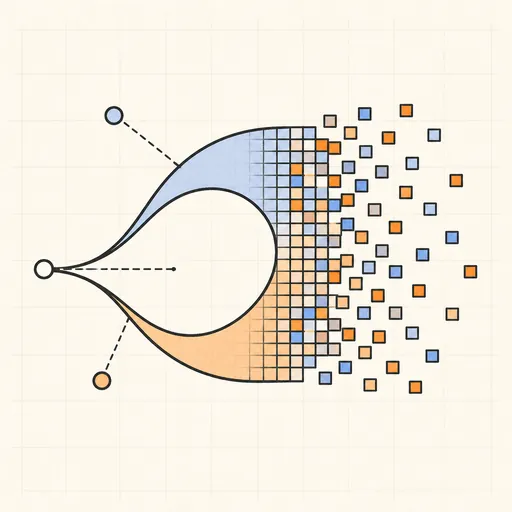
SVG to PNG Rasterizer
Render SVG vector graphics to PNG at any resolution.
Resize & Optimize
Image Compressor
Shrink JPEG, WebP and PNG files with a live size preview.
popular
Image Resizer
Resize one image or a whole batch to exact dimensions.
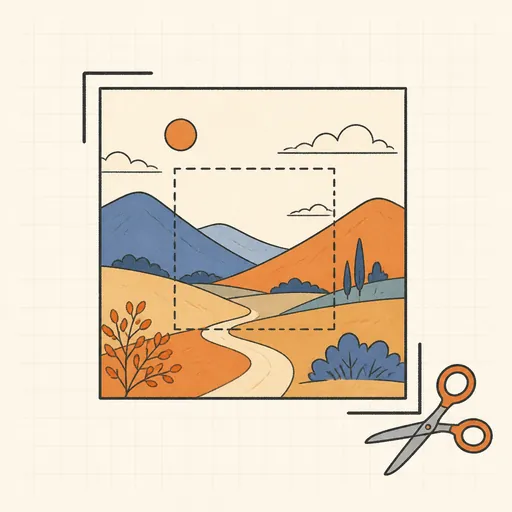
Aspect-Ratio Crop
Crop images freely or locked to presets like 1:1 and 16:9.
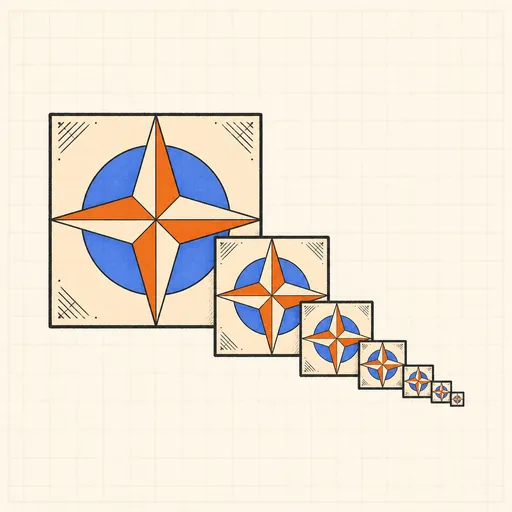
Favicon Generator
Every favicon size plus manifest from one image.
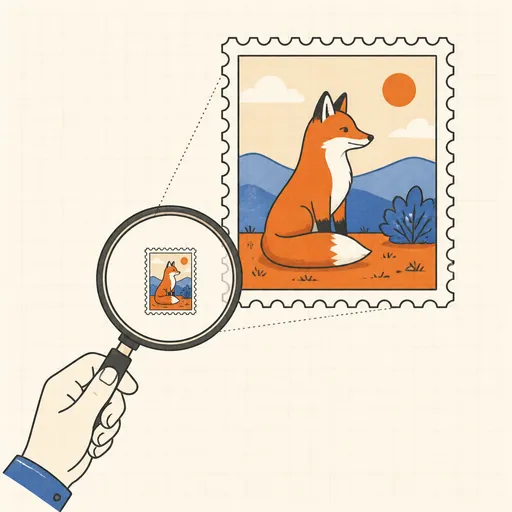
Image Upscaler
Enlarge images 2-4x with Lanczos or pixel-art algorithms.
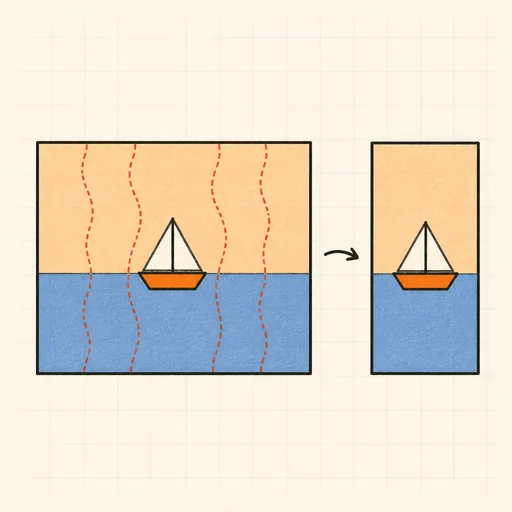
Seam Carving (Content-Aware Resize)
Shrink or stretch a photo without squashing it: remove the boring pixels, keep the subject.
Edit & Annotate
Screenshot Annotator
Crop, then add arrows, boxes, blur, highlights and text to screenshots.
popular
Social Media Image Cropper
Crop to Instagram, X, Facebook, YouTube & LinkedIn sizes.
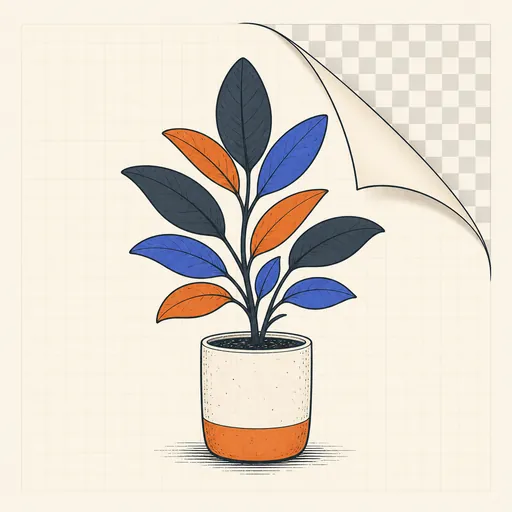
Background Remover
Remove solid or near-solid backgrounds to transparency.
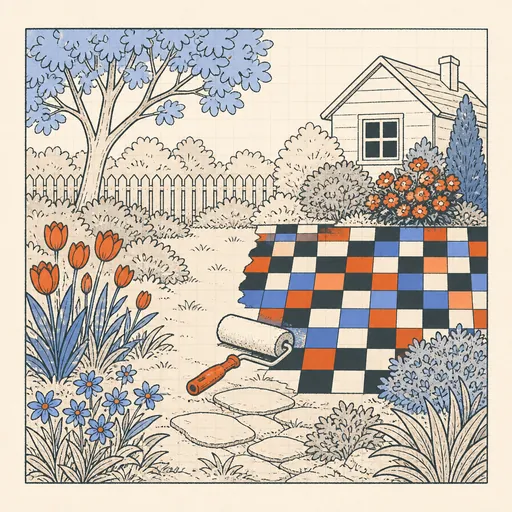
Blur / Pixelate Redactor
Blur or pixelate regions to hide sensitive content.
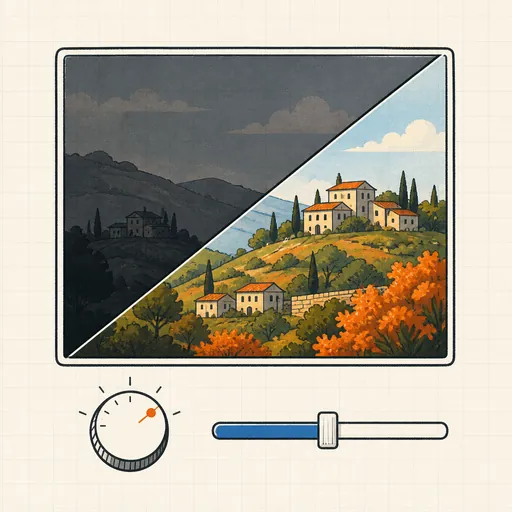
Brightness & Contrast Editor
Fix dark or washed-out photos with simple sliders.
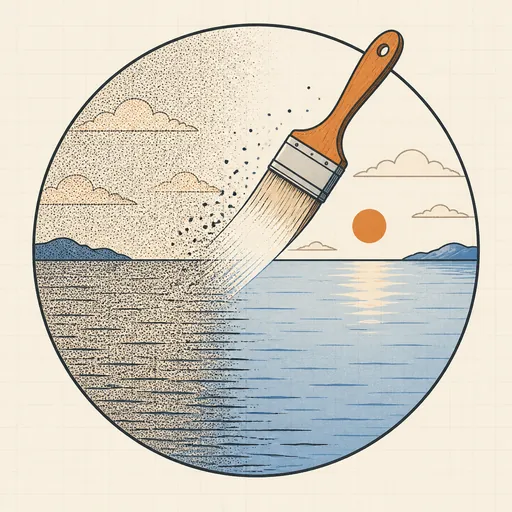
Image Noise Remover
Clean up grainy photos with median and smoothing filters.
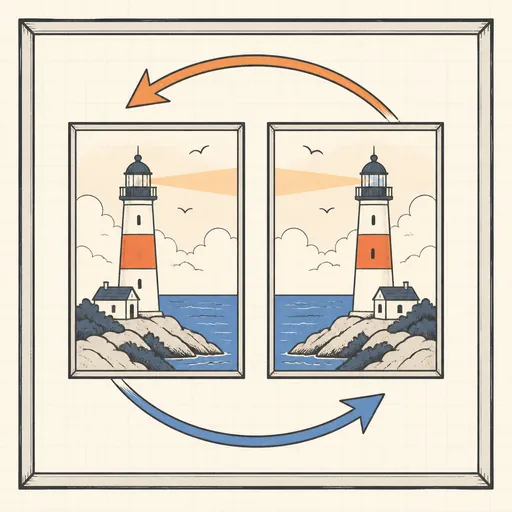
Rotate & Flip Image
Rotate in 90° steps or mirror an image, losslessly sized.
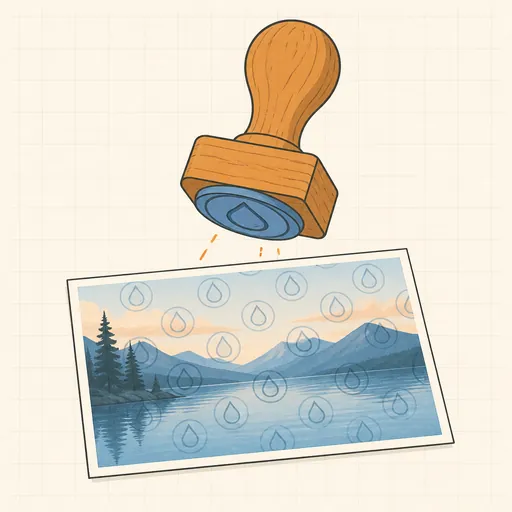
Watermark Tool
Add text or logo watermarks, single or tiled.

Meme Generator
Classic top/bottom impact text over any image.
Analyze & Inspect
EXIF Viewer & Remover
See and strip photo metadata: camera, GPS, dates.
popular
Image Color Picker & Palette
Pick pixel colors and extract the image's palette.
popular
Image OCR (Text Extraction)
Read text out of images and screenshots.
popular
Photo Forensics Lab
Is this image edited? ELA, JPEG ghosts, clone detection and compression fingerprints.
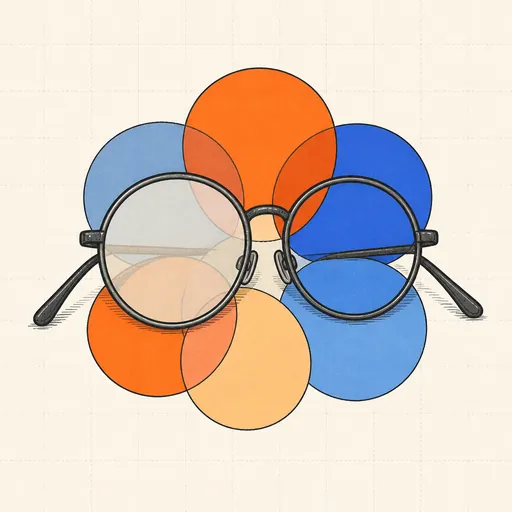
Color Blindness Simulator
See your image the way color-blind users see it.
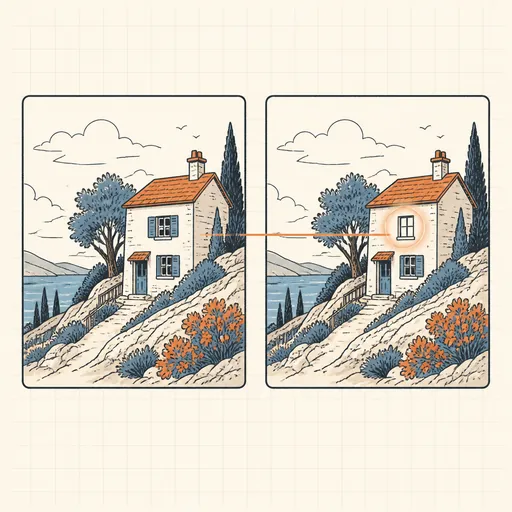
Image Diff
Pixel-exact comparison of two images with a heatmap.
Dominant & Average Color
The average and dominant colors of any image.
Generate & Create
Handwriting Font Maker
Turn your handwriting into a real font: print the template, write, photograph, download a TTF.
popular
QR Code Generator & Reader
Make QR codes and decode them from images.
Barcode Generator
EAN, UPC, Code 128 and more as PNG or SVG.
ASCII Art from Image
Turn any picture into text-mode art.
Dithering Tool
Floyd-Steinberg, Atkinson and ordered dithering effects.
Placeholder Image Generator
Custom-size placeholder images with labels.
Sprite Sheet Generator & Splitter
Pack images into a sprite sheet or slice one apart.
About these tools
Image tools that run entirely in your browser: convert between JPEG, PNG and WebP, resize and crop, compress to a target file size, strip metadata and inspect color palettes. Your pictures are processed locally on your own device — nothing is uploaded to a server, so the originals never leave your computer.