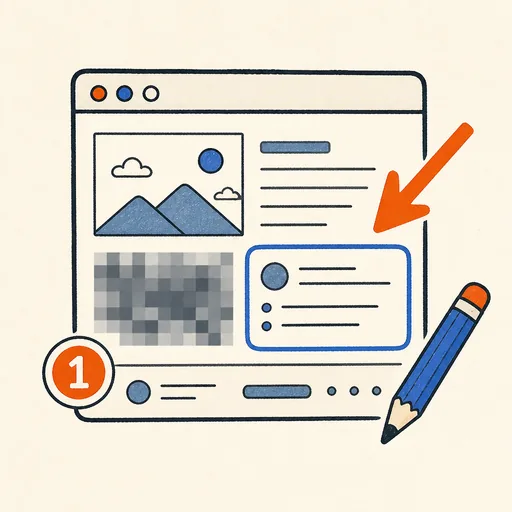
Screenshot Annotator
Paste or drop a screenshot and mark it up like a pro: arrows, rectangles and ellipses, freehand pen, highlighter, step-number badges, text labels with outlines, plus blur or pixelation for the parts that should stay private. Crop to the region that matters, pick colors and line widths, and undo or redo any step. Annotations stay editable — move or delete them any time before exporting to PNG, JPEG or the clipboard.
Runs 100% in your browser — images never leave your device.
Read the full guide to this tool
Notes
- Paste directly from the clipboard with Ctrl+V — no need to save the screenshot first.
- Annotations are objects, not paint: select any of them later to move, restyle or remove it, then export flattens everything into one image.
- Blur and pixelation are baked into the exported pixels. Coarse pixelation hides content more reliably than a light blur.
- Everything runs locally in your browser; your images are never uploaded to any server.
Related tools
Social Media Image Cropper
Crop to Instagram, X, Facebook, YouTube & LinkedIn sizes.
Background Remover
Remove solid or near-solid backgrounds to transparency.
Blur / Pixelate Redactor
Blur or pixelate regions to hide sensitive content.
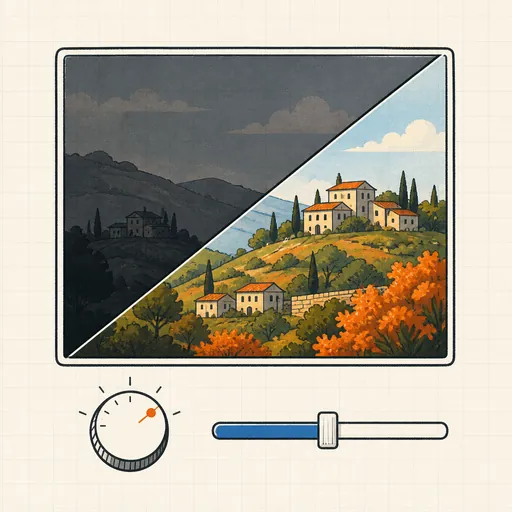
Brightness & Contrast Editor
Fix dark or washed-out photos with simple sliders.

Image Noise Remover
Clean up grainy photos with median and smoothing filters.
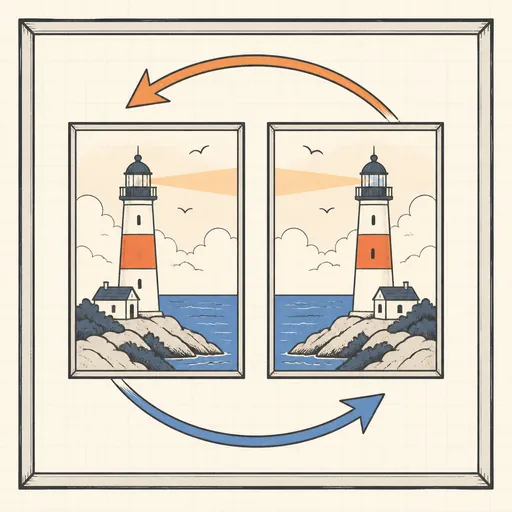
Rotate & Flip Image
Rotate in 90° steps or mirror an image, losslessly sized.