Self-Organizing Maps, Explained
After reading this you will understand how a grid of neurons teaches itself the shape of a dataset without labels, be able to compute one training step by hand, and know how to read the U-matrix without fooling yourself.
What a self-organizing map is
A self-organizing map (SOM) is a fixed grid of neurons, say a 10 by 10 lattice, where each neuron carries a weight vector living in the same space as your data. If your data is RGB color, each neuron holds three numbers between 0 and 1. If your data is 2D points, each neuron holds two coordinates. Training never uses labels. It only pulls neurons toward samples and, because neurons on the grid share their pull with their grid neighbors, the map ends up laid out so that neighbors on the grid hold similar weight vectors.
The hook is the color demo. Start with a grid of random RGB values (visual noise), feed it random colors, and within a few hundred steps the grid organizes into smooth patches: reds near reds, blues near blues, with gradients between them. Nobody told the map what a rainbow is. The topology emerged from the update rule alone.
The result is a projection from high dimensions onto a 2D grid that keeps neighborhoods intact. That makes a SOM a topology-preserving map, close in spirit to a nonlinear version of PCA.
When to use it, and when not to
Reach for a SOM when you want a 2D layout of high-dimensional data where nearby cells mean similar records, and you want that layout on a grid you can color and inspect. It is useful for exploratory visualization, for building a coarse codebook of prototypes (each neuron is a prototype), and for spotting cluster structure through the U-matrix.
Do not use a SOM when you need hard cluster assignments with a defined objective. It has no loss function it provably minimizes, so two runs from different random seeds can settle into different layouts. If you want crisp clusters, use k-Means Clustering or DBSCAN Clustering. If you want soft, elliptical clusters with a likelihood you can compare, use Gaussian Mixture & EM. If your only goal is a 2D embedding for viewing, t-SNE Explorer often separates clusters more sharply.
A SOM gives you two things at once: a set of prototype vectors (like k-means centroids) and a fixed spatial arrangement of those prototypes. The arrangement is the part k-means throws away.
The update rule and why grid distance matters
Each training step picks one random sample x, finds the neuron whose weight is closest in data space (the best-matching unit, or BMU), then nudges the BMU and its grid neighbors toward x. The core update for every neuron v is:
Here w_v is the weight vector of neuron v, b is the BMU, \alpha(t) is the learning rate at step t, and h(v, b, t) is the neighborhood function. The term (x - w_v) is the direction from the neuron to the sample, so a neuron moves a fraction of the way toward x.
The neighborhood function is a Gaussian in grid distance:
where d_{grid}(v, b) is the distance between neurons v and b measured on the lattice (not in data space), and \sigma(t) is the neighborhood radius. The BMU has d_{grid} = 0 so h = 1. A neuron 2 cells away on the grid with \sigma = 2 gets h = \exp(-4/8) = 0.607.
That the distance is on the grid is the whole trick. Because neurons that sit near the BMU on the lattice all get pulled toward the same sample, they end up holding similar weights, which is what forces the grid to become an ordered map of the data.
Both controls shrink over time. A common schedule is exponential decay:
with \alpha_0 and \sigma_0 the initial values and \tau a time constant. Early on, a wide \sigma drags large regions together to set global order. Later, a narrow \sigma fine-tunes local detail. The status line in the tool shows the current decayed \alpha(t) and \sigma(t) ticking down.
A worked example on the color demo
Use the demo defaults: RGB color mode. Take three neurons on a line and one training sample so you can check the arithmetic.
One step of color training
Suppose these three neurons sit at grid positions 0, 1, 2, and the sample is pure red x = (1, 0, 0). Set \alpha = 0.5 and \sigma = 1.
| Neuron | Grid pos | Weight (R, G, B) |
|---|---|---|
| A | 0 | 0.9, 0.1, 0.1 |
| B | 1 | 0.2, 0.8, 0.3 |
| C | 2 | 0.1, 0.2, 0.9 |
- Find the BMU. Squared distances to red: A is
(0.9-1)^2 + 0.1^2 + 0.1^2 = 0.03, B is0.64 + 0.64 + 0.09 = 1.37, C is0.81 + 0.04 + 0.81 = 1.66. A wins, so b = A. - Compute the neighborhood weights with \sigma = 1. Grid distances from A: A is 0, B is 1, C is 2. So h_A = \exp(0) = 1, h_B = \exp(-1/2) = 0.6065, h_C = \exp(-4/2) = 0.1353.
- Effective step size is \alpha \cdot h: A gets 0.5, B gets
0.3033, C gets0.0677. - Update the red channel of each toward 1. A:
0.9 + 0.5(1 - 0.9) = 0.95. B:0.2 + 0.3033(1 - 0.2) = 0.4427. C:0.1 + 0.0677(1 - 0.1) = 0.1609. - The green channels move toward 0. B:
0.8 + 0.3033(0 - 0.8) = 0.5573. C:0.2 + 0.0677(0 - 0.2) = 0.1865.
After one step, all three neurons became a little redder, the BMU most of all and the far neuron least. Repeat with thousands of random colors and the grid sorts itself into smooth color regions.
Reading the U-matrix and the point mesh
Once trained, the weights themselves are hard to read in high dimensions, so the U-matrix summarizes them. It shades each neuron by the average distance from its weight vector to the weight vectors of its grid neighbors.
- Dark ridge
- A neuron whose weights differ sharply from its neighbors. High average distance. These ridges trace cluster boundaries.
- Light valley
- A neuron whose weights match its neighbors closely. Low average distance. These are cluster interiors.
To read the U-matrix, look for the dark walls and treat the light basins they enclose as clusters. In the color demo, the boundary between a red region and a blue region shows up as a dark line, because the RGB jump there is large.
In 2D point mode the map is drawn differently: the neuron grid is a mesh laid over the point cloud, with an edge between grid-adjacent neurons. A well-trained mesh unfolds to cover the data. Over the ring dataset the mesh bends into a loop; over two blobs it stretches so that one region of the grid sits in each blob. Watch for the mesh crossing over itself: that is a topological fault.
Common mistakes
Most disappointing SOM runs come from the schedule, not the data.
Shrinking \sigma too fast locks in a twist. If the neighborhood collapses before global order forms, the grid folds and can never unfold, because the wide-neighborhood pull that would straighten it is already gone. In the point mesh this shows as a permanent kink where edges cross.
- Starting \sigma too small. A good rule is to begin with \sigma_0 near half the grid width. On a 10 by 10 grid, start around 5, not 1.
- Reading absolute U-matrix values. The shading is relative to your data scale. A dark ridge only means "darker than the valleys nearby", not a fixed distance. Compare within one map, not across maps.
- Expecting reproducible clusters. Different seeds give different but equally valid layouts, because there is no single objective being minimized. Rotations and reflections of the map are all correct.
- Unnormalized features. The BMU search uses Euclidean distance, so a feature ranging 0 to 1000 drowns out one ranging 0 to 1. Scale features to comparable ranges first.
How it relates to other methods
A SOM sits between clustering and dimensionality reduction. Its neurons act like prototypes, so it is a cousin of k-Means Clustering: in fact if you set \sigma so small that only the BMU ever moves, the update reduces to online k-means with no topology. The topology is the added ingredient.
As a projection it resembles PCA Toy, but PCA finds linear axes and minimizes a clear reconstruction error, while a SOM bends its grid nonlinearly and minimizes nothing provable. For embeddings that pull clusters apart for viewing, compare against the t-SNE Explorer. For merging structure into a tree you can cut at any level, see Hierarchical Clustering & Dendrogram. And once you have a trained map, U-matrix ridges can flag records that sit far from every prototype, which connects to the ideas in the Anomaly Detection Playground.
Frequently asked questions
How many neurons should the grid have?
A rough guide is a total near 5\sqrt{N} neurons for N samples. For 400 samples that is about 100 neurons, so a 10 by 10 grid. Fewer neurons than clusters cannot separate them; far more neurons than samples leaves many prototypes stuck at their random init.
Does a SOM find the number of clusters?
No. It lays out prototypes, and the U-matrix suggests boundaries, but you still decide how many basins to call clusters by eye or by a second clustering step on the neuron weights.
Why does my map look different every run?
Random initialization and random sample order produce different valid layouts. There is no unique minimum. Any rotation or mirror of a good map is equally good.
Can a SOM handle more than three dimensions?
Yes. The math is identical for any dimension; only the visualization changes. The color demo uses 3D (RGB) because it is easy to see, but each neuron weight can be a vector of any length.
What is the difference between the U-matrix and the point mesh?
The U-matrix colors the grid by neighbor distances to reveal boundaries, useful in high dimensions. The point mesh draws the neuron positions in 2D data space with grid edges, useful only when the data itself is 2D. They show the same trained map two different ways.
Related tools
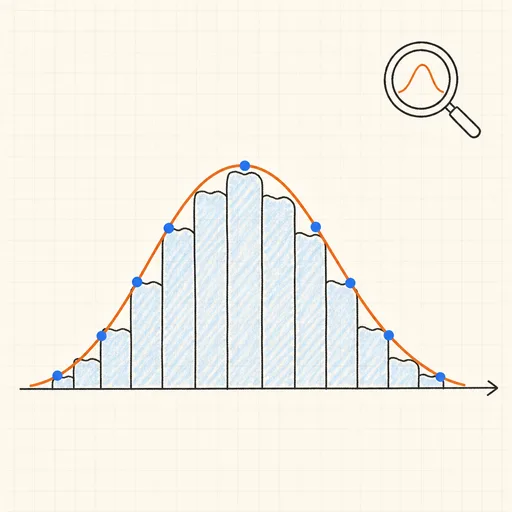
Distribution Sketcher
Sketch the shape of a probability density — or paste raw data — and search 16 distributions for the ones that fit it best.
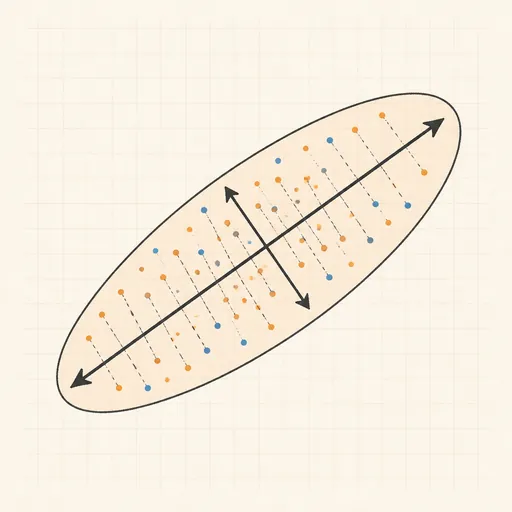
PCA Toy
Find the axes of maximum variance and flatten a point cloud onto them.
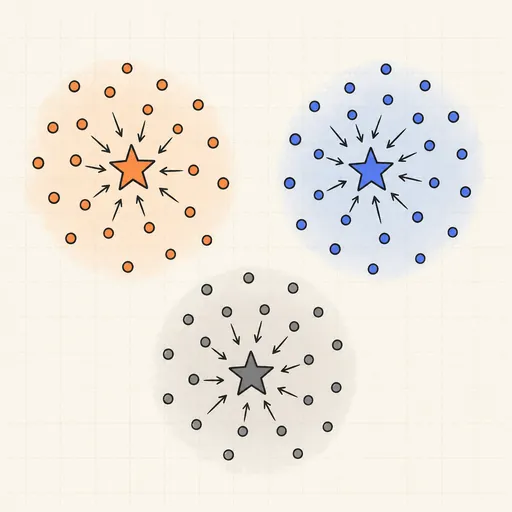
k-Means Clustering
Step through Lloyd’s algorithm and watch centroids chase the middles of your point clouds.
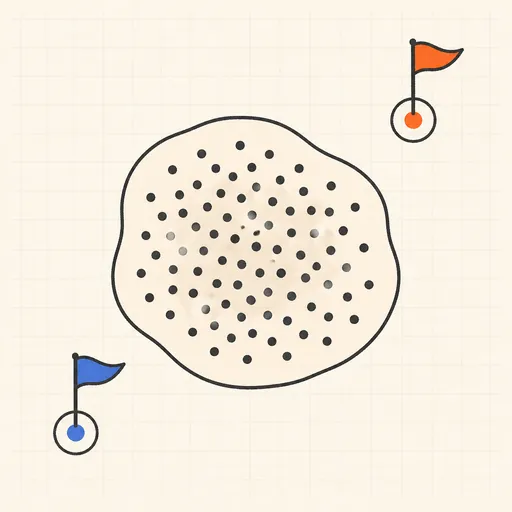
Anomaly Detection Playground
Flag outliers three different ways and see where each score breaks down.
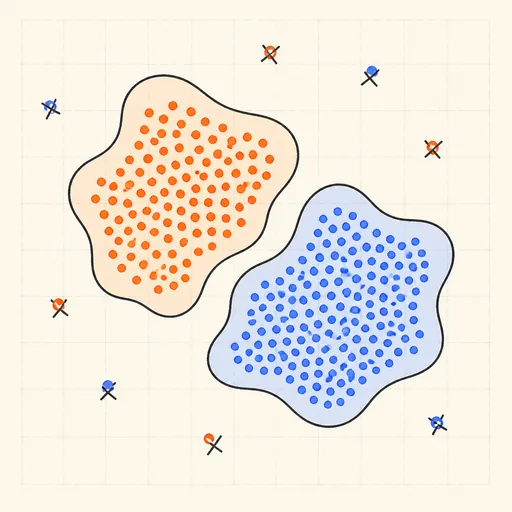
DBSCAN Clustering
Grow density-based clusters point by point and watch noise get left behind.
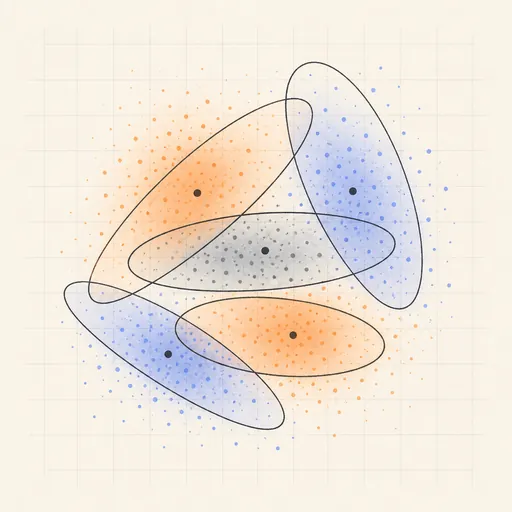
Gaussian Mixture & EM
Fit soft, elliptical clusters with the expectation–maximization algorithm.