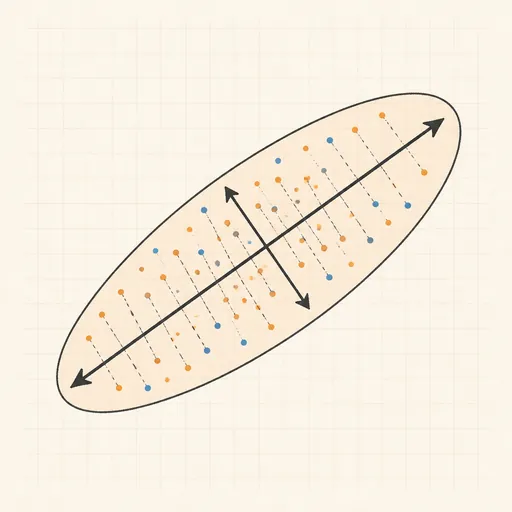
PCA Toy
Principal component analysis finds the orthogonal directions along which data varies most: the eigenvectors of the covariance matrix, ordered by eigenvalue. In 2D mode, drag the correlation slider to shape a correlated cloud or click to add your own points; the mean is marked and the two principal axes are drawn as arrows scaled by the square root of their eigenvalues. Press Project to animate every point sliding onto the first principal component and read off the reconstruction error, with a bar chart showing the variance each component explains. Switch to 3D mode for a rotating, flat-ish tilted ellipsoid — drag to rotate it yourself — where PCA finds the best 2D plane through the cloud and Project flattens the points onto it, exactly what PCA does to real high-dimensional data.
Runs 100% in your browser — models are trained and computed locally on your device.
Read the full guide to this tool
Notes
- PCA diagonalises the covariance matrix C = (1/n)Σ(xᵢ − μ)(xᵢ − μ)ᵀ: eigenvectors give the principal directions, eigenvalues the variance along each, and components are mutually orthogonal.
- Projecting onto the top components is optimal in the least-squares sense: no other linear projection of the same rank has a smaller mean squared reconstruction error, and that error equals the sum of the discarded eigenvalues.
- PCA is scale-sensitive — multiply one axis by 100 and it dominates the first component — so features are usually standardised first.
- PCA only finds linear structure: a curved sheet such as a swiss roll needs nonlinear methods like t-SNE or UMAP to unfold.
- Runs 100% in your browser — models are trained and computed locally on your device.
Related tools
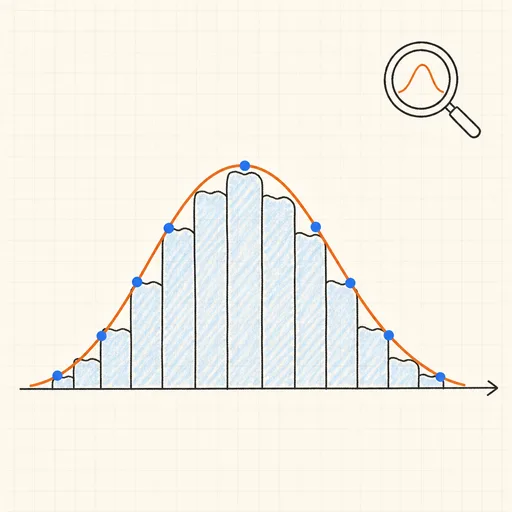
Distribution Sketcher
Sketch the shape of a probability density — or paste raw data — and search 16 distributions for the ones that fit it best.
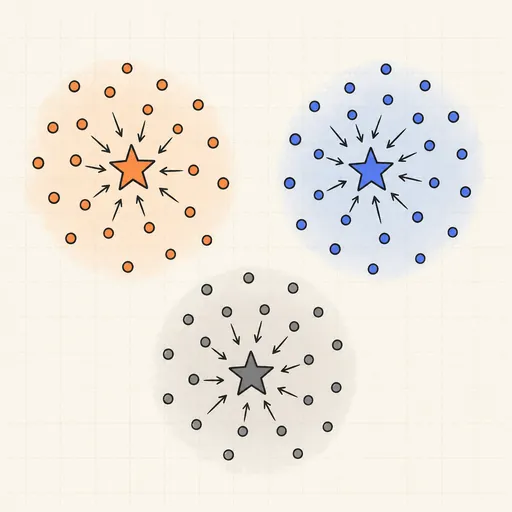
k-Means Clustering
Step through Lloyd’s algorithm and watch centroids chase the middles of your point clouds.
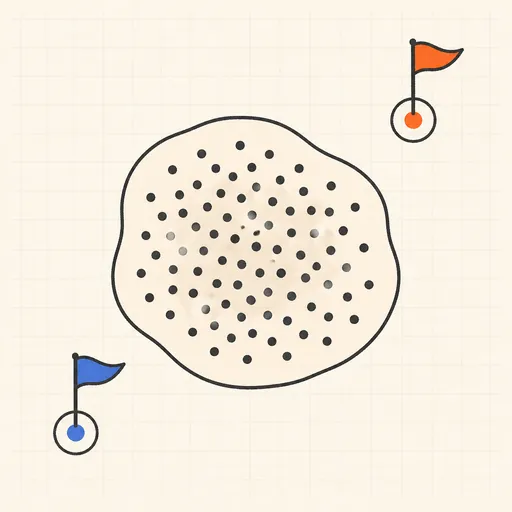
Anomaly Detection Playground
Flag outliers three different ways and see where each score breaks down.
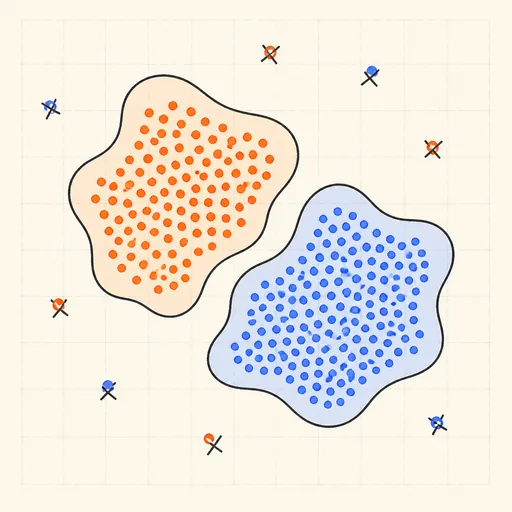
DBSCAN Clustering
Grow density-based clusters point by point and watch noise get left behind.
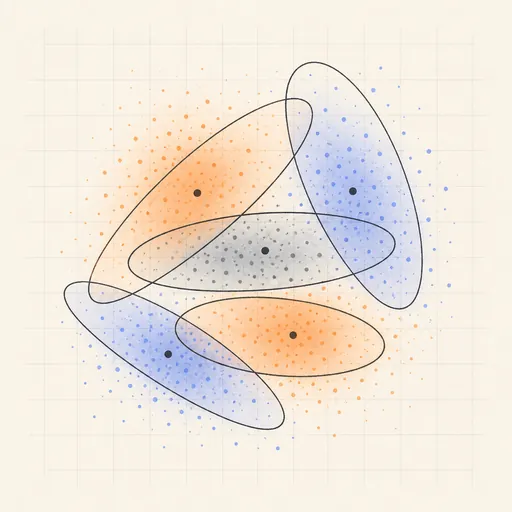
Gaussian Mixture & EM
Fit soft, elliptical clusters with the expectation–maximization algorithm.
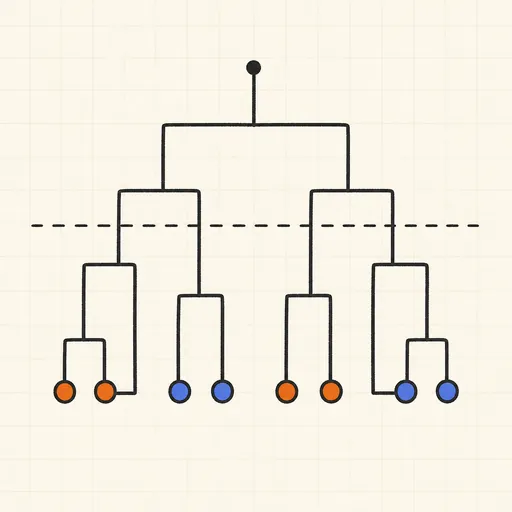
Hierarchical Clustering & Dendrogram
Merge points bottom-up and cut the dendrogram wherever you like.