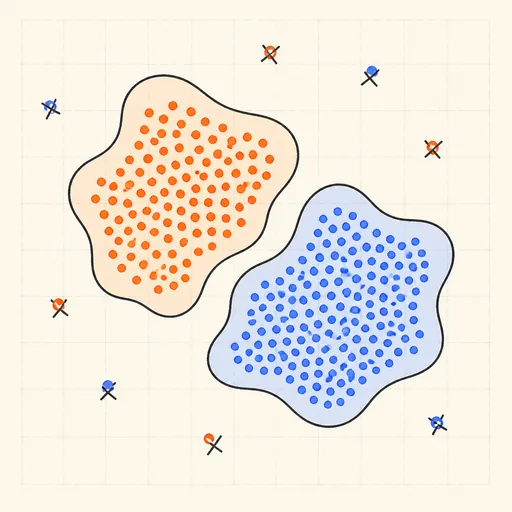
DBSCAN Clustering
DBSCAN finds clusters as connected regions of high density: a point is a core point if at least minPts neighbours lie within radius eps, and clusters grow by expanding outward from core points through their neighbourhoods. Choose a preset — two moons, blobs with sprinkled noise, nested rings, or varying-density clusters — or click to add points, then set eps (a to-scale circle next to the slider shows the radius) and minPts and press play: the region-growing queue is animated point by point with the current frontier highlighted. Core points are drawn solid, border points hollow, and noise as gray crosses. Unlike k-means, DBSCAN needs no cluster count, follows arbitrary shapes such as moons and rings, and labels stragglers as noise — but the varying-density preset exposes its weakness: one global eps cannot fit dense and sparse clusters at once.
Runs 100% in your browser — models are trained and computed locally on your device.
Read the full guide to this tool
Notes
- A core point has ≥ minPts points within eps; a border point is within eps of a core point but is not core itself; everything else is noise. Clusters are the connected components of core points.
- Naive neighbour search makes this implementation O(n²); with a spatial index DBSCAN runs in O(n log n). Border points reachable from two clusters are assigned to whichever claims them first, so labels can depend on visit order.
- A single global eps is DBSCAN’s main weakness: if one cluster is dense and another sparse, no eps separates both correctly — that is what OPTICS and HDBSCAN were invented to fix.
- A rule of thumb: set minPts ≈ 2·dimensions and read eps off the knee of the sorted k-nearest-neighbour distance curve.
- Runs 100% in your browser — models are trained and computed locally on your device.
Related tools
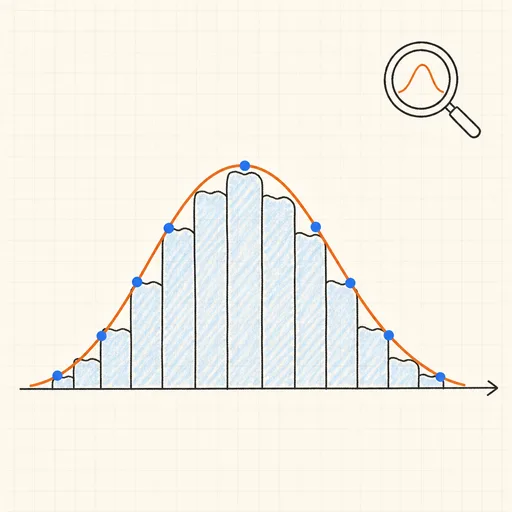
Distribution Sketcher
Sketch the shape of a probability density — or paste raw data — and search 16 distributions for the ones that fit it best.
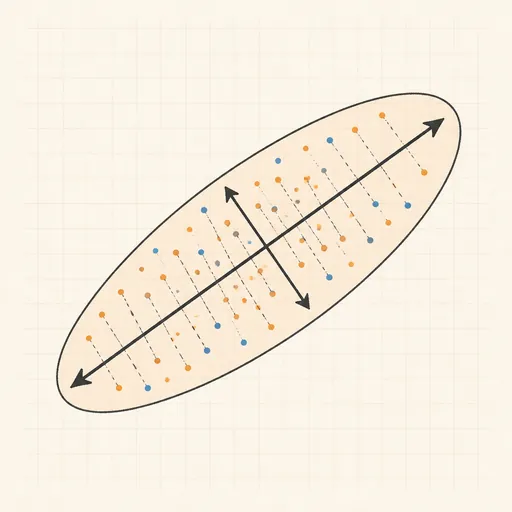
PCA Toy
Find the axes of maximum variance and flatten a point cloud onto them.
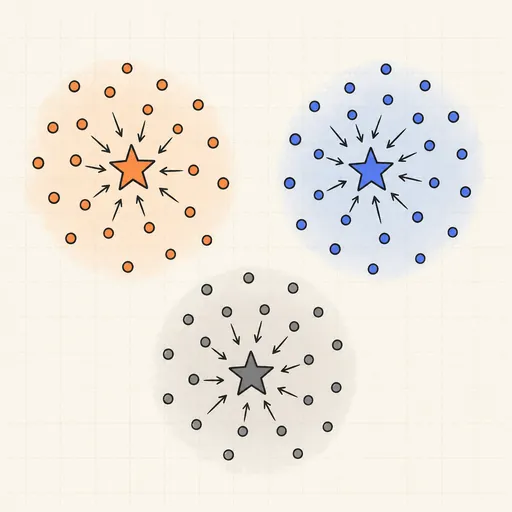
k-Means Clustering
Step through Lloyd’s algorithm and watch centroids chase the middles of your point clouds.
Anomaly Detection Playground
Flag outliers three different ways and see where each score breaks down.
Gaussian Mixture & EM
Fit soft, elliptical clusters with the expectation–maximization algorithm.
Hierarchical Clustering & Dendrogram
Merge points bottom-up and cut the dendrogram wherever you like.