DBSCAN Clustering, Explained
After reading this you will know how DBSCAN turns a radius and a minimum count into arbitrarily shaped clusters, how it decides what to call noise, and why one global radius breaks when your clusters have different densities.
What DBSCAN does and one example
DBSCAN stands for Density-Based Spatial Clustering of Applications with Noise. It groups points by asking a local question at every point: how many other points sit within a fixed radius? Where points are packed tightly, clusters form. Where points are sparse, they get labeled noise and left out.
Consider two interleaving crescent shapes, the "two moons" data. Each moon is a thin curved band of points. A method that assumes round clusters cannot separate them, because each moon wraps around the other. DBSCAN does not care about shape. It only follows the trail of dense neighborhoods, so it walks along each crescent and returns two clusters that match the curves exactly. That is the whole idea: a cluster is a region you can traverse without ever leaving a dense neighborhood.
Two things fall out of this for free. You never state the number of clusters in advance; the data decides. And points that sit alone in empty space are not forced into any cluster; they are marked as noise.
When to use it, and when not to
Reach for DBSCAN when your clusters may be non-convex (rings, moons, filaments) and when you expect genuine outliers you want isolated rather than absorbed. It shines when the number of clusters is unknown and when noise is part of the problem, not a nuisance.
Avoid it, or expect trouble, in three situations. First, when clusters have very different densities: a single radius that fits a dense cluster will shatter a sparse one, and a radius that holds the sparse one together will merge dense ones. Second, in high dimensions, where distances between points concentrate and the radius loses meaning. Third, when you actually want every point assigned, because DBSCAN will hand you back noise.
If your clusters clearly have different densities, do not fight one global radius. Use OPTICS or HDBSCAN, which vary the density threshold across the data. The varying-density preset in the tool is there precisely to show you where plain DBSCAN gives up.
The definitions, with intuition
DBSCAN has two parameters. The radius \varepsilon (written eps) sets the size of each point's neighborhood. The integer minPts sets how crowded a neighborhood must be to count as dense.
The \varepsilon-neighborhood of a point p is every point within distance \varepsilon of it, including p itself:
Here \operatorname{dist} is usually Euclidean distance, and the set includes p itself. From this one set, three roles follow.
- Core point
- A point with at least
minPtsmembers in its neighborhood: |N_\varepsilon(p)| \ge \text{minPts}. These are the interiors of clusters. - Border point
- A point that is not core but lies within \varepsilon of some core point. It sits on the edge of a cluster.
- Noise
- Everything else: not core, and not close enough to any core point.
A cluster is grown by density reachability. Start at a core point, add its whole neighborhood to a queue, and expand. Whenever you pull another core point from the queue, add its neighbors too. Border points get added but never expand further. The cluster is finished when the queue empties. Formally, the clusters are the connected components of core points, with each border point attached to a component it touches.
A worked example on the demo data
Take a small slice you can check by hand. Place eight points on a line and one point far away, then run DBSCAN with \varepsilon = 1.5 and minPts = 3.
Region growing, step by step
Points at x-coordinates (y = 0 for all): 0, 1, 2, 3, 10, 11, 12, 13, plus one straggler at x = 6. Distance is just the difference in x. A neighborhood with \varepsilon = 1.5 reaches one step left and one step right (distance 1), but not two steps (distance 2).
- Neighborhood of
x=0: itself andx=1. Size 2, belowminPts=3. Not core yet. - Neighborhood of
x=1:0, 1, 2. Size 3, sox=1is a core point. Start cluster A and queue its neighbors. - Expand from
x=2: neighbors1, 2, 3, size 3, core. Addx=3. Cluster A now holds0, 1, 2, 3. Pointx=3has neighbors2, 3only (size 2), so it is a border point and does not expand. - Point
x=0has size 2, so it is also a border point of cluster A. - The queue for A is empty. Cluster A =
{0, 1, 2, 3}: core points1, 2, border points0, 3. - Move to
x=6: neighborhood is just itself, size 1. Not core, not near any core point. Label it noise. - Repeat on the right block. Cluster B =
{10, 11, 12, 13}: core11, 12, border10, 13.
Result: two clusters of four points each, one noise point, no cluster count supplied. Every label came from counting neighbors inside a radius.
Choosing eps and minPts
The two parameters interact, so set minPts first. A common rule of thumb is \text{minPts} \approx 2 \cdot d where d is the number of dimensions. For 2D data that gives 4. Larger minPts makes clusters harder to form and pushes more points into noise.
Then pick \varepsilon from the data. Compute, for every point, the distance to its k-th nearest neighbor (with k = \text{minPts} - 1). Sort those distances ascending and plot them. The curve stays low and flat across points inside clusters, then bends sharply upward for the sparse and noise points. That bend, the "knee," is a good value for \varepsilon.
The reason the knee works: points inside a cluster all have small k-nearest-neighbor distances, so the sorted curve is flat there. Noise points have large distances, so the curve shoots up. The transition marks the density that separates cluster interiors from empty space.
See eps reshape the clustering
The single most instructive move is sliding \varepsilon and watching clusters merge, split, and dissolve into noise. Small \varepsilon fragments the data; large \varepsilon fuses everything into one blob.
Reading and interpreting the output
Every point ends with one of three markings: a solid dot (core), a hollow dot (border), or a gray cross (noise). The cluster count is whatever the algorithm found, not a number you chose. Check the noise fraction: if half your points are noise, your \varepsilon is too small or minPts too large.
Two subtleties matter. Border points reachable from two clusters are assigned to whichever cluster claims them first, so labels can shift if you change the visit order. Core points are never ambiguous this way, because connected core points always land in the same cluster. And noise is not an error; it is a deliberate output. Points genuinely far from any dense region should be noise.
| Marking | Neighbors in eps | Near a core point? | Gets a cluster label? |
|---|---|---|---|
| Core (solid) | ≥ minPts | yes (itself) | yes, and it expands |
| Border (hollow) | < minPts | yes | yes, but does not expand |
| Noise (cross) | < minPts | no | no |
Common mistakes
The first mistake is expecting DBSCAN to handle clusters of different density with one radius. It cannot, by construction. A radius wide enough to hold a sparse cluster together will glue neighboring dense clusters into one lump. Watch the varying-density preset to see this happen: no single \varepsilon is right.
The second mistake is forgetting to scale features. Because DBSCAN uses a single distance threshold, a feature measured in thousands will dominate one measured in fractions. Standardize your features (subtract the mean, divide by the standard deviation) before clustering, or \varepsilon means different things along different axes.
The third is treating the result as unique. Change the visit order and border assignments can flip. If reproducibility matters, fix the point order or accept that only the core structure is stable.
This browser demo uses naive neighbor search, which is O(n^2): doubling the points roughly quadruples the work. Production libraries use a spatial index (a k-d tree or ball tree) to reach O(n \log n). Do not judge real-world speed from a few hundred points in a browser.
Related tools on this site
If you want a fixed number of round clusters, compare against k-Means Clustering, which minimizes within-cluster variance but forces every point into a cluster. For a view that lets you cut the tree at any level rather than fix a density, try Hierarchical Clustering & Dendrogram. When you believe clusters are elliptical and want soft memberships, Gaussian Mixture & EM gives probabilities instead of hard labels. If DBSCAN's noise flags are what you actually want, the Anomaly Detection Playground scores outliers three different ways. And before clustering high-dimensional data, reduce it first with the PCA Toy.
Frequently asked questions
How is DBSCAN different from k-means?
k-means needs the cluster count up front, assumes round clusters, and assigns every point. DBSCAN needs a radius and a minimum count instead, follows arbitrary shapes, discovers the cluster count itself, and marks stragglers as noise.
What is a good value for minPts?
Start with 2 \cdot d where d is the dimension, so 4 in 2D. Raise it to be stricter about what counts as dense, which pushes more points to noise. Lower it only if genuine clusters are being lost.
Why are some points marked as noise?
A noise point has fewer than minPts neighbors within \varepsilon and is not within \varepsilon of any core point. It sits in a region too sparse to belong to a cluster. That is a feature, not a bug.
Can DBSCAN find clusters of different densities?
Not with one global \varepsilon. A radius tuned for the dense cluster splits the sparse one; a radius tuned for the sparse one merges the dense ones. OPTICS and HDBSCAN were built to vary the density threshold and handle this.
Does the result depend on the order of the points?
Only for border points, which go to whichever cluster reaches them first. Core points and the overall cluster shapes are stable regardless of order.
Related tools
Distribution Sketcher
Sketch the shape of a probability density — or paste raw data — and search 16 distributions for the ones that fit it best.
PCA Toy
Find the axes of maximum variance and flatten a point cloud onto them.
k-Means Clustering
Step through Lloyd’s algorithm and watch centroids chase the middles of your point clouds.
Anomaly Detection Playground
Flag outliers three different ways and see where each score breaks down.
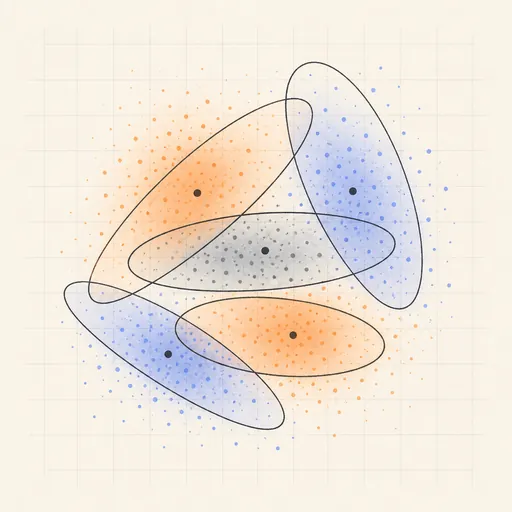
Gaussian Mixture & EM
Fit soft, elliptical clusters with the expectation–maximization algorithm.
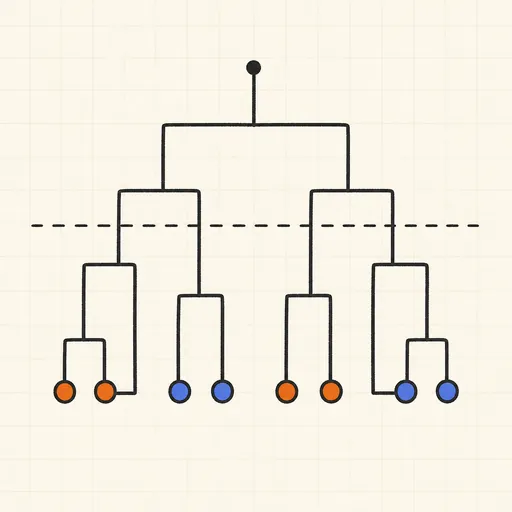
Hierarchical Clustering & Dendrogram
Merge points bottom-up and cut the dendrogram wherever you like.