The 17 Wallpaper Groups, Explained
After reading this you will know why every flat repeating pattern belongs to one of exactly 17 symmetry types, how to read the mirror lines, glide lines and rotation centres the tool draws, and how to tell two groups apart by watching a single letter F.
What a wallpaper group is
Take any pattern that fills the plane and repeats: a tiled floor, a brick wall, a printed wrapping paper. Ask which rigid motions leave it looking exactly the same. Slide it, spin it, flip it in a mirror, or flip and slide at once. Every such motion is a symmetry of the pattern, and the full collection of them is its symmetry group. The remarkable fact, proved by Fedorov in 1891, is that for patterns which repeat in two independent directions there are only 17 possible groups. Not 16, not 100. Exactly 17.
Here is the hook. Draw a plain capital F once. Choose the group p1 and the plane fills with F's all facing the same way, one per cell. Switch to pm and every F now sits beside a backwards F across a mirror line. Switch to p4 and four F's pinwheel around a point, each turned 90 degrees from the last. The motif never changed. The group decided what happened to it.
The four building-block motions
Every symmetry of a plane pattern is one of four kinds. Each is an isometry, a motion that preserves distances.
- Translation
- Slide by a fixed vector. Every wallpaper group contains a lattice of translations, which is what makes the pattern repeat at all.
- Rotation
- Turn about a fixed point, the rotation centre. In the plane only orders 2, 3, 4 and 6 are possible (turns of 180, 120, 90 and 60 degrees). Order 5 and order 7 cannot tile the plane, which is the crystallographic restriction.
- Reflection
- Flip across a line, the mirror axis. Points on the axis stay put; the F becomes its mirror image.
- Glide reflection
- Reflect across a line, then slide along that same line by half a lattice step. Do it twice and you land one full step away. A glide leaves no point fixed and needs no true mirror.
The tool writes each operation as an affine map (x, y) \mapsto M(x, y) + t, where M is a 2 by 2 matrix (rotation or reflection) and t is a translation. The identity, a rotation, a reflection and a glide differ only in M and t.
How the group builds the whole plane
The tool stores your strokes in lattice coordinates, then applies every operation of the group, then tiles the result by the translation lattice. Formally, the image of one point under the group is its orbit.
Here p is a point you drew, G is the chosen group, and g ranges over every operation in it: identity, rotations, reflections, glides, and all their combinations with lattice translations. The screen shows one orbit per stroke.
A group is fixed by two things: the point group (the rotations and reflections that fix a single centre) and the lattice (the shape of the repeating cell). There are five lattice shapes: oblique, rectangular, centred rectangular, square and hexagonal. Combine the allowed point groups with the compatible lattices and you get 17 valid pairings, no more.
The names in the tool follow crystallographic notation. The leading p means a primitive cell and c means a centred cell. A digit gives the highest rotation order (2, 3, 4, 6). The letters m and g flag mirrors and glides. So p4m reads as: primitive cell, 4-fold rotation, mirrors present.
A worked example with the F preset
One F, four groups
Load the F preset and place its foot near cell coordinate (0.3, 0.3). Watch what four groups do to that single point, working in one unit cell with corners at (0,0) and (1,1).
- p1. The only operations are translations. The orbit inside one cell is just the F itself at
(0.3, 0.3). One F per cell, all identical, all upright. - pm. Add a vertical mirror at x = 0.5. The map (x, y) \mapsto (1 - x, y) sends
(0.3, 0.3)to(0.7, 0.3). Now two F's per cell, one a mirror image of the other. - pg. Replace the mirror with a glide. The map (x, y) \mapsto (1 - x, y + 0.5) sends
(0.3, 0.3)to(0.7, 0.8). The second F is flipped and shifted up by half a cell. There is no mirror line anywhere: no F meets its reflection directly across a line. - p4. Add 90-degree rotations about the cell corner. The map (x, y) \mapsto (-y, x) about
(0,0)sends(0.3, 0.3)to(-0.3, 0.3), which lands at(0.7, 0.3)after one lattice step in x. Repeat to get four F's pinwheeling around the corner, each turned 90 degrees. No F is reversed, because a rotation never mirrors a shape.
The key reading: pm and pg both produce a reversed F, but only pm puts it directly across a straight line from its partner. That single difference is what the overlaid mirror and glide markings make visible.
cm and cmm whose conventional cell holds two lattice points. p1 leaves it alone; p6m maps it 12 ways.Reading the symmetry markings
The tool does not guess where to draw mirrors and centres. It derives them from the operations themselves, so they are always correct.
A rotation centre is the fixed point of a rotation operation. Solve M p + t = p for p. For a 180-degree turn M = -I, so -p + t = p gives p = t/2: the centre sits at half the translation part. The markers show order by shape, so a square marks a 4-fold centre and a hexagon marks a 6-fold one.
A mirror or glide axis comes from splitting the translation part t along the eigenvectors of the reflection matrix M. The component of t along the axis is the glide amount; the perpendicular component just positions the line. If the along-axis part is zero the operation is a pure mirror. If it is half a lattice step the operation is a glide, and the tool draws it as a dashed line rather than a solid one.
To tell a mirror from a glide at a glance, follow one F across the line. If its reflection sits straight across, level with it, you crossed a mirror. If the reflection is shifted along the line by half a cell, you crossed a glide. The dashed overlay confirms it.
Explore the point group
Stretching cells and exporting tiles
Because strokes live in lattice coordinates, changing the cell shape drags the motif with it. Stretch an oblique cell and every F skews the same way, since the pattern is defined relative to the cell, not to the screen. This is why the oblique groups p1 and p2 allow any parallelogram, while p4, p4m and p4g force a square (a 90-degree turn only maps a square lattice to itself) and the 3- and 6-fold groups force a 60-degree rhombus.
A repeat tile needs a rectangular period. Rectangular and square cells already are rectangles. The hexagonal lattice is not, so the tool packs two cells into a rectangle of width a and height a\sqrt{3} \approx 1.732\,a, which does tile the plane by simple offset. The oblique lattice has no rectangular period at all, so those designs export only as a full vector SVG of the current view, not as a repeat tile.
Strokes may cross the cell edge freely: the tile export draws every lattice copy that spills into the rectangle, so the two halves meet exactly at the seam. If a CSS background still shows a join, the tile was resized or nudged afterwards. Do not scale the PNG by a non-integer factor or crop it by a few pixels in an image editor: that breaks the exact period and the seam returns. The SVG tile scales without limit and is the safer choice for print.
Common mistakes
Confusing a glide with a mirror. The two are genuinely different symmetries. pm has mirrors and no glides in one direction; pg has glides and no mirrors; pmg and pgg mix them. If your pattern reads as reversed-and-shifted rather than reversed-in-place, you have a glide.
Expecting 5-fold symmetry. No wallpaper group has a rotation of order 5. A regular pentagon cannot tile the plane periodically. If you want fivefold beauty you need an aperiodic tiling, which is a different subject entirely.
Reading the centred cell wrong. For cm and cmm the dark outline is the centred rectangular cell, so your motif appears twice per cell, offset by half a diagonal. That second copy is part of the definition, not a duplication bug.
Thinking more markings means a bigger group. Some groups look busy but are small. p2 shows rotation centres everywhere yet has only two operations in its point group. Count copies per cell, shown in the chart above, to gauge the real size.
Related tools
If you liked seeing strokes multiplied by symmetry, the Kaleidoscope does the live n-fold version with a single rotation centre. For the curved cousins of these tilings, where 5- and 7-fold patterns finally become possible, try the Hyperbolic Tiling Explorer. Patterns that cover the plane but never repeat live in the Penrose Tiling Generator and the newer Einstein Monotile. To understand the matrices behind each reflection and rotation, drag them yourself in the Linear Transformation Playground. And for repeating patterns built from chance rather than symmetry, see Truchet Tiles and Wave Function Collapse.
Frequently asked questions
Why exactly 17 wallpaper groups?
Because only rotations of order 2, 3, 4 and 6 are compatible with a repeating lattice, and only five lattice shapes exist. Pairing the allowed point groups with the lattices they can fit gives 17 consistent combinations. Fedorov proved the count in 1891 and Pólya popularised it in 1924.
What is the difference between pm and pg?
Both reverse the motif, but pm reflects it across a genuine mirror line where points on the line stay fixed, while pg reflects and then slides by half a lattice step, so no point stays fixed and no true mirror exists. Follow one F: straight-across means pm, shifted-along means pg.
Can I use an exported tile as a website background?
Yes, for any group except the two oblique ones. Rectangular, square and hexagonal designs export a rectangular tile that repeats without a visible join using CSS background-repeat. Oblique designs have no rectangular period, so they export as a single vector view instead.
Why does 5-fold symmetry never appear?
A rotation of 72 degrees cannot map any lattice onto itself, so no periodic pattern can be fivefold symmetric. This is the crystallographic restriction. Fivefold order shows up only in aperiodic tilings like the Penrose tiling.
Why does my motif stretch when I reshape the cell?
Strokes are stored in lattice coordinates, meaning positions relative to the cell rather than to the screen. Reshaping the cell reshapes the coordinate frame, so the motif follows. That is intended, and it keeps the symmetry exact under any allowed cell shape.
Related tools
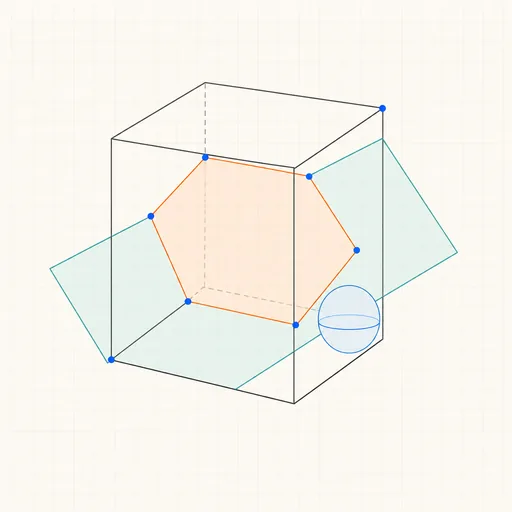
3D Geometry Board
Points, lines, planes, spheres and polyhedra on an orbiting camera — slice solids with planes, unfold nets, drop the Dandelin spheres into a cone and drag everything.
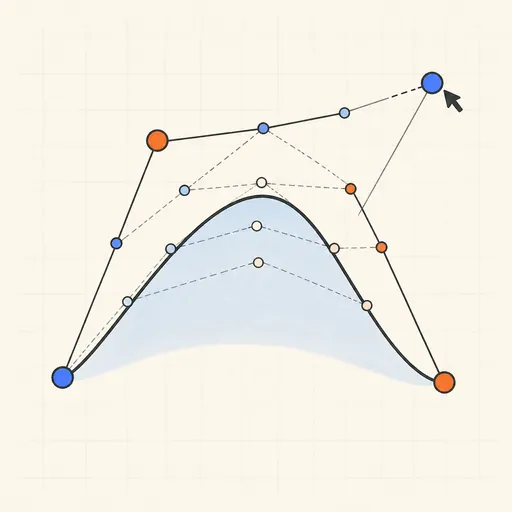
Bézier Curve Playground
Drag control points and watch De Casteljau’s algorithm construct a Bézier curve step by step.
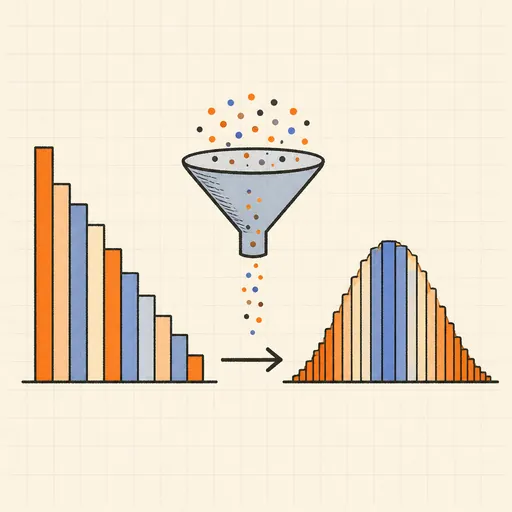
Central Limit Theorem Demo
Sample from any lopsided distribution and watch the averages pile up into a bell curve.
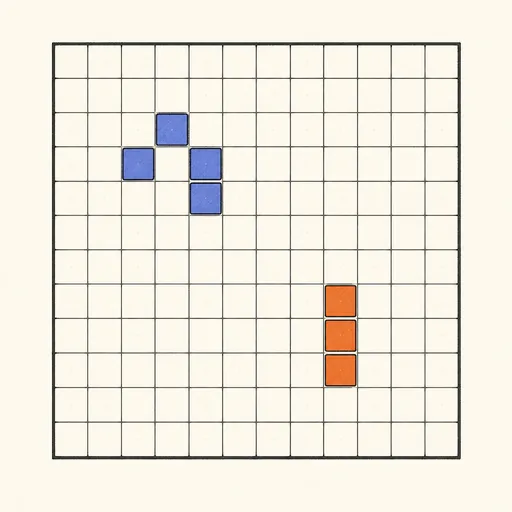
Conway’s Game of Life
Paint cells and watch Conway’s cellular automaton breed gliders, guns and oscillators.
Dynamic Geometry Board
Construct with points, lines, circles and transformations, then drag anything — the construction stays true, and a checker tells you which relations are theorems.
Fantasy Map Generator
Roll a seed and get a continent: coastlines, mountains, rivers, biomes and named towns, ready for your campaign.