Flow-Field Particles, Explained
After reading this you will know how a Perlin noise field steers thousands of particles, how to compute a single particle's path by hand, and how to read the ribbons that form so you can tune the field instead of guessing.
What a flow field is
A flow field assigns a direction to every point in the plane. Stand at any coordinate (x, y), read off an angle \theta(x, y), and step in that direction. Do this repeatedly and you trace a path that bends wherever the field bends. Drop thousands of particles into the same field and let each one follow its own local arrow. The trails they leave braid into streams.
The hook is that nothing in this picture pushes particles toward each other. There is no gravity, no charge, no collision. Two particles that start a pixel apart end up in the same ribbon because they read almost the same angle at almost the same place. The order you see comes entirely from the field being smooth. That single fact, coherence, is what separates this from a swarm of random walkers.
The field here is built from Perlin noise. Perlin noise is a function that looks random at large scale but changes gradually up close, with no jumps. Feed it a coordinate and it returns a number between roughly -1 and 1. Scale that number to an angle and you have your arrow.
When to reach for it, and when not
Use a flow field when you want structured motion that still looks organic: smoke, rivers, wind, hair, marbled paper. It excels at long, coherent curves that fill space without repeating. It is cheap, because each particle costs one noise sample and one addition per step.
Do not use it when you need particles to interact. If you want them to avoid each other, clump under attraction, or conserve momentum, the field model has no mechanism for that. It also is not a physical simulation of any real fluid. Real fluid velocity fields obey the Navier-Stokes equations and are divergence-free in the incompressible case, which forces circulation and vortices to balance. A raw Perlin field has no such constraint, so it can create or destroy "flow" freely. The result is convincing to the eye but carries no conservation law.
Treat the ribbons as art, not physics. The field does not conserve mass, so particles can pile into a stream and thin out elsewhere in ways no incompressible fluid would allow. If you need genuine fluid behavior, this is the wrong model.
The update rule
Each particle holds a position (x, y). On every frame you sample the noise, turn it into an angle, and move a fixed distance s (the speed) along that angle.
Here f is the noise scale (how zoomed in you are on the noise, so small f means broad slow-turning ribbons), t is elapsed time, and d is the drift rate that slowly evolves the field. The 2\pi maps a noise value in [0, 1] onto a full turn. The position then updates by simple Euler stepping.
Every symbol: (x_n, y_n) is the current position, s is the step length in pixels, and \theta is the angle read from the field at that spot. There is no velocity carried between steps. Each frame the particle forgets where it was heading and asks the field afresh. That is why the paths hug the field so tightly.
A worked path with the field defaults
The demo button uses the field defaults. To make the numbers reproducible by hand, take a step length of s = 4 pixels and pretend the noise function returns the angles below at each visited point (a real Perlin sample would compute these; the arithmetic of stepping is identical either way).
Stepping one particle four frames
Start at (100, 100). Suppose the field returns these angles as the particle moves: 0.20, 0.35, 0.55, 0.80 radians. Compute each step with s = 4.
- Frame 0 at (100, 100), \theta = 0.20. Move 4\cos 0.20 = 3.920 in x and 4\sin 0.20 = 0.795 in y. New position (103.92, 100.79).
- Frame 1, \theta = 0.35. Move 4\cos 0.35 = 3.757, 4\sin 0.35 = 1.372. New position (107.68, 102.17).
- Frame 2, \theta = 0.55. Move 4\cos 0.55 = 3.412, 4\sin 0.55 = 2.090. New position (111.09, 104.26).
- Frame 3, \theta = 0.80. Move 4\cos 0.80 = 2.787, 4\sin 0.80 = 2.869. New position (113.88, 107.12).
The angle climbed from 0.20 to 0.80 over four frames, so the path curved gently upward. Total displacement is \sqrt{13.88^2 + 7.12^2} = 15.6 pixels, less than the 4 \times 4 = 16 pixels of path length, exactly because the path bent rather than ran straight.
How the noise scale reshapes everything
The single knob that changes the character of the whole picture is the noise scale f. It sets how far you must travel before the angle changes appreciably. A small f zooms out on the noise, so the field turns slowly and ribbons run long and lazy. A large f zooms in, so the angle churns and paths become tight scribbles.
Think of it as a turning radius. If the angle changes by about \Delta\theta per step and each step is s pixels, the path curves with radius roughly s / \Delta\theta. Halve the noise scale and you roughly double the distance over which the angle changes, which roughly doubles the turning radius and stretches the ribbons out.
Reading the ribbons
Once particles are flowing, the picture tells you about the field even though you never see the arrows directly. Places where many trails converge into one bright stream are field valleys, regions where nearby angles all point the same way. Places that stay dark are where the field pushed particles out faster than new ones arrived. Sharp forks mark where the noise crosses a contour and the angle swings quickly.
The trail fade sets your memory window. If trails fade over about 60 frames and particles move 4 pixels per frame, each ribbon shows roughly the last 60 \times 4 = 240 pixels of history. Shorten the fade and you see instantaneous direction; lengthen it and you see accumulated flow, which reveals the large streams but hides the moment-to-moment wiggle.
Drift matters here too. With drift off, the field is frozen and particles settle onto fixed streamlines, so after a while the picture stops changing and looks etched. Turn drift on and the third noise coordinate t \cdot d advances, so the whole field slides. Ribbons then reroute continuously and never lock into a final state.
Common mistakes
The first mistake is setting the step length too large for the noise scale. If s is big and f is also big, a particle jumps clear across a whole turn of the field in one frame and the path looks jagged and random instead of smooth. Keep the step small enough that the angle changes only a little between frames: aim for \Delta\theta \lt 0.3 radians per step.
The second mistake is confusing the Euler step for reality. Euler integration accumulates error, so over hundreds of steps a particle drifts off the ideal streamline. For art that is invisible. If you ever compared these paths against an exact integral, they would not match, and neither would represent a physical fluid.
If ribbons feel too busy, lower the noise scale before you touch anything else. It has the largest single effect on the look, because it controls the turning radius that every other setting works around.
The third mistake is expecting the swarm to spread evenly. It will not. Coherent fields funnel particles into streams and starve the gaps, so density is uneven by design. If you want even coverage, respawn particles at random positions when they leave the canvas or after a fixed lifetime.
Related tools on this site
If you like watching order emerge from a simple local rule, several neighbors here scratch the same itch. Lorenz Attractor traces a single trajectory through a smooth vector field in 3D, the closest cousin to a lone flow-field particle. Random Walk Explorer is the opposite extreme: motion with no coherence at all, so comparing the two makes the role of smoothness vivid. Metaballs also builds structure from a smooth scalar field. For discrete rules that self-organise instead, try Conway’s Game of Life or Elementary Cellular Automata. And for a different flavor of generative curve, Spirograph traces exact looping paths from gear ratios.
Frequently asked questions
Why do the particles form streams without attracting each other?
Because the field is coherent. Two particles a pixel apart read almost the same angle, so they step almost the same way and stay together. The streaming is a property of the smooth field, not of any force between particles.
Is this a real fluid simulation?
No. A real incompressible fluid obeys the Navier-Stokes equations and conserves mass, which forces divergence-free flow. A Perlin field has no such constraint, so it can create and destroy apparent flow freely. It looks fluid but carries no physics.
What does the noise scale actually change?
It sets how quickly the angle changes across space, which controls the turning radius of the paths, roughly s / \Delta\theta. Small scale gives long lazy ribbons; large scale gives tight curls.
Why do trails fade instead of staying solid?
Fading gives each ribbon a memory window. At 4 pixels per frame and a 60-frame fade, you see about the last 240 pixels of each path, which shows the flowing structure without filling the canvas solid.
Why does the pattern eventually stop changing?
With drift off the field is frozen, so particles settle onto fixed streamlines and the picture becomes static. Turn drift on to advance the third noise coordinate and the ribbons keep rerouting.
Related tools
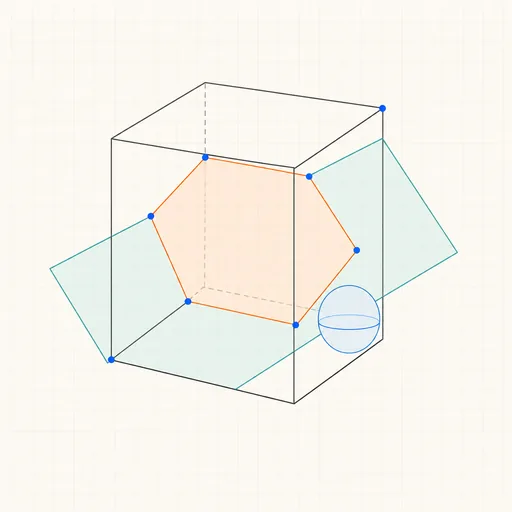
3D Geometry Board
Points, lines, planes, spheres and polyhedra on an orbiting camera — slice solids with planes, unfold nets, drop the Dandelin spheres into a cone and drag everything.
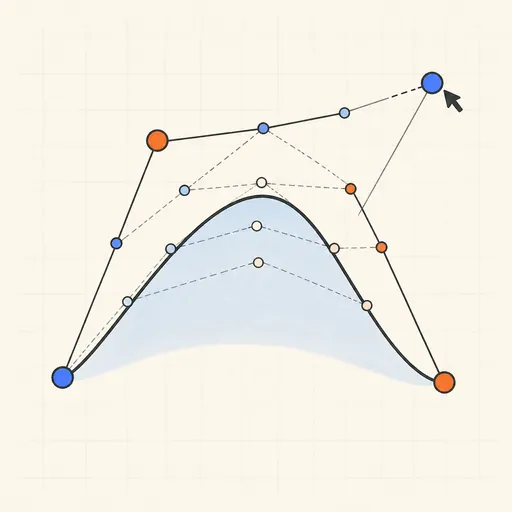
Bézier Curve Playground
Drag control points and watch De Casteljau’s algorithm construct a Bézier curve step by step.
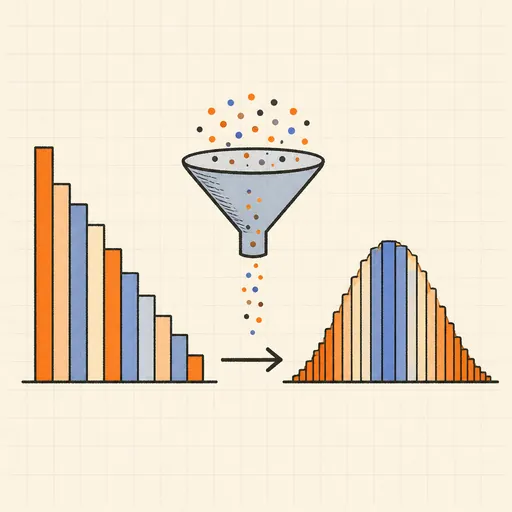
Central Limit Theorem Demo
Sample from any lopsided distribution and watch the averages pile up into a bell curve.
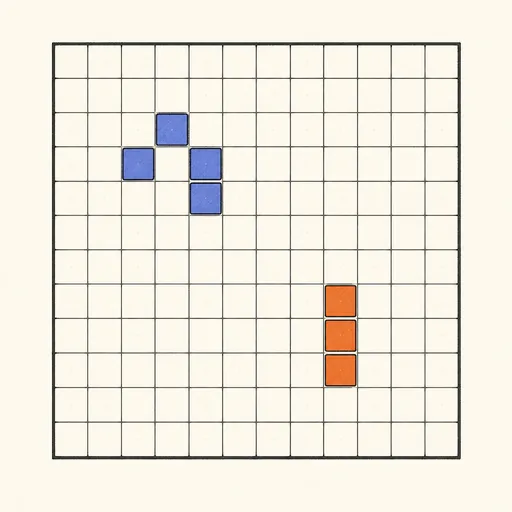
Conway’s Game of Life
Paint cells and watch Conway’s cellular automaton breed gliders, guns and oscillators.
Dynamic Geometry Board
Construct with points, lines, circles and transformations, then drag anything — the construction stays true, and a checker tells you which relations are theorems.

Fantasy Map Generator
Roll a seed and get a continent: coastlines, mountains, rivers, biomes and named towns, ready for your campaign.