Support Vector Machines, Explained
After reading this you will know how a support vector machine picks the widest-margin boundary between two classes, how the C and \gamma knobs reshape it, and how to read the support vectors the demo rings on the canvas.
What a support vector machine does
Give a support vector machine a set of 2D points labeled +1 or -1. It draws one line (or curve) between them. Many lines can separate two clean clusters, but the SVM does not pick just any line. It picks the one that leaves the widest empty band on both sides. That band is the margin, and the points that touch its edges are the support vectors.
Here is the hook. Suppose the positive class sits near (3, 3) and the negative class near (-3, -3). Countless lines separate them, but only one runs straight through the origin at 45 degrees with maximum clearance on each side. The SVM finds that line. Then it throws away every point except the few nearest the boundary. If you slide a far-away point even farther away, the boundary does not move at all. Only the borderline points matter.
This is the trait worth remembering: the final model depends on a handful of points, not the bulk of your data.
When to reach for it, and when not
SVMs work well when the classes are roughly separable and the number of features is moderate. They shine when you have more features than samples, because the margin criterion controls complexity even in high dimensions. With a kernel they bend around curved boundaries that a straight line cannot handle.
Skip them, or at least think twice, in three situations. First, very large datasets: the training cost grows faster than linearly, and gradient-boosted trees or logistic regression scale better. Second, when you need calibrated probabilities out of the box; an SVM returns a signed distance, not a probability, and mapping it to a probability takes an extra fitting step. Third, when the classes overlap heavily and the boundary is genuinely fuzzy, where a probabilistic model tells a more honest story.
An SVM outputs a score f(x). The sign gives the class and the magnitude gives distance from the boundary in margin units. It does not output P(y=1). Do not read f(x) = 2.0 as "probability 2".
The margin, and the math that finds it
A linear boundary is the set of points where a weighted sum plus a bias equals zero:
Here w is a weight vector perpendicular to the boundary, x is a point, and b shifts the line off the origin. The boundary is f(x) = 0. The two margin edges are f(x) = +1 and f(x) = -1.
The distance between those two edges works out to 2 / \lVert w \rVert. To widen the margin you shrink \lVert w \rVert. That gives the hard-margin objective: minimize \tfrac{1}{2}\lVert w \rVert^2 while keeping every point on the correct side of its margin, meaning y_i \, f(x_i) \ge 1 for all i.
Real data is messy, so we allow violations with slack and pay for them. That is the soft-margin objective:
The first term wants a wide margin (small w). The second term, the hinge loss, charges C per unit of margin violation. A point safely outside the margin costs nothing. A point inside the margin or on the wrong side costs 1 - y_i f(x_i) times C. So C is the price of a mistake. Set it low and the machine tolerates violations to keep the margin wide. Set it high and it fights hard to classify every training point, narrowing the margin toward the hard-margin case.
Kernels enter when a straight line cannot separate the data. Instead of computing w \cdot x, the kernel measures similarity between pairs of points. The RBF kernel is
Two identical points score 1. As they move apart the score decays toward 0, and \gamma sets how fast. The effective width is 1/\sqrt{\gamma}. Large \gamma means a narrow bump: each support vector only influences its immediate neighborhood, so the boundary can wrap tightly around single points and overfit. Small \gamma means a wide bump and a nearly linear boundary.
A worked example on the demo blobs
Two clean blobs, linear kernel, by hand
Take the simplest case the demo can show. Load the separable blobs so the positive class centers on (2, 2) and the negative on (-2, -2). Suppose the two closest opposing points are x_+ = (1, 1) with label +1 and x_- = (-1, -1) with label -1. By symmetry the boundary must pass through the origin at 45 degrees.
- Guess w = (a, a) and b = 0 so the boundary is the line x_1 + x_2 = 0.
- Impose the margin condition on the support vectors: y_+ (w \cdot x_+ + b) = 1. That is 1 \cdot (a + a) = 1, so 2a = 1 and a = 0.5.
- So w = (0.5, 0.5) and \lVert w \rVert = \sqrt{0.25 + 0.25} = 0.7071.
- The margin width is 2 / \lVert w \rVert = 2 / 0.7071 = 2.828.
- Check a bulk point, say (2, 2): f = 0.5 \cdot 2 + 0.5 \cdot 2 = 2.0. Since 2.0 \ge 1, it sits outside the margin and contributes nothing.
Only (1,1) and (-1,-1) are support vectors here. Move (2,2) to (5,5) and rerun: the boundary is unchanged, because the closest points did not change.
See C and gamma reshape the boundary
Numbers on paper only go so far. The single most instructive move is to slide one knob and watch the boundary respond, holding the data fixed.
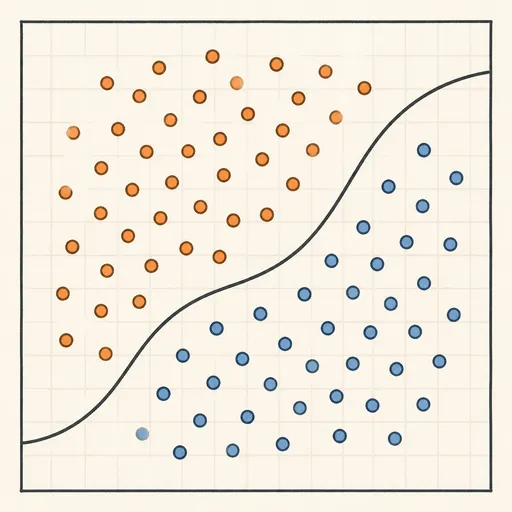
Reading the canvas and the readout
The demo shows four things at once. Learn to read each.
- Shaded regions
- The two colors are the predicted classes, the sign of f(x). The dividing curve is f(x) = 0.
- Margin band
- The lighter strip where \lvert f(x) \rvert \lt 1. A wide band means a confident, simple boundary. A thin band or many islands means a boundary fitted tightly to individual points.
- Ringed points
- The support vectors, the points with \alpha_i \gt 0. These are the only points that define the model.
- Support vector count
- Roughly, how much of the data the boundary leans on. A count near your total point count is a warning sign of overfitting, especially with high \gamma.
- Training accuracy
- Fraction of training points classified correctly. High training accuracy with a jagged boundary and many support vectors usually means poor accuracy on new data.
Watch the support vector count relative to your point total. Twenty support vectors out of two hundred points is healthy. One hundred eighty out of two hundred means the machine memorized rather than generalized. Lower \gamma or C and the count should drop.
Common mistakes
Not scaling features. The RBF kernel uses squared distance, so a feature ranging over thousands dominates one ranging over units. The demo lives on a fixed canvas so this is hidden, but on real data, standardize each feature to mean 0 and standard deviation 1 before training. Without it, \gamma means different things on different axes.
Treating C and gamma as independent. They interact. A large \gamma already lets the boundary curve tightly, so a large C on top of it drives severe overfitting. Tune them together on a grid, not one at a time.
Reading the score as a probability. f(x) = 3.0 means the point sits three margin units from the boundary, not that it belongs to the class with probability 3. Convert to a probability with a separate calibration step if you need one.
Trusting training accuracy alone. A high enough \gamma can reach 100% training accuracy on almost any dataset by wrapping the boundary around each point. That number says nothing about new data. If you want to feel this failure mode directly, the Overfitting Sandbox shows train and test error splitting apart as model complexity climbs.
Related tools on this site
An SVM with a linear kernel and a probabilistic classifier attack the same 2D separation task from different angles. Compare the max-margin boundary here with the gradient-descent boundary in the Logistic Regression Playground, which does return probabilities. For the historical starting point of linear classifiers, step through the mistake-driven updates in the Perceptron Learning Animation.
For non-linear boundaries built a different way, the k-Nearest Neighbors Explorer votes with local neighbors instead of a global margin, and the Decision Tree Builder carves the plane into axis-aligned boxes. To see how the least-squares idea behind the margin also drives regression, try the Linear Regression Playground.
Frequently asked questions
Why does the boundary ignore points far from it?
Because those points have \alpha_i = 0 in the dual solution. The boundary is a weighted sum over support vectors only. A point comfortably outside its margin (y_i f(x_i) \ge 1) contributes zero weight, so moving it does not change the boundary at all.
What is the difference between C and gamma?
C controls how much a margin violation costs, trading margin width against training errors. \gamma controls the width of the RBF bump, which sets how local or global the boundary is. C exists for every kernel; \gamma only applies to the RBF (and similar) kernels.
How many support vectors should I expect?
For clean, well-separated data with a good linear kernel, just a few, sometimes as few as two or three per class. As data overlaps, or as \gamma and C rise, the count grows. When it approaches your total point count, the model is memorizing.
Can an SVM give me class probabilities?
Not directly. It gives a signed score f(x). Libraries add probabilities by fitting a logistic function to those scores on held-out data, an extra step that costs more training time and is not always well calibrated.
Why does the demo solution differ slightly from the true optimum?
The demo uses a simplified sequential minimal optimization solver capped at 200 points and a fixed iteration budget. It gets close to the optimal \alpha values quickly but stops before full convergence, so tiny differences in the boundary from run to run are expected.
Related tools
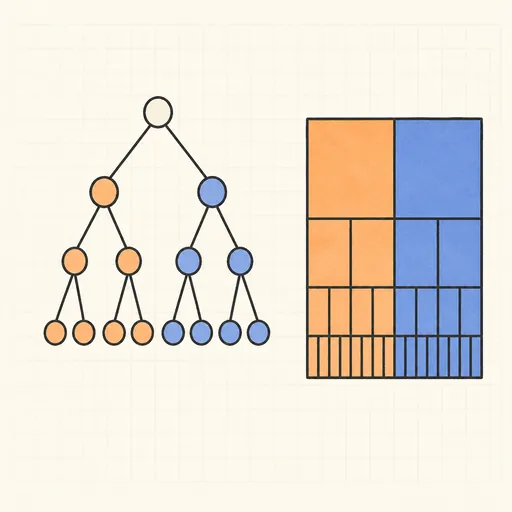
Decision Tree Builder
Grow a CART decision tree split by split and watch the partition map and tree diagram build together.
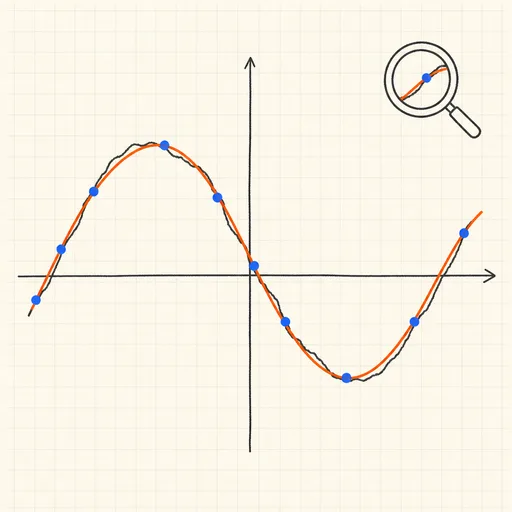
Function Sketch Finder
Sketch a curve on a zoomable coordinate grid and search dozens of function families for the equations that fit it best.
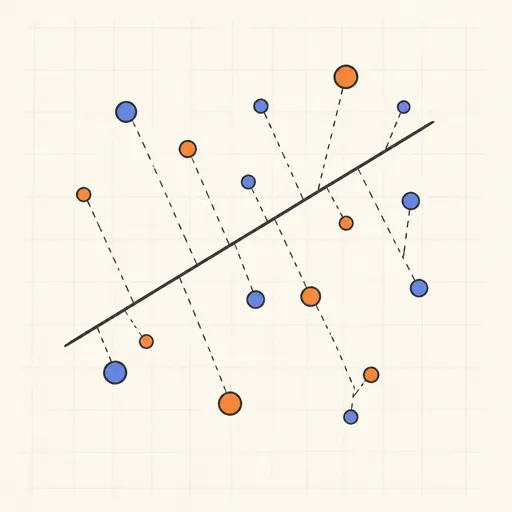
Linear Regression Playground
Place points, watch the least-squares line follow, and see gradient descent crawl across the loss surface.
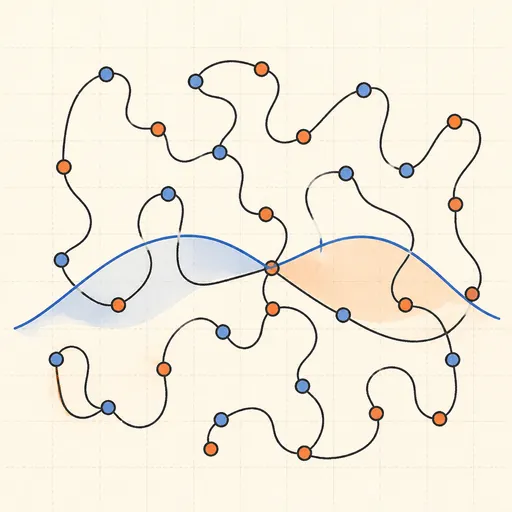
Overfitting Sandbox
Crank a polynomial’s degree on noisy data and watch the train/test error curves split apart.
Logistic Regression Playground
Paint two classes of points and watch logistic regression carve out its probability boundary by gradient descent.

Naive Bayes Classifier Demo
Score your own message with a word-count spam filter, or watch Gaussian naive Bayes classify 2D points.