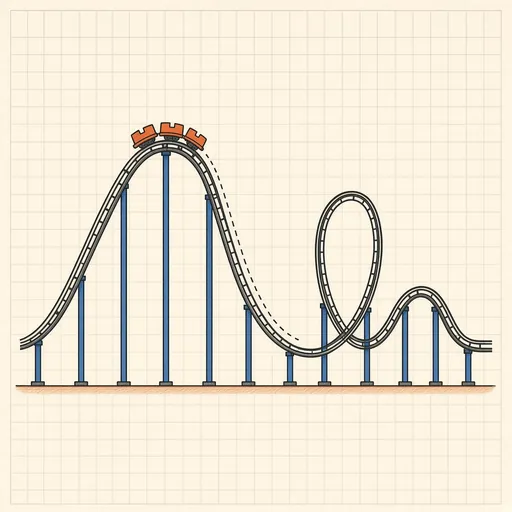
Roller Coaster Designer
A side-view coaster sandbox. Drag the points of the track to shape the lift hill, the drops and the camelbacks, put loops into the valleys, and start with a chain lift or a launch. The train rides your design at once: speed and height over the ride, the vertical g-force riders feel on every stretch of rail (coloured from floating airtime to a grey-out), and energy bars where height turns into speed and slowly into heat. Find out why no hill may be taller than the lift, why a valley that is too tight hurts, why modern loops are teardrops and not circles, and take on design briefs: make it home, loop the loop under 5 g, three seconds of airtime, a kiddie coaster or a hypercoaster.
Runs 100% in your browser — simulations are computed locally on your device.
Read the full guide to this tool
Notes
- The train is a point mass rolling along the rail: gravity along the track, rolling friction proportional to the force pressing the wheels on the rail, and air drag growing with the square of the speed. Wheels above and below the rail keep it locked on, as on real coasters.
- The vertical g-force is 1 g at rest; in a valley of radius r it rises to 1 + v²/(g·r), over a crest it falls to 1 − v²/(g·r), and below 0 g riders lift out of their seats (airtime). Designers keep it below about 5 g and above about −1.5 g.
- Without friction, energy is conserved: ½mv² + mgh stays constant, so the train clears any hill lower than the lift. With friction a little of that energy turns into heat on every metre, which is why each hill must be lower than the last.
- Runs 100% in your browser — simulations are computed locally on your device.
Related tools
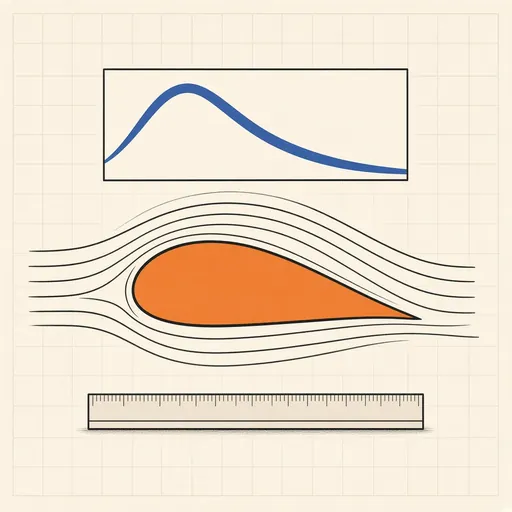
Airfoil Designer & Analyzer
Shape a NACA airfoil, see its pressure distribution and plot lift and drag polars, XFOIL-style, in the browser.
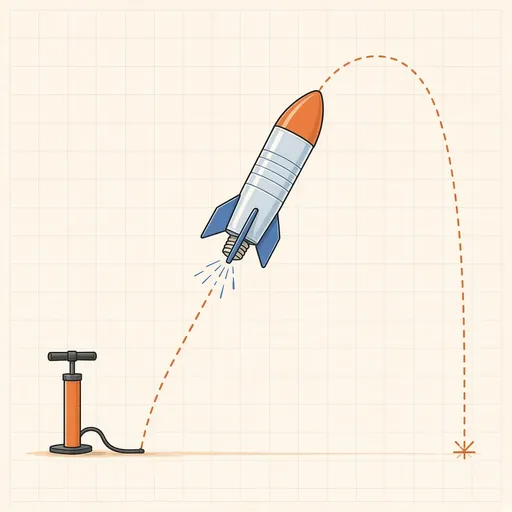
Bottle Rocket Simulator
Fill a soda-bottle water rocket, pump it up and launch it: find the water level, pressure and fins that fly highest.
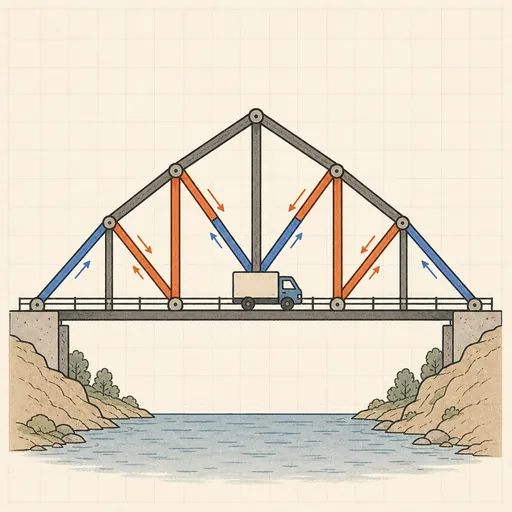
Bridge Builder & Truss Simulator
Design a truss bridge, send a truck across and watch every member strain, buckle or snap under load.
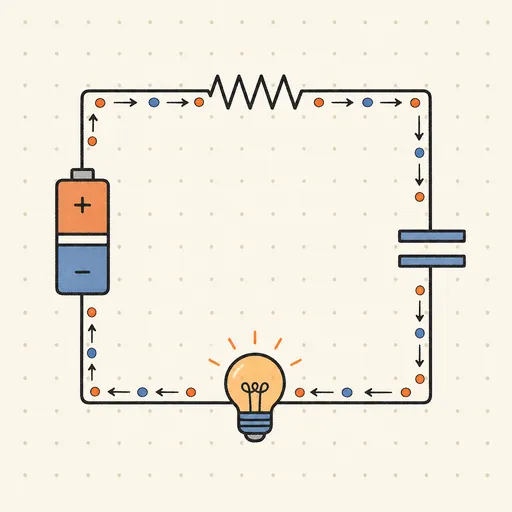
Circuit Simulator
Build analog circuits on a grid and watch current flow live — batteries, resistors, capacitors, LEDs and more.
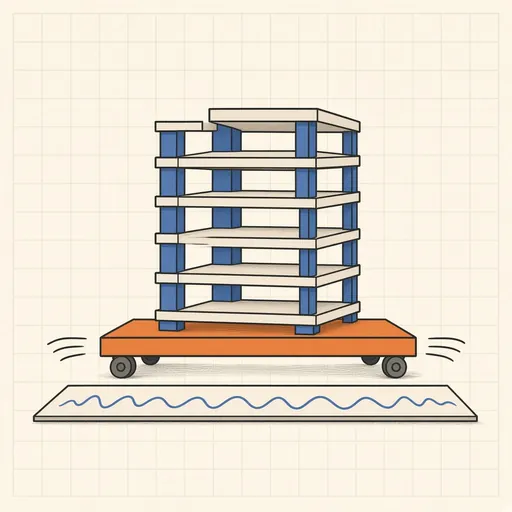
Earthquake Shake Table Simulator
Shake a multi-story building with an earthquake and watch it sway, crack or survive, with base isolation and dampers.
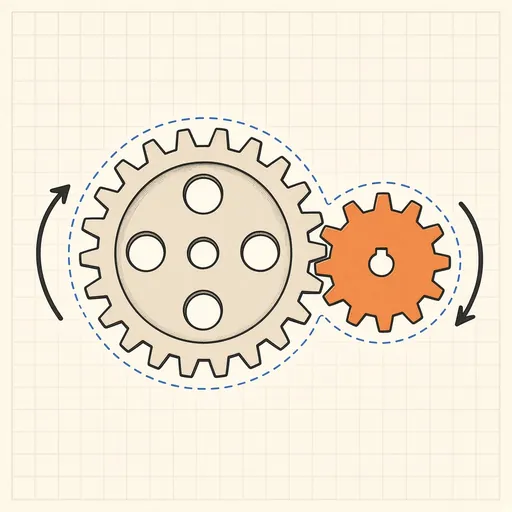
Gear Generator
Design involute spur gears, racks and planetary sets, watch them mesh and export SVG or DXF for laser cutting.