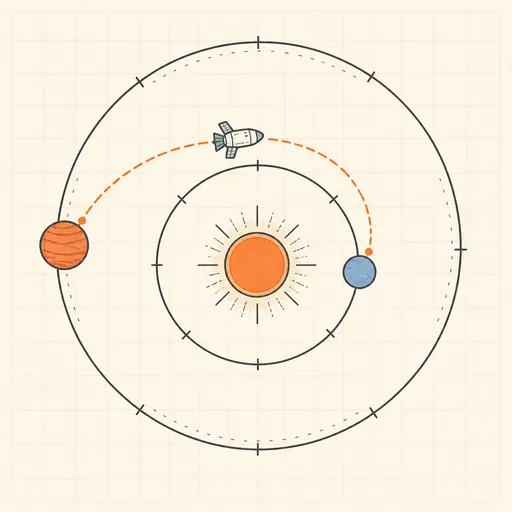
Orbital Mission Planner
Plan a real interplanetary transfer the way mission designers do. Choose an origin and destination planet, and the planner scans departure and arrival dates to build a porkchop plot — the classic contour map of total Δv over launch windows — by solving Lambert’s problem for every date pair. Click anywhere on the plot to load that mission: the solar system view animates the planets moving on their true orbits (J2000 elements) while your spacecraft coasts along the computed transfer arc, with departure burn, arrival burn, transfer time and phase angle reported. A Hohmann-transfer baseline shows how close your window gets to the ideal minimum-energy trip.
Runs 100% in your browser — simulations are computed locally on your device.
Read the full guide to this tool
Notes
- Lambert’s problem — find the orbit connecting two position vectors in a given flight time — is solved with a universal-variables iteration for each departure/arrival pair on the plot.
- Planet positions come from J2000 Keplerian elements with secular rates (JPL approximate ephemerides), so launch windows land on realistic dates — try Earth→Mars and look for the ~26-month synodic rhythm.
- Δv figures are heliocentric injection and arrival burns from/to the planets’ orbits; escaping the departure planet’s gravity well and capture orbits add mission-specific extra cost not modelled here.
- Runs 100% in your browser — simulations are computed locally on your device.
Related tools
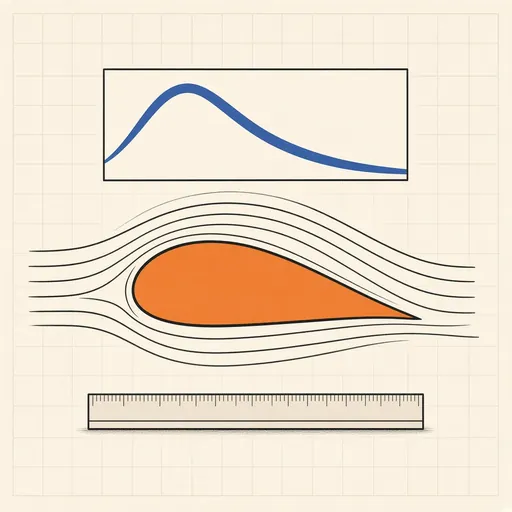
Airfoil Designer & Analyzer
Shape a NACA airfoil, see its pressure distribution and plot lift and drag polars, XFOIL-style, in the browser.
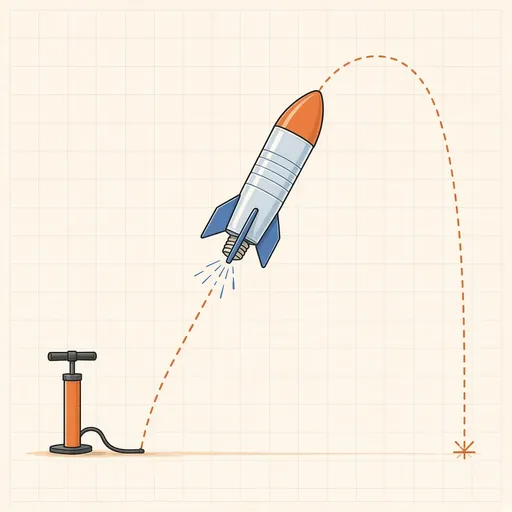
Bottle Rocket Simulator
Fill a soda-bottle water rocket, pump it up and launch it: find the water level, pressure and fins that fly highest.
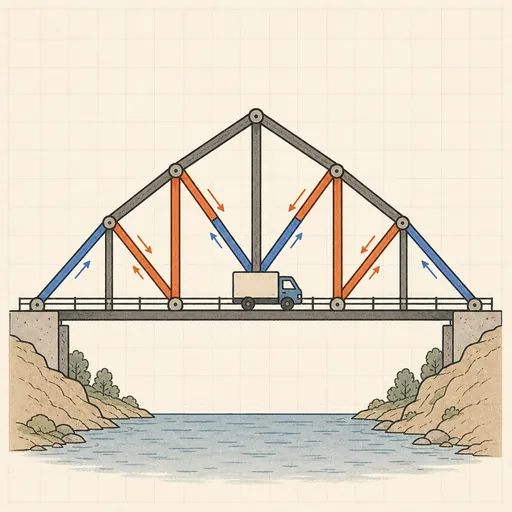
Bridge Builder & Truss Simulator
Design a truss bridge, send a truck across and watch every member strain, buckle or snap under load.
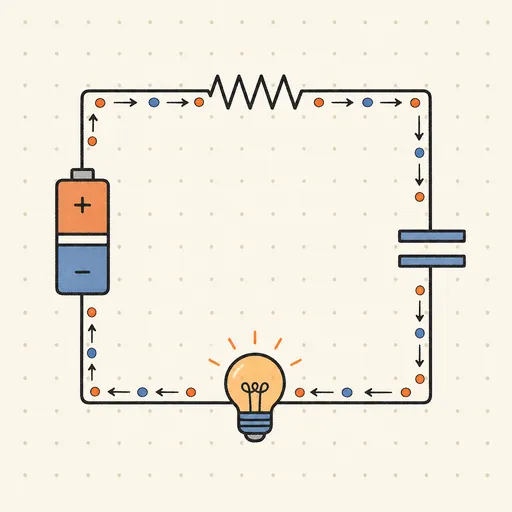
Circuit Simulator
Build analog circuits on a grid and watch current flow live — batteries, resistors, capacitors, LEDs and more.
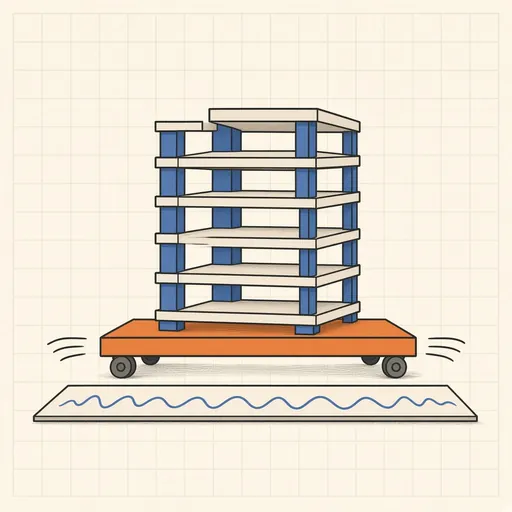
Earthquake Shake Table Simulator
Shake a multi-story building with an earthquake and watch it sway, crack or survive, with base isolation and dampers.
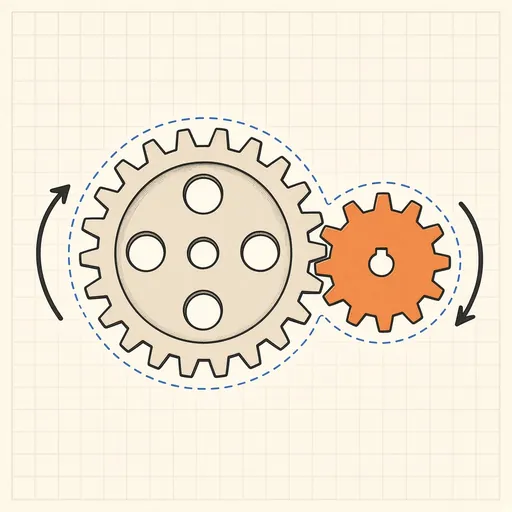
Gear Generator
Design involute spur gears, racks and planetary sets, watch them mesh and export SVG or DXF for laser cutting.