Metaballs, Explained
After reading this you will know exactly how a metaball field is summed, why two blobs merge with a stretchy neck, and how the threshold you pick controls the whole look.
What a metaball actually is
A metaball is not a circle with an edge. It is a bump of numbers spread across the plane. Every point on the canvas gets a value, and that value is largest near the center of a ball and fades away with distance. When you have several balls, you add up all their bumps at every point. The result is one smooth field of numbers, high near the balls and low in the empty space.
You never draw the field directly. Instead you pick one height, called the threshold or isovalue, and draw a line exactly where the field crosses that height. That single contour line is the metaball surface. Because the underlying numbers are smooth, the line is smooth too, and it does something a plain circle cannot: when two balls drift close, their bumps stack up in the gap between them, the sum there rises above the threshold, and the two outlines fuse into one shape with a pinched waist. Pull them apart and the waist stretches, thins, and finally snaps. That is the lava-lamp behavior.
When to reach for metaballs, and when not
Metaballs are the right model when you want organic shapes that split and merge on their own, without you scripting the moment they touch. Fluid droplets, blobs of mercury, soft glowing UI accents, and the classic lava lamp all fit. The merging is free: it falls straight out of adding fields.
They are the wrong model when you need sharp corners, exact areas, or rigid bodies. A metaball has no true boundary, only a chosen contour, so its enclosed area shifts the moment you nudge the threshold. If you need precise geometry, use polygons. If you need collision between hard shapes, metaballs will bleed into each other instead of bouncing.
Metaballs are one member of a family called implicit surfaces: shapes defined by an equation f(x, y) = c rather than by a list of vertices. The Mandelbrot boundary and a Voronoi cell edge are also implicit, though they use very different functions.
The field formula and the intuition
The standard falloff for a single ball uses an inverse-square law. For a ball centered at (x_i, y_i) with radius r_i, its contribution at a point (x, y) is:
Here r_i is the ball's radius in pixels, and the denominator is the squared distance from the point to the ball's center. At the center the distance is zero and the value blows up toward infinity; far away the value drops toward zero. The r_i^2 on top means a bigger ball produces a taller bump everywhere, so it reaches the threshold from farther out.
The total field is just the sum over all balls:
The surface is the set of points where F(x, y) = T, and T is the threshold you control. Solve one ball in isolation and you get a clean answer: setting F = T for a single ball gives (x - x_i)^2 + (y - y_i)^2 = r_i^2 / T, a circle of radius r_i / \sqrt{T}. So with T = 1 a lone ball's outline is exactly its stated radius. Raise T and the drawn circle shrinks; lower it and the circle swells.
A worked example with the demo balls
Load the tool with its defaults and press the demo button. Take a snapshot with two balls to keep the arithmetic checkable. Put ball A at (200, 300) with radius 60 and ball B at (360, 300) with radius 60, both on the same horizontal line, 160 pixels apart. Use threshold T = 1.
Does the field fuse at the midpoint?
The midpoint between the centers is (280, 300). Each ball is 80 pixels away from it, so each squared distance is 80^2 = 6400.
- Ball A at the midpoint: 60^2 / 6400 = 3600 / 6400 = 0.5625.
- Ball B at the midpoint: by symmetry also 0.5625.
- Total field there: 0.5625 + 0.5625 = 1.125.
- Compare to threshold: 1.125 \gt 1, so the midpoint is inside the surface. The blobs are fused.
Now push them apart to 240 pixels, centers at (160, 300) and (400, 300). The midpoint (280, 300) is now 120 pixels from each, so each squared distance is 14400. Each ball gives 3600 / 14400 = 0.25, for a total of 0.5. Since 0.5 \lt 1, the midpoint is now outside: the neck has snapped and you see two separate blobs.
Somewhere between 160 and 240 pixels of separation, the midpoint value passes through exactly 1. Set each ball's contribution to 0.5: 3600 / d^2 = 0.5 gives d^2 = 7200, so d \approx 84.85 pixels from the midpoint, or a separation of about 169.7 pixels. Cross that distance and the blobs merge or split.
How the outline gets drawn: marching squares
Knowing the field is smooth does not tell the computer where to draw the line. The tool lays a grid of small cells over the canvas and evaluates F at each grid corner. Each corner is then flagged inside (F \ge T) or outside (F \lt T). A square cell has four corners, so there are 2^4 = 16 possible inside/outside patterns.
For each of those 16 cases there is a known way to connect line segments across the cell edges where the contour must cross. To place the crossing point precisely, the tool interpolates: if one corner reads 1.4 and its neighbor reads 0.6 with a threshold of 1.0, the crossing sits (1.4 - 1.0) / (1.4 - 0.6) = 0.5 of the way along that edge, right in the middle. Stitch every cell's segments together and you get the full outline. This is the two-dimensional version of marching cubes, which does the same job with 8-corner boxes to build 3D surfaces.
Coarser grids run faster but round off the merging necks into blocky steps. Finer grids look smooth but cost more field evaluations per frame. If the animation stutters, the grid resolution is usually the first thing to lower.
Reading and interpreting what you see
Three numbers explain almost everything on screen. The ball count sets how many bumps sum together, so more balls raise the whole field and make merging happen more readily. The radius scales each bump by r^2, so doubling a radius quadruples its influence and roughly doubles the drawn size. The threshold is the height of the slice.
Watch the neck between two approaching blobs. Its width is the clearest readout of the field. A thick, slow neck means the sum in the gap is well above threshold. A thin, trembling neck that snaps means the sum is hovering right at T. When you see a blob appear out of nowhere in empty space, that is two or three distant bumps adding up just enough to cross the line, then falling back below it as the balls drift.
| Threshold T | Lone ball radius (px) | Merge separation (px) |
|---|---|---|
| 0.5 | 84.85 | 240.0 |
| 1.0 | 60.00 | 169.7 |
| 1.5 | 48.99 | 138.6 |
| 2.0 | 42.43 | 120.0 |
| 3.0 | 34.64 | 97.98 |
Lone radius is 60 / \sqrt{T} and merge separation is \sqrt{8 \cdot 60^2 / T}. Both shrink as T rises, which is why a high threshold gives small blobs that only fuse when nearly touching.
Common mistakes
The biggest trap is dividing by zero. The inverse-square field is infinite at a ball's exact center, and if a grid corner lands there you get NaN or a spike. Real implementations add a small constant to the denominator, r^2 / (d^2 + \epsilon), or clamp the value. If your blobs flicker white, an unclamped singularity is the likely cause.
A second mistake is expecting the enclosed area to stay fixed. It does not. Nudge the threshold from 1.0 to 1.1 and every blob shrinks, because you sliced the field higher. Metaballs conserve nothing on their own.
A third mistake is reading the falloff as linear. It is not. The inverse-square field means a ball twice as far away contributes only one quarter as much, so influence is very local. That locality is exactly why two balls can share a canvas and yet stay fully separate until they get close.
Related tools on this site
Metaballs sit next to several other field-and-contour ideas. The Mandelbrot Explorer also draws a boundary defined by a rule at every point rather than by vertices. The Voronoi & Lloyd Relaxation tool partitions the plane by nearest center, a hard-edged cousin of the smooth metaball blend. For fields that push particles rather than draw contours, see Flow-Field Particles. And for grid-based rules that evolve over time like the marching-squares grid, try Conway's Game of Life.
Frequently asked questions
Why do metaballs merge but circles do not?
Because a metaball is a sum of fields, not an edge. In the gap between two balls both fields add together. When that sum crosses the threshold the gap fills in and the two outlines become one. Circles have no field to add, so they just overlap and keep their separate edges.
What does the threshold actually change?
It is the height at which you slice the field. A lone ball's drawn radius is r / \sqrt{T}, so raising T shrinks every blob and forces balls to get closer before they merge, while lowering it swells them and lets them fuse from farther apart.
Why inverse square and not a different falloff?
Inverse square is the traditional choice and gives clean algebra: a lone ball's contour is an exact circle. Other falloffs work too, including Gaussian bumps and polynomials that reach exactly zero at a fixed radius. The polynomial versions avoid the infinite spike at the center and are common in production code.
Why does the outline look blocky sometimes?
Marching squares samples the field on a grid and connects straight segments inside each cell. If the grid is coarse relative to the blob size, the segments are large and the curve looks faceted. A finer grid smooths it at the cost of more computation per frame.
Can metaballs work in 3D?
Yes. The field formula generalizes by adding a z term to the distance, and the contour becomes a surface instead of a line. Marching cubes replaces marching squares, checking 8 corners per box instead of 4. The merging behavior is identical in spirit.
Related tools
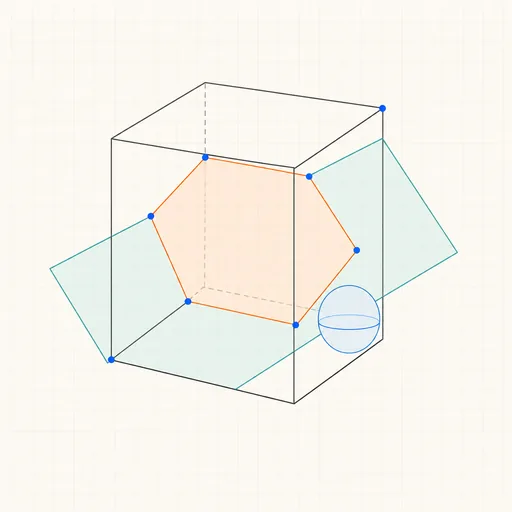
3D Geometry Board
Points, lines, planes, spheres and polyhedra on an orbiting camera — slice solids with planes, unfold nets, drop the Dandelin spheres into a cone and drag everything.
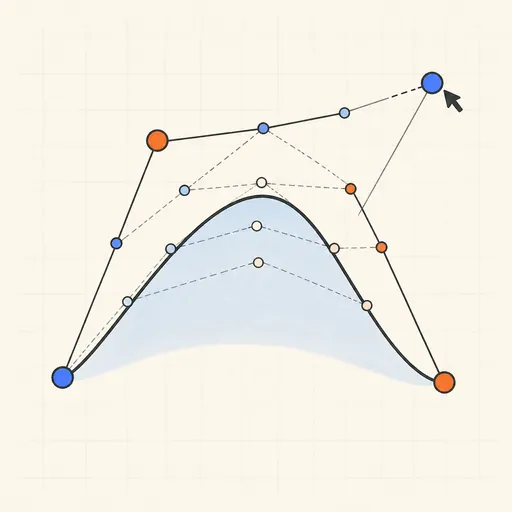
Bézier Curve Playground
Drag control points and watch De Casteljau’s algorithm construct a Bézier curve step by step.
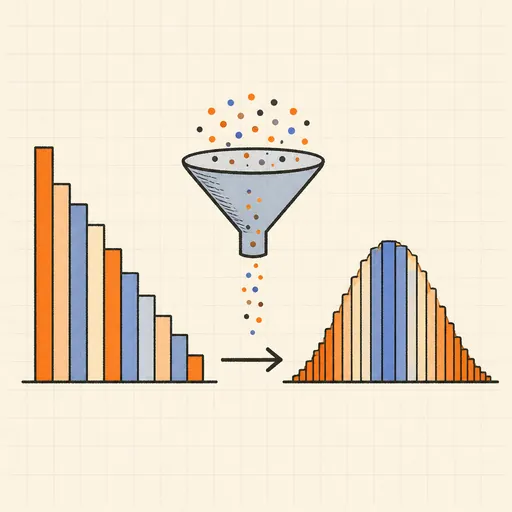
Central Limit Theorem Demo
Sample from any lopsided distribution and watch the averages pile up into a bell curve.
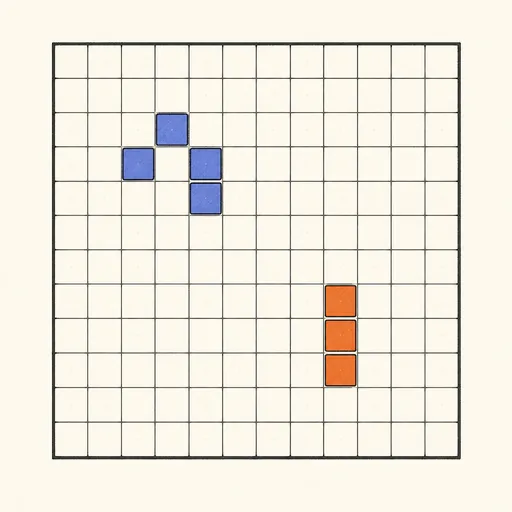
Conway’s Game of Life
Paint cells and watch Conway’s cellular automaton breed gliders, guns and oscillators.
Dynamic Geometry Board
Construct with points, lines, circles and transformations, then drag anything — the construction stays true, and a checker tells you which relations are theorems.
Fantasy Map Generator
Roll a seed and get a continent: coastlines, mountains, rivers, biomes and named towns, ready for your campaign.