The Mandelbrot Set, Explained
After reading this you will know exactly what the iteration z → z² + c does, why the escape count colours each pixel, and how to read a deep zoom without being fooled by rendering artefacts.
What the Mandelbrot set is
Pick a complex number c. Start with z_0 = 0 and repeat the rule z_{n+1} = z_n^2 + c. Two things can happen. Either the numbers stay bounded forever, or they grow without limit. The Mandelbrot set is the collection of all c values for which the sequence stays bounded.
Take c = 0. Then every term is 0, which stays bounded, so 0 is in the set. Take c = 1. The sequence runs 0, 1, 2, 5, 26, 677, ... and races off to infinity, so 1 is not in the set. Take c = -1. The sequence is 0, -1, 0, -1, 0, ..., a two-cycle that never escapes, so -1 is in the set.
The set itself is the black region in the explorer. The hook is the boundary. It is not a smooth curve. It is a fractal of infinite length packed into a finite area, and every zoom reveals new detail that looks like the whole set in miniature.
When this model is useful, and when it is not
The Mandelbrot set is a clean example of how a trivially simple rule produces unlimited structure. Use it to build intuition for iterated maps, sensitivity to a parameter, and the idea that "bounded or not" can carve a complicated shape out of a plane. It is also the standard testbed for smooth colouring, arbitrary-precision arithmetic, and escape-time algorithms.
Do not read physical meaning into the colours. The bands are a rendering choice, not a law of nature. The set does not model population growth, weather, or markets, even though those systems also involve iteration and sensitivity. It is a mathematical object studied for its own structure. If you want a discrete dynamical system with more direct real-world flavour, the cellular automata below are a better starting point.
The formula and why it escapes
The full rule is one line.
Here z_n and c are complex numbers. Writing z = x + iy and c = a + ib, the squaring expands to z^2 = (x^2 - y^2) + i(2xy), so the real update is x' = x^2 - y^2 + a and the imaginary update is y' = 2xy + b. That is the arithmetic the explorer runs on every pixel.
The escape test uses a radius of 2. If |z_n| \gt 2 at any step, the sequence is guaranteed to diverge and you can stop. The reason is short: once |z| \gt 2 and |z| \ge |c|, each squaring grows the magnitude faster than c can pull it back, so it runs away. Points that never cross radius 2 within your iteration cap are drawn as members of the set.
The escape radius 2 is a threshold for stopping, not the edge of the set. The set fits inside the disc of radius 2, and the leftmost point sits at c = -2, where the sequence is 0, -2, 2, 2, 2, ..., bounded but only just.
Smooth colouring instead of bands
The simplest colouring uses the raw iteration count n at which a point escapes. That produces visible steps, because n is an integer. Neighbouring pixels that escape at 17 and 18 get a hard colour jump.
Smooth (continuous) colouring removes the steps with a fractional correction.
Here n is the step at which |z_n| first exceeds the escape radius, and |z_n| is how far past the radius it landed. The term \log_2(\log|z_n|) is a fraction between 0 and 1 that measures how deep into that final step the point went. Subtracting it turns the integer staircase into a continuous ramp, so the colour gradient is smooth even across the boundary.
Reproducing the demo view by hand
The explorer opens centred at c = -0.5 + 0i at zoom factor 1. Pick one nearby point and iterate it by hand to see the escape test work. Take c = 0.3 + 0.5i, using the escape radius 2 so the threshold on |z|^2 is 4.
- Start z_0 = 0. Then z_1 = 0^2 + c = 0.3 + 0.5i, and |z_1|^2 = 0.09 + 0.25 = 0.34. Below
4, continue. - z_2 = z_1^2 + c. Square: (0.3^2 - 0.5^2) + i(2 \cdot 0.3 \cdot 0.5) = -0.16 + 0.30i. Add c: 0.14 + 0.80i. Then |z_2|^2 = 0.0196 + 0.64 = 0.6596. Continue.
- z_3: square gives (0.0196 - 0.64) + i(2 \cdot 0.14 \cdot 0.80) = -0.6204 + 0.224i. Add c: -0.3204 + 0.724i. Then |z_3|^2 = 0.1027 + 0.5242 = 0.6269. Continue.
- z_4: square gives (0.1027 - 0.5242) + i(2 \cdot -0.3204 \cdot 0.724) = -0.4215 - 0.4639i. Add c: -0.1215 - 0.0361i wait, recompute the imaginary part with b = 0.5: -0.4639 + 0.5 = 0.0361i, real part -0.4215 + 0.3 = -0.1215. Then |z_4|^2 = 0.01476 + 0.0013 = 0.0161. Still small.
After four steps the magnitude has dropped back near 0.13, not grown. This point is orbiting near the boundary and needs many more iterations before you can call it. That is exactly why the iteration slider matters: too low a cap and this pixel gets wrongly painted as a member of the set.
Reading a rendered image
Three things carry meaning in the picture. The black region is the set itself. The colour of a pixel encodes how many steps it survived before escaping. The rate at which colours change tells you how close you are to the boundary: tightly packed bands mean the escape count is climbing fast over a short distance, which is the signature of the fractal edge.
The table below shows escape counts for points marching left along the real axis toward the set. Watch the count climb as you approach c = -0.75, which sits on the boundary between the main cardioid and the large left-hand disc.
| c | |z| ever > 2? | Escape step n |
|---|---|---|
| 0.40 | yes | 7 |
| 0.30 | yes | 11 |
| 0.28 | yes | 33 |
| 0.2600 | yes | 523 |
| 0.2500 | no | in set |
| -0.75 | no | in set |
The cusp of the cardioid sits at c = 0.25. Just outside it, at 0.26, the sequence still escapes but only after 523 steps. That extreme sensitivity near the boundary is why a low iteration cap turns detail into mud.
0.40 then shoots up as c nears the cusp marked at 0.25. Beyond it the point is in the set and never escapes.Common mistakes when zooming
The most frequent error is leaving the iteration cap too low. At zoom factor 1, a cap of 100 is plenty. At a zoom factor of 10^6, the same cap paints large false-black blobs where the boundary should be fine filigree, because points near the edge need thousands of steps to reveal their true fate. Raise the cap until the muddy regions resolve into structure.
Watch for floating-point breakdown. Standard double precision gives about 15 to 16 significant digits. Once your zoom factor passes roughly 10^{13}, neighbouring pixels round to the same coordinate and the image turns into flat blocks. That is arithmetic precision failing, not a real feature of the set.
A second trap is treating colour bands as physical contours. Change the palette or the smoothing and the bands move. Only the black region and the relative spacing of the gradient carry mathematical meaning. Finally, do not expect the boundary to ever look smooth. Every zoom shows more edge, forever. If it looks smooth, you have not raised the iteration count enough.
Related tools on this site
If the theme of "simple rule, rich behaviour" interests you, three neighbours build it in different ways. Conway’s Game of Life runs a two-dimensional cellular automaton where four short rules breed gliders and oscillators. Elementary Cellular Automata shows the one-dimensional case, where a single rule number like 30 or 110 generates order and chaos from one starting cell. For a different flavour of complex numbers, Fourier Epicycles uses rotating vectors in the plane to redraw any shape from its frequency components.
Frequently asked questions
Why start the iteration at zero?
The definition fixes z_0 = 0 because 0 is the critical point of the map z^2 + c, where the derivative 2z vanishes. A theorem in complex dynamics says the behaviour of the critical orbit decides whether the whole system is stable, so that single orbit is enough to test membership.
Why is the escape radius exactly 2?
Because 2 is the largest magnitude a point in the set can reach on the real axis, at c = -2. Once |z| passes 2 it is proven to diverge, so 2 is the smallest radius that never gives a false escape. You can use a larger radius for smoother colouring, and many renderers pick 4 or more.
What does the zoom factor mean?
It is how much the view is magnified relative to the opening frame, which spans roughly 3 units across the plane. A zoom factor of 1000 means the visible width is about 3 \times 10^{-3} units. Higher zoom shrinks the pixel spacing, so you need more iterations and eventually more numeric precision.
Are the miniature copies exact?
Nearly. The small bulbs and satellite copies you find at depth are quasi-self-similar, not perfectly identical. Each mini-Mandelbrot is decorated with different surrounding filaments, so the resemblance is strong but the fine detail differs at every location.
Why does rendering happen in bands?
Each pixel is independent, so the image is computed row by row and drawn in strips. This keeps the browser responsive: the interface can accept a new pan or zoom without waiting for the entire frame to finish.
Related tools
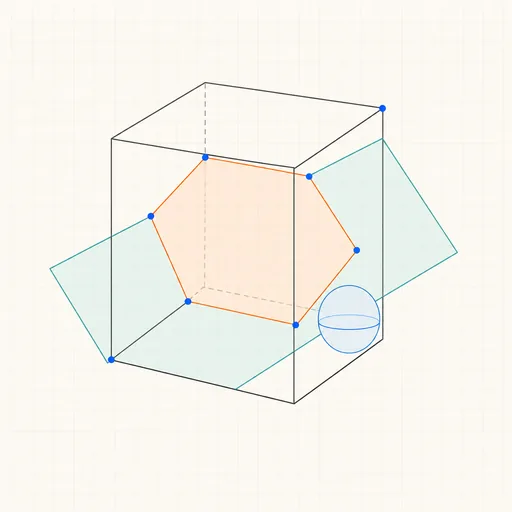
3D Geometry Board
Points, lines, planes, spheres and polyhedra on an orbiting camera — slice solids with planes, unfold nets, drop the Dandelin spheres into a cone and drag everything.
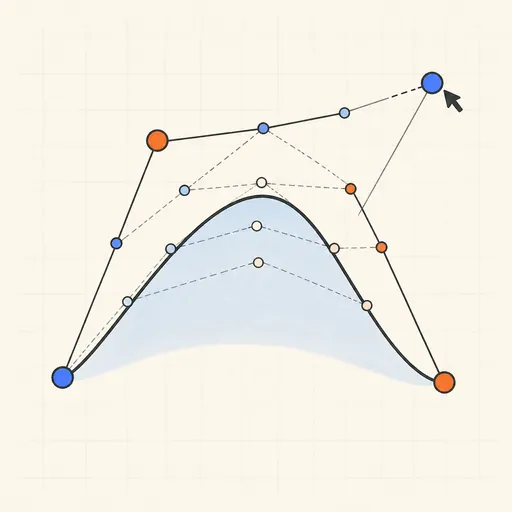
Bézier Curve Playground
Drag control points and watch De Casteljau’s algorithm construct a Bézier curve step by step.
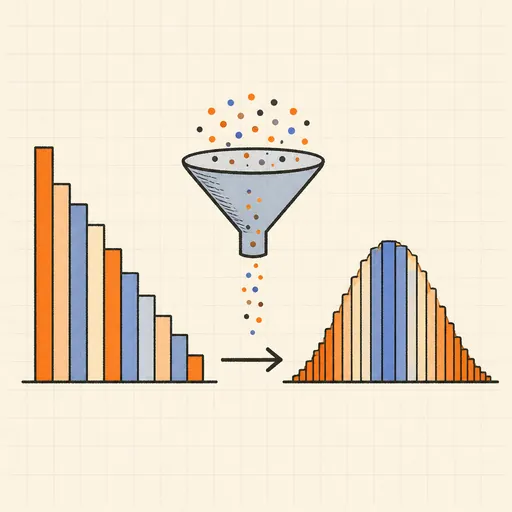
Central Limit Theorem Demo
Sample from any lopsided distribution and watch the averages pile up into a bell curve.
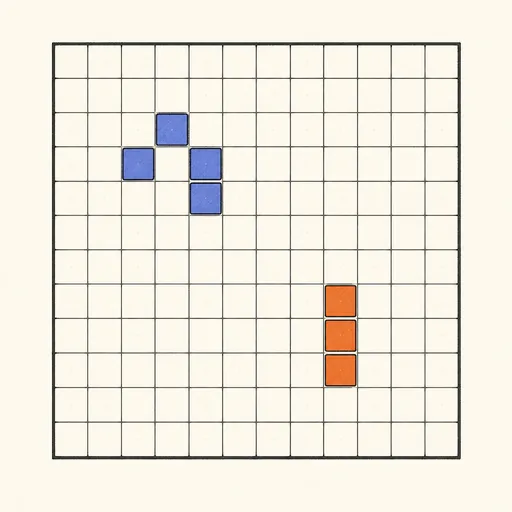
Conway’s Game of Life
Paint cells and watch Conway’s cellular automaton breed gliders, guns and oscillators.
Dynamic Geometry Board
Construct with points, lines, circles and transformations, then drag anything — the construction stays true, and a checker tells you which relations are theorems.
Fantasy Map Generator
Roll a seed and get a continent: coastlines, mountains, rivers, biomes and named towns, ready for your campaign.