Convolution Filters, Explained
After reading this you will be able to compute a convolution output pixel by hand, predict how ReLU and max-pooling reshape it, and read what a given kernel measures in an image.
What convolution does to an image
A convolution slides a small grid of weights, called a kernel, across an image. At every position the kernel covers a patch of pixels the same size as itself. You multiply each kernel weight by the pixel underneath it, add all those products, and write the single result into the output image. Then you shift by one pixel and repeat.
Here is the hook. Take a vertical edge in a grayscale image: pixels on the left are dark (value 0) and pixels on the right are bright (value 255). Slide this kernel over it:
Over a flat dark region the output is 0. Over a flat bright region it is also 0, because the negative and positive weights cancel. Only where the image jumps from dark to bright does the output spike. This is the Sobel X kernel, and it turns a picture into a map of vertical edges. No pixel was told what an edge is. The arithmetic of one small grid does the whole job.
When convolution is the right tool
Convolution is worth using when the thing you care about is local and repeats across the image. An edge looks the same in the top-left corner as in the bottom-right, so one 3×3 kernel with 9 weights can detect it everywhere. That is why image networks stack convolutions: a small set of shared weights scans the whole grid instead of learning a separate weight for every pixel position.
Convolution is a poor fit when position matters absolutely and nothing repeats, or when your data has no grid structure at all (a table of unrelated columns, for example). It is also not magic for long-range relationships: a 3×3 kernel only sees 9 neighbors at a time. Networks reach farther by stacking layers and pooling, not by making one kernel enormous.
The demo uses hand-picked kernels so you can see exactly what each one measures. In a trained network the 9 weights are not chosen by a person. They are learned by backpropagation, and the first-layer filters that emerge often look like the edge detectors here.
The formula and what each symbol means
For an input image I and a k \times k kernel K, the output value at row i, column j is a sum of products over the patch:
Here K_{a,b} is the kernel weight at row a, column b, and I_{i+a,\,j+b} is the pixel it sits on. For a 3×3 kernel that is 9 multiplications and one running sum per output pixel. Strictly this is cross-correlation, which is what almost all deep-learning libraries call convolution; the only difference from textbook convolution is whether the kernel is flipped first, and since learned kernels are symmetric under that choice, it does not matter in practice.
The output is smaller than the input unless you pad. The size follows a fixed rule:
Here n is the input side length, p the zero-padding added to each edge, k the kernel size, and s the stride (how many pixels the window jumps each step). Without padding, a 3×3 kernel on a 64×64 image gives (64 - 3)/1 + 1 = 62, trimming a one-pixel border. Add padding p = 1 and you get (64 + 2 - 3)/1 + 1 = 64, the same size back.
A worked example you can reproduce
Load the demo defaults: the cross test image and the Sobel X kernel, stride 1, no padding. The following patch is a 3×3 window straddling the vertical bar of the cross, where the left column is background (0) and the middle and right columns are the bright bar (200).
One output pixel by hand
| Position | Top-left | Top-mid | Top-right |
|---|---|---|---|
| Patch row 0 | 0 | 200 | 200 |
| Patch row 1 | 0 | 200 | 200 |
| Patch row 2 | 0 | 200 | 200 |
| Kernel row 0 | -1 | 0 | 1 |
| Kernel row 1 | -2 | 0 | 2 |
| Kernel row 2 | -1 | 0 | 1 |
- Multiply the left column:
0×(-1) + 0×(-2) + 0×(-1) = 0. - Multiply the middle column:
200×0 + 200×0 + 200×0 = 0. - Multiply the right column:
200×1 + 200×2 + 200×1 = 800. - Sum the three columns:
0 + 0 + 800 = 800. That is the raw output pixel.
Now move the window one step right, so it sits fully inside the bright bar (all nine pixels are 200). The left column contributes 200×(-4) = -800 and the right contributes 200×4 = 800, summing to 0. The response is strong at the edge and zero in the flat interior, exactly what an edge detector should do.
ReLU and max-pooling, step by step
The raw convolution can be negative. Slide Sobel X over a bright-to-dark edge (the right side of the bar) and you get -800 instead of +800. ReLU clips every negative value to zero:
So the -800 becomes 0 and the +800 stays 800. After ReLU the edge map only lights up on transitions going one direction. The Activation Function Explorer compares ReLU with sigmoid and tanh if you want to see why the flat-then-linear shape is the common choice.
Max-pooling then shrinks the map. A 2×2 pool with stride 2 takes each non-overlapping 2×2 block and keeps only its largest value:
A block holding [800, 800, 0, 0] becomes 800. This halves the width and height (a 62×62 map becomes 31×31) and keeps the strongest response in each region. Because the maximum survives even if the edge shifts by one pixel inside the block, pooling gives a little translation invariance: the answer barely changes when the input moves slightly.
Reading the output maps
Each kernel measures one specific thing, and the sum of its weights tells you how it treats flat areas.
| Kernel | Weight sum | Flat region output | Responds to |
|---|---|---|---|
| Box blur (all 1/9) | 1 | unchanged | nothing sharp; smooths |
| Sharpen | 1 | unchanged | local contrast |
| Sobel X | 0 | 0 | vertical edges |
| Sobel Y | 0 | 0 | horizontal edges |
| Laplacian | 0 | 0 | edges in all directions |
| Emboss | 0 or 1 | flat or unchanged | diagonal relief |
The pattern is simple. If the nine weights sum to 1, a flat gray region passes through at its own brightness, so the filter preserves the image and adds an effect on top. If they sum to 0, a flat region maps to 0, so the output is black everywhere except at edges. That single number (the weight sum) predicts the overall look of the output before you compute a single pixel.
Common mistakes
Watch for these when you read the demo or apply the idea elsewhere.
Do not confuse the kernel value 0 with the image value 0. A kernel weight of 0 means "ignore this neighbor". A pixel value of 0 means "this spot is black". They multiply together in the sum but mean different things.
- Forgetting the border shrinks. Without padding, a 3×3 kernel drops one pixel on every side. Stack ten such layers with no padding and a 64×64 image is down to 44×44 before any pooling. Use padding p = 1 to keep the size.
- Reading a negative output as an error. Before ReLU, negative values are normal and meaningful: they mark edges of the opposite polarity. ReLU discards them on purpose, which halves the information a single filter keeps. Real networks use many filters per layer to cover both polarities and many orientations.
- Expecting pooling to be reversible. Max-pooling throws away three of every four values. You cannot recover the input from the pooled map. It trades resolution for a small amount of shift tolerance.
- Assuming hand-picked kernels match learned ones. The Sobel and Laplacian filters here are clean and interpretable. Learned first-layer filters look similar but are noisier, and deeper layers respond to combinations that have no tidy name.
Related tools
Convolution is one layer type inside a larger network. To see how weights get learned rather than hand-set, run one forward and backward pass number by number in Backpropagation Step-by-Step, then train a small network live in the Neural Network Playground. Stacking many layers raises the question of whether gradients survive to the bottom, which you can watch in Vanishing & Exploding Gradients. When you are ready to see convolution-style features drive a real task, the Handwritten Digit Recognizer classifies digits you draw. For a completely different way of relating parts of an input, the Self-Attention Visualizer shows the mechanism that Transformers use instead of sliding kernels.
Frequently asked questions
Why does the output image look smaller than the input?
A kernel needs a full patch under it, so it cannot be centered on the outermost pixels. With no padding a 3×3 kernel on a 64×64 image produces 62×62. Set padding to 1 and the surrounding ring of zeros lets the kernel reach the edge, restoring 64×64.
What is the difference between convolution and correlation here?
Mathematically true convolution flips the kernel before sliding it; correlation does not. Every common deep-learning library calls the un-flipped version "convolution". For symmetric kernels like a box blur the two give identical results, and for learned kernels the flip is absorbed into training, so the distinction rarely matters in practice.
Why apply ReLU at all instead of keeping the raw values?
Without a nonlinearity, stacking convolutions collapses into one big linear operation, no more expressive than a single layer. ReLU inserts a nonlinear step (max(0, x)) between layers so the network can represent things a single linear filter cannot. It also happens to be cheap and keeps gradients from shrinking as fast as sigmoid does.
Does a bigger kernel see more of the image?
A single 5×5 kernel sees 25 neighbors instead of 9, but it has 25 weights to learn. Two stacked 3×3 layers cover the same 5×5 area with only 18 weights and add an extra nonlinearity, which is why modern networks prefer many small kernels over few large ones.
How do networks learn the kernel weights?
They start with random weights and adjust them by backpropagation to reduce a loss. The gradient of the loss with respect to each of the nine weights is computed, and each weight steps a little in the direction that lowers the loss. After enough images, weights that detect useful patterns like edges survive because they help predictions.
Related tools
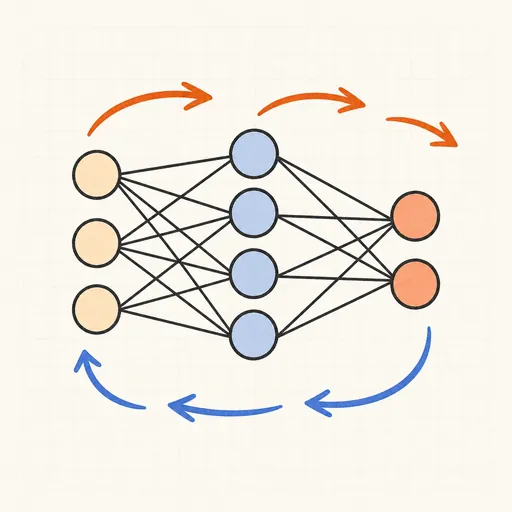
Backpropagation Step-by-Step
Walk through one forward and backward pass of a tiny neural network, number by number.

Handwritten Digit Recognizer
Draw a digit and watch a neural network trained on MNIST recognize it live in your browser.
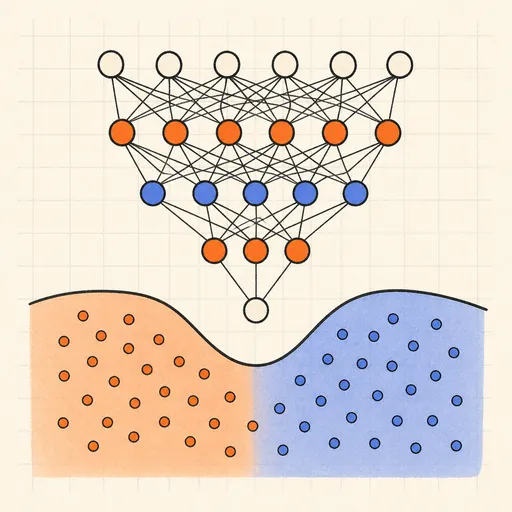
Neural Network Playground
Train a tiny neural network live in your browser and watch its decision boundary learn four classic datasets.
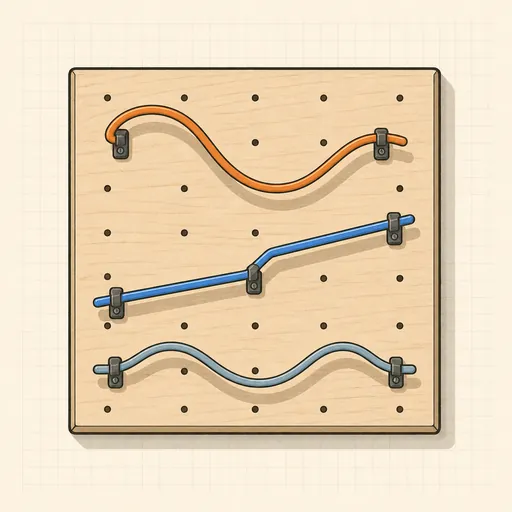
Activation Function Explorer
Compare sigmoid, tanh, ReLU and friends with their derivatives, and see why deep gradients vanish.
Hopfield Network
Store pixel patterns in a Hopfield memory, corrupt them, and watch the network recall the original.
Self-Attention Visualizer
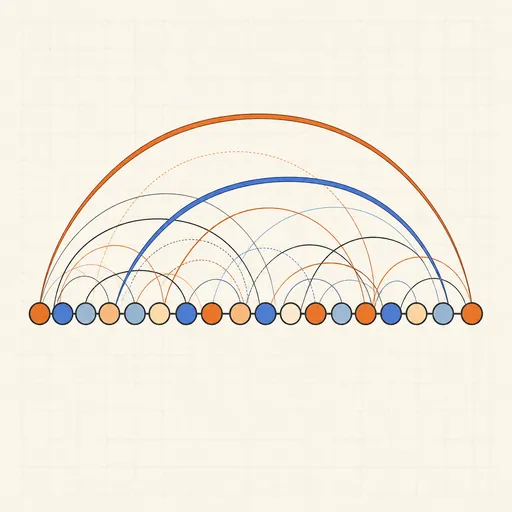
See how Transformer tokens attend to each other with arcs, heatmaps, heads and causal masks.