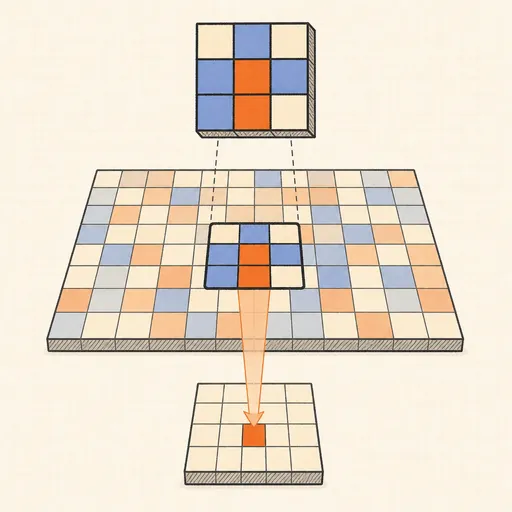
Convolution Filter Visualizer
Convolution is the workhorse of image networks: a small kernel of weights slides across the image, and at every position the 3×3 patch is multiplied element-wise with the kernel and summed into one output pixel. Pick a test image — circle, cross, stripes, checkerboard, noisy gradient or a text-like pattern — or paint your own on a 64×64 canvas, then choose a kernel: blurs, sharpen, Sobel edge detectors, Laplacian, emboss or a fully editable custom grid. Press Play and the kernel window crawls over the input while a side panel shows the current patch, the multiply-accumulate arithmetic and the resulting value; a fast-forward button finishes the image instantly. Below, the full pipeline renders side by side: input → convolution → ReLU → 2×2 max-pool, with stride and zero-padding selectable.
Runs 100% in your browser — models are trained and computed locally on your device.
Read the full guide to this tool
Notes
- Output size follows (n + 2p − k)/s + 1 for image size n, padding p, kernel size k and stride s — without padding a 3×3 kernel trims a one-pixel border off a 64×64 image.
- Sobel X and Sobel Y approximate horizontal and vertical intensity derivatives; their kernels sum to zero, so flat regions map to zero and only edges respond.
- ReLU keeps positive responses and zeroes negative ones, and 2×2 max-pooling halves the resolution while keeping the strongest response in each block — giving a little translation invariance.
- In a real CNN the kernel values are not hand-picked but learned by backpropagation; the first-layer filters that emerge often look like the edge detectors here.
- Runs 100% in your browser — models are trained and computed locally on your device.
Related tools
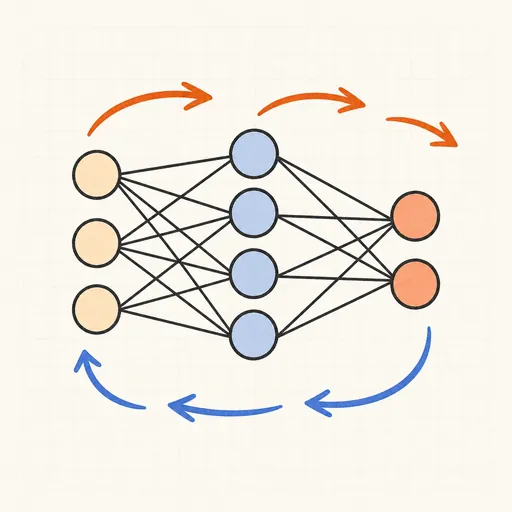
Backpropagation Step-by-Step
Walk through one forward and backward pass of a tiny neural network, number by number.
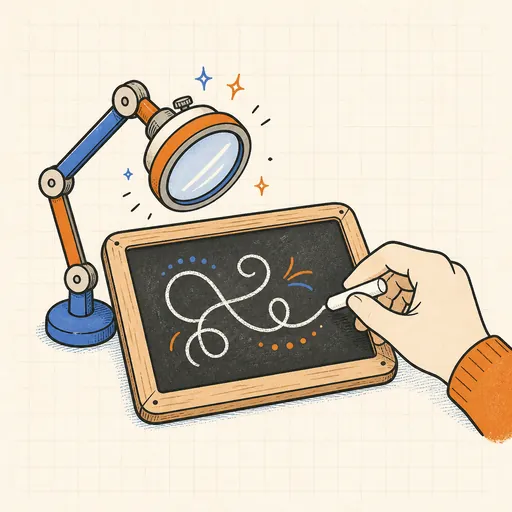
Handwritten Digit Recognizer
Draw a digit and watch a neural network trained on MNIST recognize it live in your browser.
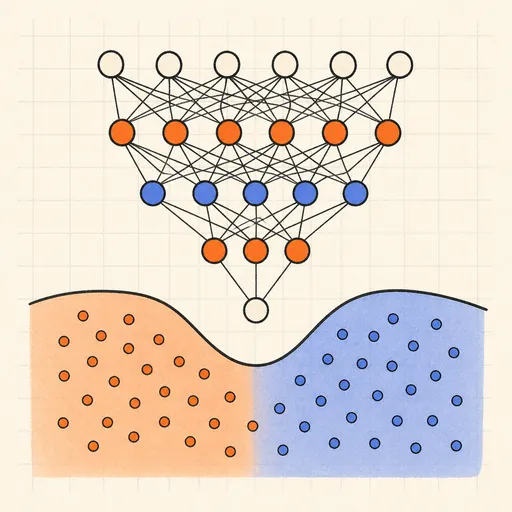
Neural Network Playground
Train a tiny neural network live in your browser and watch its decision boundary learn four classic datasets.
Activation Function Explorer
Compare sigmoid, tanh, ReLU and friends with their derivatives, and see why deep gradients vanish.
Hopfield Network
Store pixel patterns in a Hopfield memory, corrupt them, and watch the network recall the original.
Self-Attention Visualizer
See how Transformer tokens attend to each other with arcs, heatmaps, heads and causal masks.