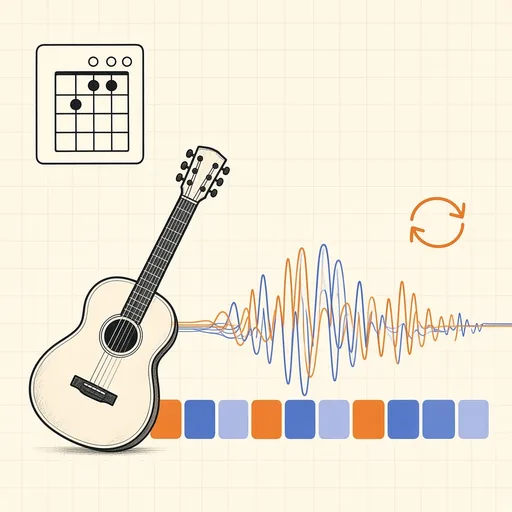
Song Practice Studio
Drop a song and the studio listens to it: it finds the beat and the bars, works out the key and the chord on every beat, and turns them into a chord sheet that scrolls in time with the music, with guitar, ukulele or piano shapes for every chord and a capo tip that turns hard keys into easy shapes. Then practise: loop any bars, slow the song down without changing its pitch, speed it up a little on every pass, transpose it to suit your voice, turn the vocals down, or add a click on the beat. It all runs in your browser, so there is no upload and no limit on how many songs you study.
Runs 100% in your browser — your files never leave your device.
Notes
- How it works: an onset envelope gives the tempo and a beat tracker places every beat; the pitches heard on each beat are separated from their overtones and matched against 96 chord shapes (major, minor, sevenths, suspended and diminished on all twelve roots), and a decoder that knows chords tend to change on the bar line picks the most likely sequence in the detected key.
- The chords are a strong first draft, not a transcription: expect most of a pop, rock or folk song to be right and a few beats to need your ear, especially around passing chords, jazz extensions and heavily distorted guitars. If the beat grid counts twice too fast or the bars start in the wrong place, the Fix the beat grid buttons correct it in one click.
- Slowing down uses the browser’s own pitch-preserving playback, so it is instant. Transposing and the vocal controls render a new copy of the song in the background; the vocal controls work on stereo recordings where the singer is mixed in the centre, and they also soften anything else panned there, such as the snare.
- For a cleaner split, Split into stems (AI) runs Meta’s HTDemucs model on your device and separates the vocals, drums, bass and everything else, each with its own volume, mute and solo. The first run downloads about 200 MB, which your browser keeps for next time; with WebGPU a 3-minute song takes about a minute.
- The capo tip looks for the capo position that turns the song’s chords into the most open, barre-free guitar shapes, and the chord names then show the shapes you play.
- Exports: a plain-text chord sheet, a ChordPro grid for songbook apps, a MIDI file whose tempo follows the recording beat by beat, the practice audio as you hear it, and each stem as WAV.
- Everything runs locally in your browser; your files are never uploaded to any server.
Related tools

Waveform & Spectrogram Viewer
Inspect audio as a waveform and spectrogram.
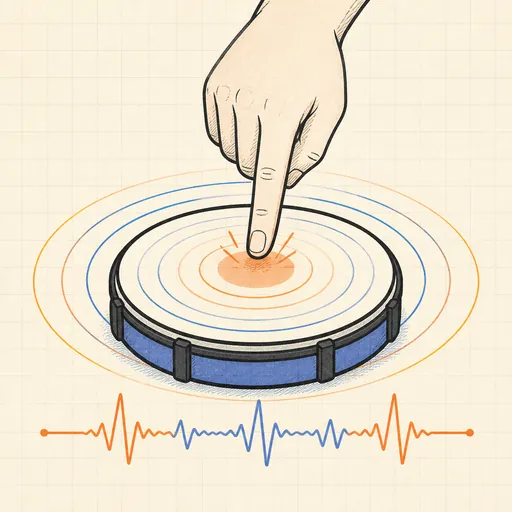
BPM Tapper & Detector
Tap a tempo or detect BPM from an audio file.

Audio Format Converter
Convert between WAV, MP3, OGG, FLAC, M4A and more.
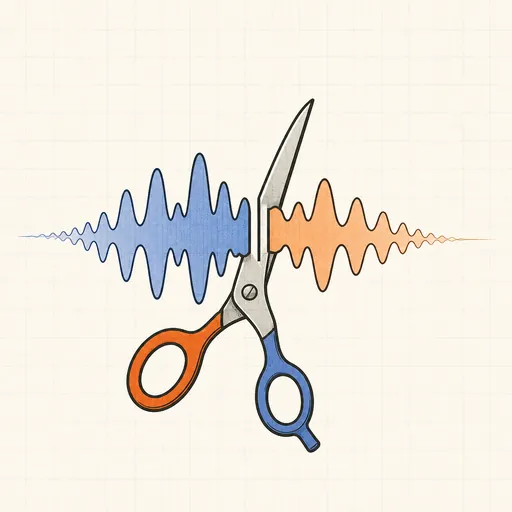
Audio Trimmer
Cut a section out of an audio file, with fades.
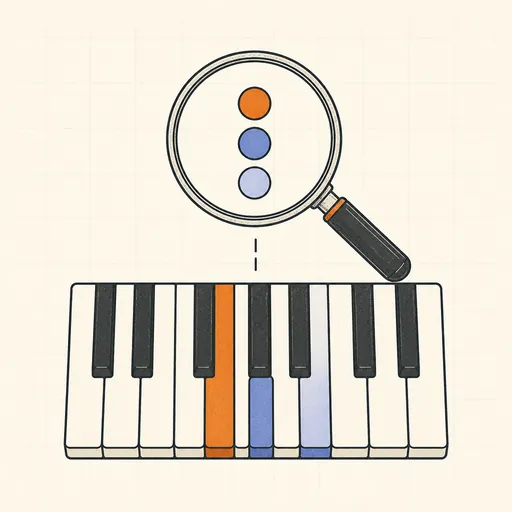
Chord Identifier
Name any chord from notes you pick or type.
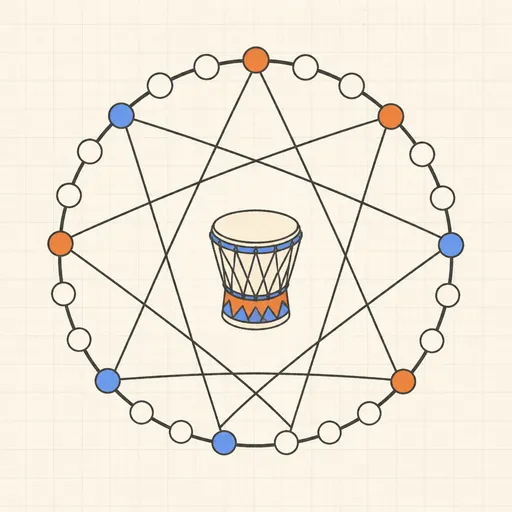
Euclidean Rhythm Generator
Generate world-music rhythms from two numbers.