Graph Paper, Explained
This guide shows you how printed grid spacing is calculated, how to choose between square, dot, isometric, hex, polar and log grids, and how to keep every line at true physical scale so a 5 mm square really measures 5 mm on the page.
What graph paper actually is
Graph paper is a regular tiling of the page with reference marks at a fixed spacing. The spacing is the only number that matters for accuracy. If you ask for 5 mm squares, every vertical line sits 5 mm from its neighbor and every horizontal line does the same, so a distance you measure on paper maps directly to a distance in your drawing.
Here is the hook. Take an A4 sheet, 210 mm wide, and set 10 mm margins on both sides. That leaves 190 mm of usable width. At 5 mm spacing you get 190 / 5 = 38 full columns with nothing left over. Change the spacing to 4 mm and you get 190 / 4 = 47.5, which rounds down to 47 whole columns and leaves 2 mm of white space at the right edge. The grid never stretches to fill that gap. It keeps the exact spacing and leaves the remainder blank.
When to use each grid, and when not to
The grid type should match the geometry of what you are drawing.
- Square grid
- General plotting, floor plans, pixel art, handwriting practice. Add a heavier accent line every 5th or 10th square so you can count quickly.
- Dot grid
- Bullet journals and sketching. The dots guide alignment without the visual weight of full lines, so your own marks stay dominant.
- Isometric
- Technical sketches and 3D objects drawn at 30 degrees. Three line families let you draw cubes without perspective distortion.
- Hex grid
- Board games, tile maps, organic chemistry. Choose pointy-top or flat-top depending on how pieces meet.
- Polar
- Angles, pie charts, radial designs. Rings mark radius, spokes mark angle.
- Log or semi-log
- Data that spans several orders of magnitude, or relationships you expect to be straight lines on a log axis.
Do not reach for log paper to plot data that only ranges from 0 to 50. The log scale wastes most of the sheet and makes small differences unreadable. Do not use a fine 2 mm square grid for young children learning to write digits, because the cells are smaller than their pen control. Match the cell to the hand.
The spacing formula and the intuition behind it
The count of whole cells across a page follows one rule. Let W be the paper width, m the margin on each side, and s the cell spacing, all in millimeters.
Here n is the number of full columns, W - 2m is the usable width after subtracting both margins, and the floor brackets mean round down to the nearest whole number. The leftover white space is (W - 2m) - n \cdot s. The same formula with height in place of width gives the number of rows.
The intuition: you are asking how many identical tiles of width s fit inside a fixed strip. Fractional tiles are not drawn, so any remainder becomes margin. This is why the grid always starts at the top-left corner and grows right and down. Starting there keeps every line at an exact offset from a single origin, so accumulated rounding never creeps in.
The single biggest cause of wrong-size grids is the print dialog. If you print with "fit to page" or "shrink to fit", the printer rescales the whole sheet and your 5 mm squares become 4.7 mm or 5.3 mm. Always choose "actual size" or 100%.
A worked example with the default settings
A4 square grid at 5 mm with 10 mm margins
Reproduce these numbers by loading the demo and reading the preview. The defaults are A4 portrait (210 by 297 mm), 5 mm square spacing, 10 mm margins, and an accent line every 5th square.
- Usable width:
210 - 2 × 10 = 190 mm. - Columns: \lfloor 190 / 5 \rfloor = 38. Exactly 38, no remainder.
- Usable height:
297 - 2 × 10 = 277 mm. - Rows: \lfloor 277 / 5 \rfloor = 55, using 275 mm and leaving 2 mm blank at the bottom.
- Total cells:
38 × 55 = 2090squares. - Accent lines every 5th square fall at columns 5, 10, 15, 20, 25, 30, 35 (7 heavier verticals) and rows 5, 10, ..., 55 (11 heavier horizontals).
So the page shows a 190 by 275 mm block of grid, flush to the top-left margin corner, with a 2 mm sliver of white at the bottom. If you measure any 5 accent-bounded squares with a ruler you should read 25 mm.
How isometric, hex and polar spacing differ
Square spacing is one number. The other grids add a second relationship you should understand before you measure.
An isometric grid draws lines at 30 degrees above and below horizontal. If the horizontal dot pitch is s, the vertical row pitch is s \cdot \frac{\sqrt{3}}{2} \approx 0.866\,s. So a 10 mm iso grid has rows spaced about 8.66 mm apart. That is not a bug. It is what makes the triangles equilateral.
A hex grid has two natural measures: the distance across flats and the distance across corners. For a regular hexagon with side length a, the corner-to-corner width is 2a and the flat-to-flat width is a\sqrt{3} \approx 1.732\,a. Pointy-top and flat-top just swap which of these runs horizontally.
A polar grid spaces rings by a fixed radius step and spokes by a fixed angle. Twelve spokes give 30 degree sectors; twenty-four give 15 degree sectors. The rings are concentric, so the arc length between two spokes grows with radius even though the angle is constant.
Reading and checking a printed sheet
After printing, verify scale before you trust the sheet. Lay a metal ruler along a run of 10 cells at 5 mm spacing. You should read exactly 50 mm. If you read 47 or 53, the print was scaled and you should reprint at 100%.
For log paper, read the decades, not the millimeters. On a semi-log axis each equal physical step multiplies the value by a constant. If one decade (a factor of 10) occupies 60 mm on paper, then the halfway mark at 30 mm is not 5 but 10^{0.5} \approx 3.162. That surprises people who expect the midpoint to be 5.5.
| Value | Position (mm from decade start) |
|---|---|
| 1 | 0 |
| 2 | 18.06 |
| 3 | 28.62 |
| 5 | 41.94 |
| 10 | 60 |
Each position is 60 \cdot \log_{10}(v). The value 2 sits at 60 × 0.3010 = 18.06 mm, closer to the start than the middle. That compression toward the top of each decade is the whole point of log paper.
Common mistakes
Four errors account for most bad sheets.
- Scaling on print. Covered above. Check with a ruler every time.
- Assuming the grid fills the page. It does not. Remainder becomes white space at right and bottom. If you need symmetric borders, add margin yourself rather than expecting the tool to center a partial cell.
- Mixing paper standards. Letter is 215.9 by 279.4 mm, A4 is 210 by 297 mm. A grid laid out for one leaves different remainders on the other. Pick the paper you will actually print on.
- Too-fine lines on cheap printers. A 0.1 mm line at light gray may not survive a low-toner laser print. If lines vanish, raise the weight to 0.25 mm or darken the color.
For children and older readers, a heavier accent every 5th square plus a mid gray fine line reads better than a uniform black grid. The accent gives the eye a place to rest without the page turning into a solid block.
Related tools on this site
Once you have a grid, you may want to fill it. The Maze Generator prints mazes at set sizes if you would rather not hand-draw one on your square sheet. The Dot-to-Dot Maker turns a picture into numbered points, which pairs naturally with a dot grid. For counted needlework the Cross-Stitch Pattern Maker produces symbol charts sized to fabric count. If you are cutting and folding, the Papercraft Box Generator outputs true-scale nets with fold lines and tabs. And for classroom games, the Bingo Card Generator builds cards from your own word list.
Frequently asked questions
Why does my grid not reach the edge of the page?
Because whole cells rarely divide the usable width evenly. At 5 mm on A4 the columns fit exactly, but at 4 mm you get 47 full columns and 2 mm of blank. The remainder always sits at the right and bottom.
How do I get exactly 5 mm squares on paper?
Print at 100% or "actual size" and confirm with a ruler across 10 cells, which should measure 50 mm. Any "fit to page" setting rescales the sheet and breaks the measurement.
Why are the rows on isometric paper closer together than the dots across?
Because equilateral triangles require a vertical pitch of \frac{\sqrt{3}}{2} \approx 0.866 times the horizontal pitch. A 10 mm iso grid has rows about 8.66 mm apart, and that ratio keeps every triangle equal-sided.
What is the difference between log-log and semi-log paper?
Semi-log has one logarithmic axis and one linear axis, used when only one variable spans many orders of magnitude. Log-log has both axes logarithmic, used for power-law relationships that plot as straight lines on both scales.
Should I use SVG or PNG export?
Use SVG when you want crisp lines at any print size and plan to import into a vector editor. Use PNG when you need a flat image for a document that does not accept vector files. For direct printing at true scale, print from the tool rather than exporting.
Related tools

Cross-Stitch Pattern Maker
Turn any picture into a cross-stitch or perler-bead chart with symbols and a DMC thread legend.
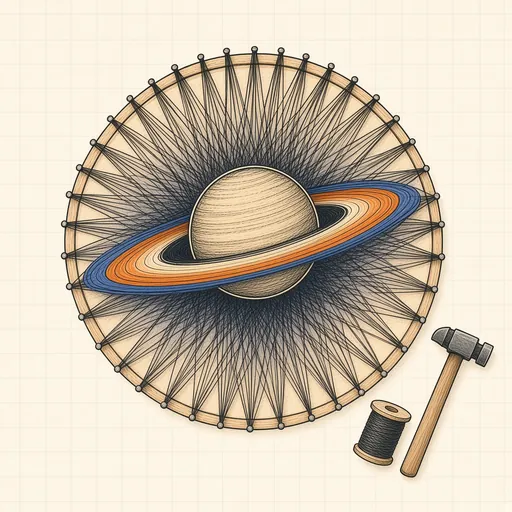
String Art Generator
Turn a photo into string art: one continuous thread wound around nails, with the exact nail sequence and a printable template.
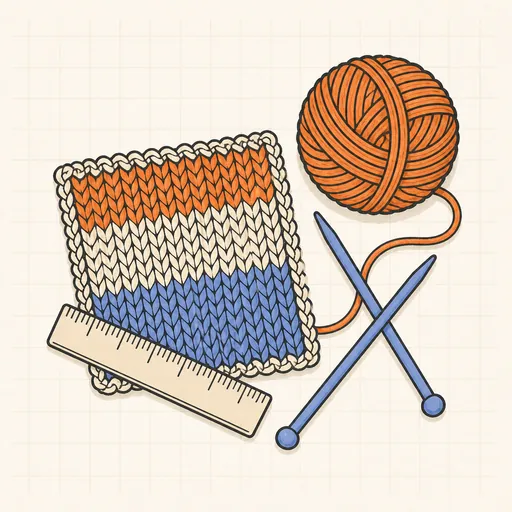
Knitting & Crochet Gauge Converter
Convert stitch and row counts between gauges, or size a project from your own tension.
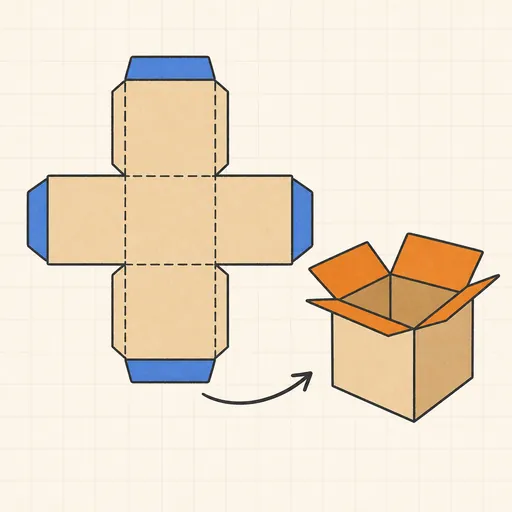
Papercraft Box Generator
Generate printable box templates (nets) with fold lines and glue tabs at true physical size.
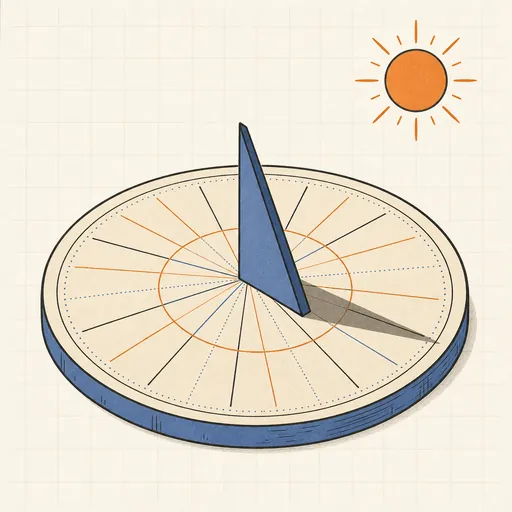
Printable Sundial Generator
Design a printable horizontal or vertical sundial tuned to your exact latitude.