The Online Stopwatch, Explained
After reading this you will know exactly how a stopwatch measures elapsed time, how lap and split values differ, and how to read a lap sheet to find your fastest and slowest segments.
What a stopwatch measures
A stopwatch measures a duration: the amount of time between the moment you start it and the moment you stop it. It does not care what time of day it is. It only counts forward from zero.
Say you start the stopwatch and stop it when it reads 00:42.35. That means 42.35 seconds passed. The two digits after the point are hundredths of a second, so 00:42.35 is 42 seconds plus 35 hundredths, which equals 42.35 seconds exactly.
The display shows minutes, seconds and hundredths. A reading of 03:07.80 is 3 minutes, 7 seconds and 80 hundredths, or in total seconds:
Here 3 is minutes, 60 converts minutes to seconds, 7 is whole seconds, and 0.80 is the hundredths part. Everything on the display can be turned into one number of seconds this way.
When to use it, and when not
Use a stopwatch when you want to know how long something took and you control the start and stop yourself. Timing a 400 meter run, a chess move, a boiling egg, a support call, or how long a page takes to load are all good fits.
Do not use a stopwatch when you want to be reminded at a fixed clock time or after a fixed duration. For those, count down instead of up. The Countdown Timer runs from a set duration to zero and sounds an alarm. The Online Alarm Clock fires at a wall-clock time such as 7:30 in the morning. If you are timing focused work in fixed blocks, the Pomodoro Timer already structures the rounds for you.
A stopwatch answers "how long did that take?" A timer answers "how much time is left?" If you find yourself doing arithmetic to work out the remaining time, you probably wanted a countdown, not a stopwatch.
Laps and splits: the core distinction
The two words describe the same instant in two different ways. Every time you record a lap, the stopwatch stores both.
- Split
- The total time elapsed since the start, measured at the instant you press the button. Splits only ever increase.
- Lap
- The time for the current segment alone: the split at this press minus the split at the previous press.
The relationship is a simple subtraction. If S_n is the split at press number n, then the lap for that press is:
Here L_n is the lap time, S_n is the current split, and S_{n-1} is the split from the previous press. For the first lap, S_{n-1} is zero, so L_1 = S_1. Add all the laps back together and you get the final split:
That is the check to keep in mind: the laps always sum to the running split. If they do not, you have misread one of the columns.
A worked example you can reproduce
Four laps of a training run
Suppose you start the stopwatch and press the lap button four times, seeing these split readings on the display:
| Lap | Split shown | Split (s) | Lap (s) |
|---|---|---|---|
| 1 | 01:02.40 | 62.40 | 62.40 |
| 2 | 02:05.10 | 125.10 | 62.70 |
| 3 | 03:04.30 | 184.30 | 59.20 |
| 4 | 04:09.90 | 249.90 | 65.60 |
- Convert each split to seconds. For lap 2, 2 \times 60 + 5.10 = 125.10 seconds.
- Subtract the previous split to get each lap. Lap 3 is 184.30 - 125.10 = 59.20 seconds.
- Check the sum. The laps are
62.40 + 62.70 + 59.20 + 65.60 = 249.90, which matches the final split of04:09.90.
The fastest segment is lap 3 at 59.20 seconds. The slowest is lap 4 at 65.60 seconds. The four laps average 249.90 / 4 = 62.475 seconds.
Reading and interpreting a lap sheet
A column of splits and a column of laps tell two different stories. Read the split column to see progress against a target. If a run should finish under 4 minutes 15 seconds, the split at lap 4 (04:09.90) tells you at once that you made it with 5.10 seconds to spare.
Read the lap column to see consistency and pacing. In the example the laps run 62.40, 62.70, 59.20, 65.60. The spread from fastest to slowest is 65.60 - 59.20 = 6.40 seconds, about 10 percent of the average lap. That is a noticeable swing. A more even runner might hold every lap within a second of the mean.
The interactive below lets you change one lap and watch how the split column and the sum move with it.
How the timing stays accurate
The stopwatch does not count ticks by hand. It reads a high-resolution clock in your browser, and it computes elapsed time as the difference between two timestamps. When you stop, it takes the current timestamp and subtracts the one it saved at start:
Here t_{\text{start}} and t_{\text{stop}} are timestamps measured in milliseconds from the same reference. Because the result is a subtraction of two readings from one clock, it does not drift even if the display only redraws a few times per second. The screen might update every 30 or 40 milliseconds, but the recorded lap is computed from the exact timestamp of your press, not from the last time the screen refreshed.
This clock is monotonic, meaning it only moves forward and is not affected if your computer's wall-clock time is adjusted while the stopwatch runs. A network time correction in the middle of a lap will not corrupt the measurement.
Common mistakes
The mistakes are almost always about reading the two columns, not about the clock itself.
- Reading a split as a lap. If lap 2 shows a split of
02:05.10, that is not a 2 minute lap. The lap is02:05.10minus the previous split, here 62.70 seconds. - Adding splits instead of laps. Splits already include everything before them, so adding
62.40 + 125.10double counts lap 1. Sum the lap column, not the split column. - Confusing hundredths with milliseconds. A reading of
.35is 35 hundredths, which is 350 milliseconds, not 35 milliseconds. - Losing time on a closed tab. The stopwatch keeps running while the tab is open. If you close the tab or the browser, the running count is gone. Record important splits before you leave.
Related tools
If you need a fixed duration rather than an open-ended count, reach for the Countdown Timer. To structure work into repeating focus and break rounds, use the Pomodoro Timer. When you want a sound at a specific clock time, set the Online Alarm Clock. To read the current time across several cities, open the World Clock. And if a time you recorded is written in 24-hour form and you want the 12-hour version, the Military Time Converter handles that conversion.
Frequently asked questions
What is the difference between a lap and a split?
A split is the total time since the start. A lap is the time for the current segment only. If your third split is 184.30 seconds and your second was 125.10, the third lap is 184.30 - 125.10 = 59.20 seconds.
Does the stopwatch keep running if I switch tabs?
Yes. Timing is computed from timestamp differences, so the elapsed time stays correct even if the tab is briefly throttled in the background. The display may pause redrawing, but the underlying count does not drift.
How precise is the reading?
The display shows hundredths of a second. Your reaction time when pressing start and stop is usually 100 to 250 milliseconds, so treat the last digit as approximate for anything you time by hand.
Why do my laps not add up to the final split?
They should. If they do not, you have almost certainly summed the split column instead of the lap column, or misread one entry. The lap column always sums to the final split.
Is anything I record sent to a server?
No. Everything runs locally in your browser, and nothing you time is transmitted anywhere.
Related tools
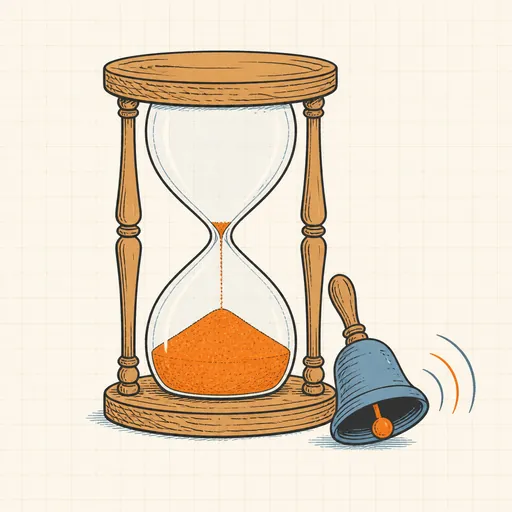
Countdown Timer
Set a duration and count down to zero with an alarm.
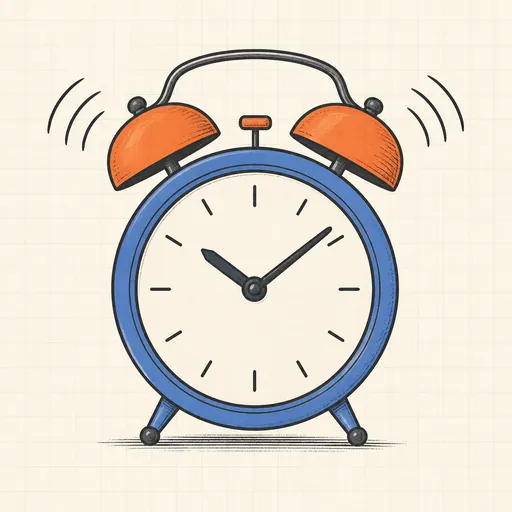
Online Alarm Clock
Set an alarm for a clock time, with a sound.
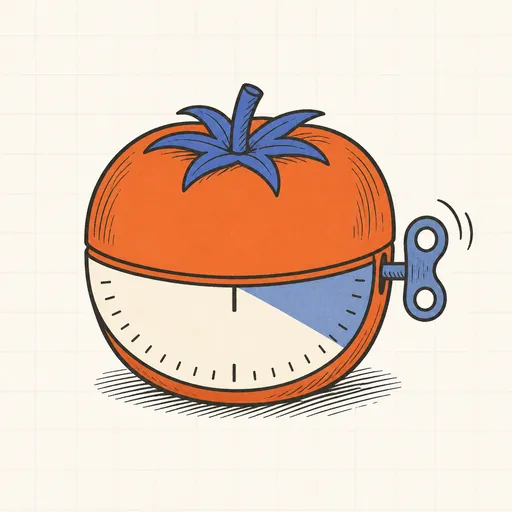
Pomodoro Timer
Focus timer with work and break rounds.
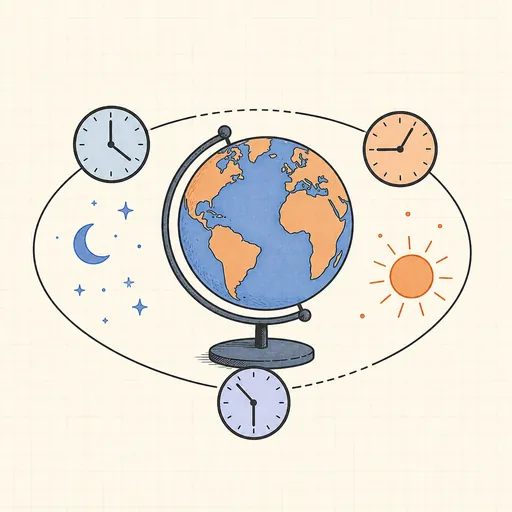
World Clock
Live clocks for cities around the world.
Military Time Converter
Convert between 12-hour and 24-hour (military) time.
Age Calculator
Exact age in years, months and days, plus next birthday.