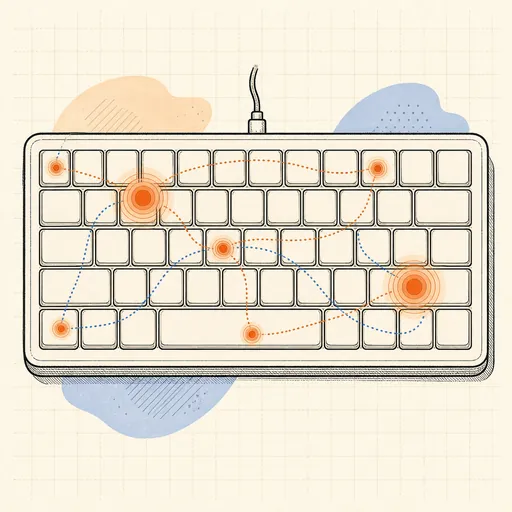
Keyboard Layout Analyzer
Which keyboard layout is actually best for what you type? Paste any text — an email, source code, a novel chapter — and watch it typed across QWERTY, Dvorak, Colemak and Workman at once. Each on-screen keyboard glows with a per-key heatmap of your text, and the scoreboard tallies the metrics typists argue about: finger travel distance, home-row usage, same-finger bigrams (the awkward double-taps), hand alternation, row jumps and an overall effort score. Watch the load split between hands and fingers, find which layout keeps your hands on the home row, and settle — or reignite — the layout holy war with numbers from your own typing.
Runs 100% in your browser — simulations are computed locally on your device.
Read the full guide to this tool
Notes
- QWERTY’s layout is a telegraph-era compromise; the common jamming-typewriter story is likely myth, but it demonstrably places common English bigrams on the same finger and off the home row.
- Dvorak puts all five vowels on the left home row so hands alternate on most English words; Colemak keeps 17 keys where QWERTY has them to stay learnable while moving 74% of typing onto the home row.
- Same-finger bigrams are the metric that hurts most in practice: the same finger typing two keys in a row ("ed", "un" on QWERTY) forces a pause a skilled typist can feel.
- Measured speed differences between layouts are smaller than the holy war suggests — comfort and travel distance, not raw speed, are where alternative layouts earn their keep.
- Runs 100% in your browser — nothing you paste leaves your device.
Related tools
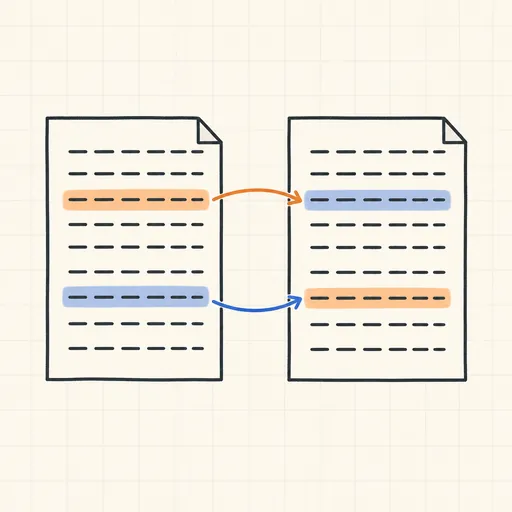
Text Diff Checker
Compare two texts line by line, with word highlights.
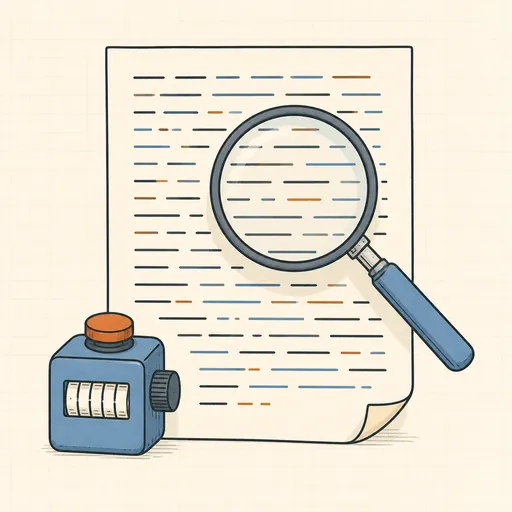
Word & Character Counter
Words, characters, sentences, paragraphs and reading time.
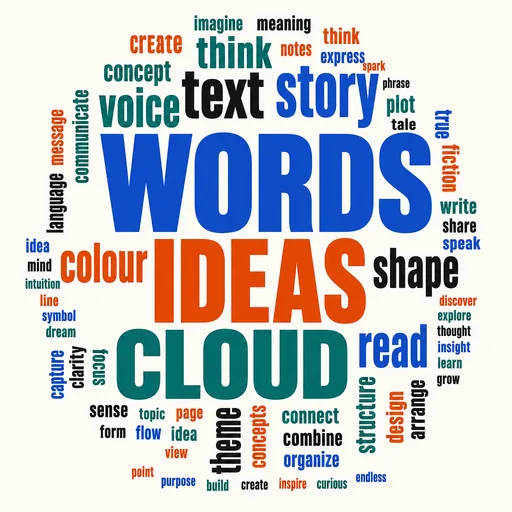
Word Cloud Generator
Paste any text and get a word cloud in seconds — shapes, fonts, colours, stop words in 8 languages, PNG/SVG export.
Anagram & Word Finder
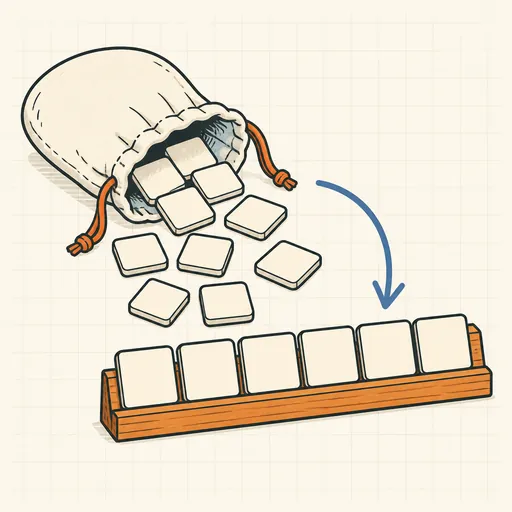
Words from your letters, exact anagrams and c?t patterns.
Readability Scorer
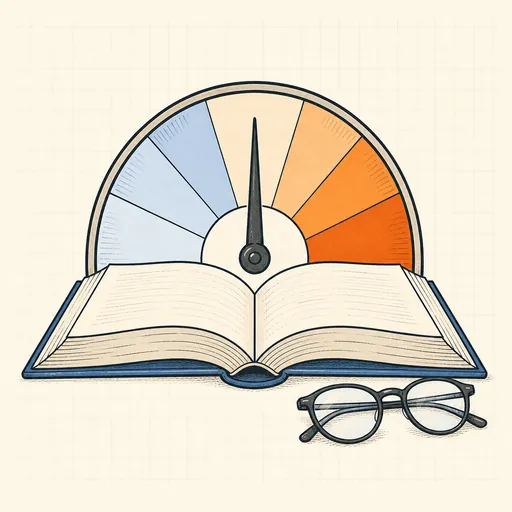
Flesch, Flesch–Kincaid, SMOG, Gunning fog and more.
Repeated Phrase Finder
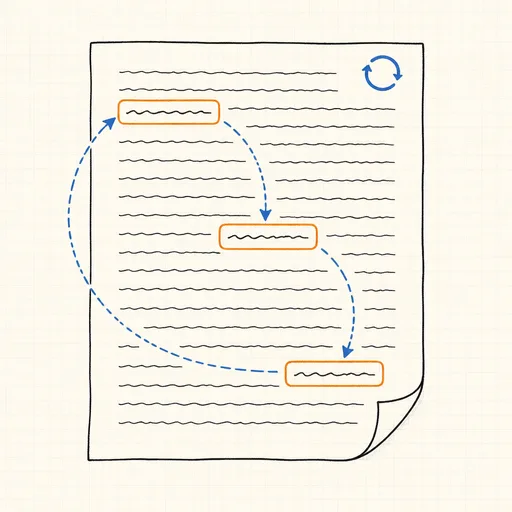
Find the phrases you repeat too often in a draft or manuscript.