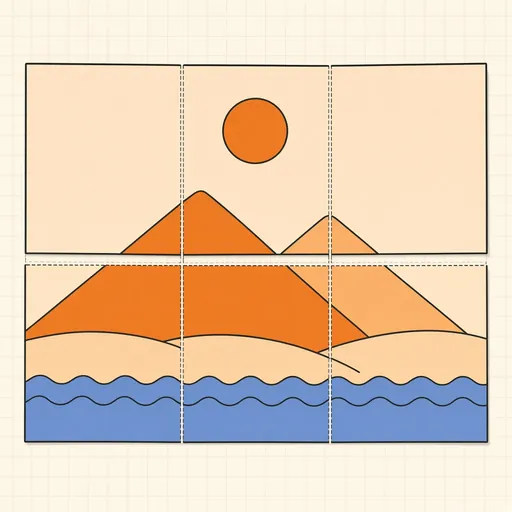
Poster Printer (Tile Across Pages)
Turns one picture into a poster you can print at home. Drop an image (JPG, PNG or WebP) or a PDF and pick its page, set the poster size in centimetres, inches or pages across, and choose the paper, orientation, printer margin and glue overlap. The preview lays the page grid over your image, counts the sheets and warns when the resolution gets too low for the size. The tool then builds a print-ready PDF: every sheet carries its slice of the poster with cut marks, an overlap guide and a row-column label, with an optional assembly map as the first page. PDF input stays vector, so text and line art print sharp at any size; the result downloads as <name>-poster.pdf.
Runs 100% in your browser — your files never leave your device.
Notes
- Print at 100% scale (actual size), not "fit to page", or the tiles will not line up.
- Most home printers cannot print to the paper edge; the printer margin keeps every slice inside the printable area, and the overlap leaves a strip to glue or tape under the neighbouring sheet.
- For photos aim for at least 100 to 150 pixels per inch at the final size; posters seen from across a room still look fine at lower resolution.
- Runs 100% in your browser — your files and data never leave your device.
Related tools

Images → PDF
Bundle JPG/PNG images into one PDF, one page each.
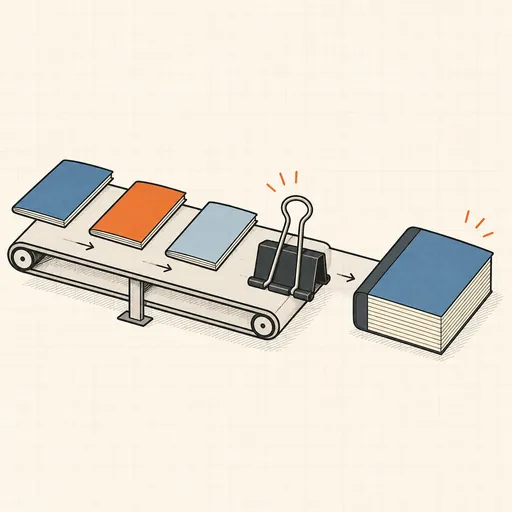
PDF Merger
Combine several PDFs into one, in the order you choose.
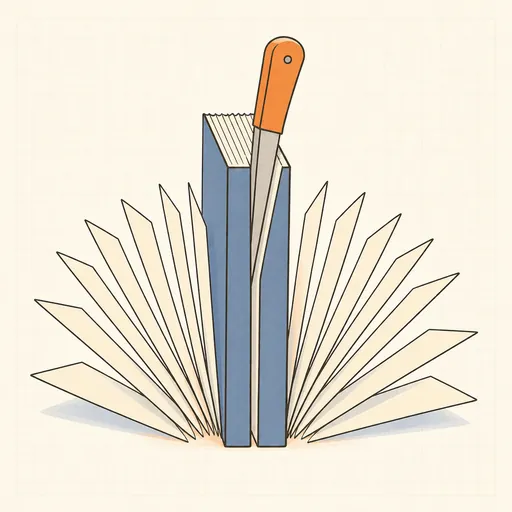
PDF Splitter
Split a PDF into single pages or custom ranges.
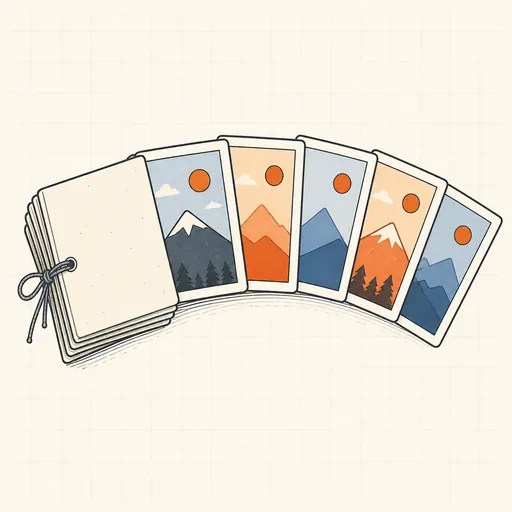
PDF → Images
Render PDF pages to PNG or JPEG, single or ZIP.
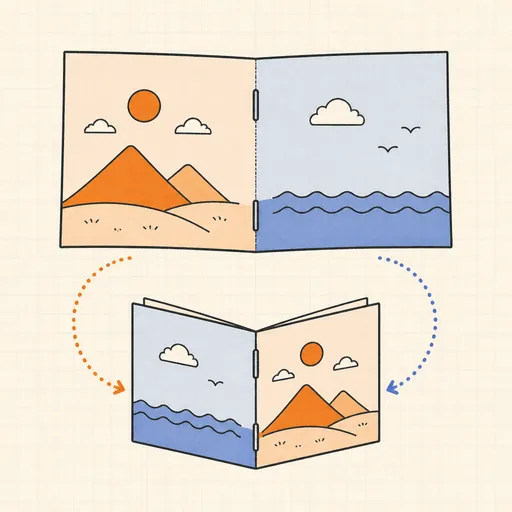
PDF Booklet Imposition
Reorder a PDF into fold-and-staple booklet spreads, 2-up for duplex printing.
PDF Compressor
Shrink a PDF by re-encoding its images in the browser.